
LIST BOXES – Say Goodbye to Alt Key!
The drag and drop action is a standard action in computer interfaces. In the case of list boxes, pressing the "Alt" key is necessary to move several i...

October 18, 2022
1 min read
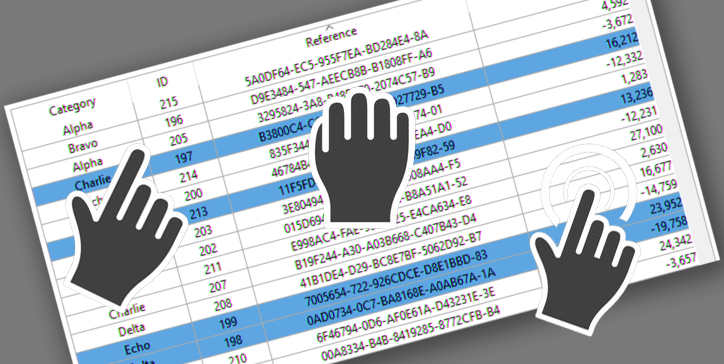
The drag and drop action is a standard action in computer interfaces. In the case of list boxes, pressing the "Alt" key is necessary to move several i...

When a 4D Write Pro document is in edit mode, it's often helpful to know if it has actually been modified by the end user. Based on this information, ...

To ensure that your application follows the latest design trends and that your users are blown away by a minimalistic, stylish, and great looking, we ...


Spreadsheets are great versatile tools. From dashboards to input/output UI, spreadsheets provided by 4D View Pro can quickly solve a lot of situations...


Formulas are an integral part of 4D Write Pro documents. They allow the integration of a lot of information coming from the database. Creating documen...

This new feature improves the local resources management of 4D Client merged applications executed with Windows Remote Desktop Services. Lets’ see how...

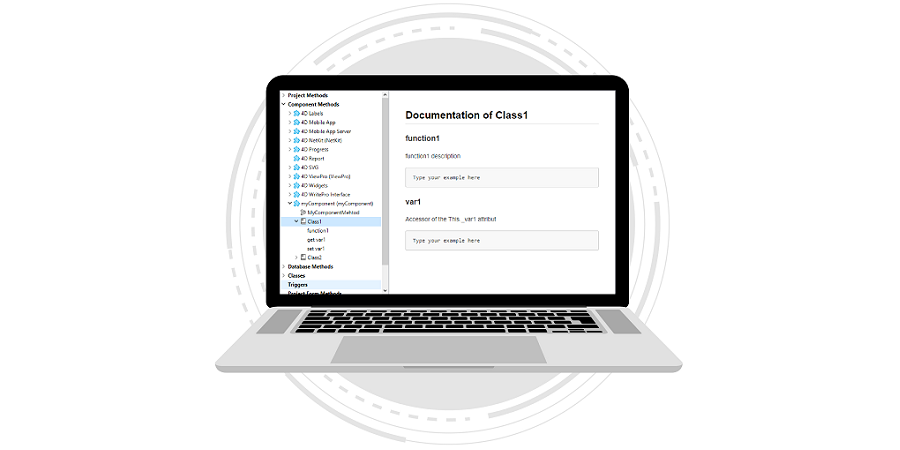
From the 4D v19 R5, components can publish their classes. This feature came with tips and code completion support to smooth your code writing. To mak...
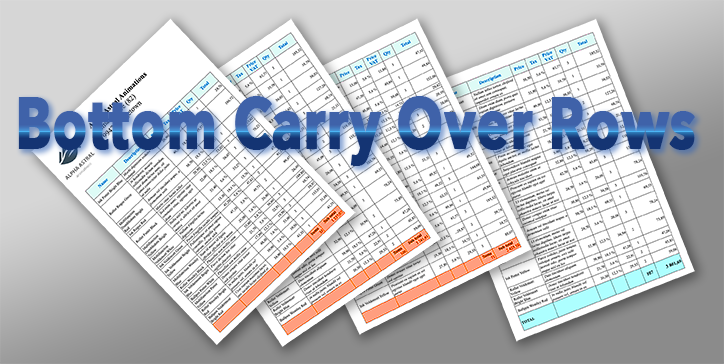
Using tables in 4D Write Pro documents is more frequent, especially since it is possible to associate a datasource to them, which automatically feeds ...

The File and Folder commands, which appeared in 4D v17 R5, enable you to manage folders and files on disk in a modern and efficient way. When it come...

With every release, the 4D View Pro features list is growing. And this feature release is no exception:4D v19 R7 comes with a new version of SpreadJS,...
Got a question, suggestion or just want to get in touch with the 4D bloggers? Drop us a line!
* Your privacy is very important to us. Please click here to view our Policy