
From docx format to 4D Write Pro!

April 26, 2021
3 min read

A couple of months ago, we were happy to announce the ability to export 4D Write Pro documents to Microsoft Word.docx format. Now we’re thrilled to announce that the reverse operation is also possible!
Starting with 4D v19, you can import .docx documents into 4D Write Pro. Let’s have a closer look.
HDI: From DOCX to 4D Write Pro
This feature has been requested by many 4D Write Pro users and we listened! Introducing a new constant to be used with the WP Import document command: wk docx. Just so you know, behind the scenes, this task was huge! This new import ability will open new horizons for your applications.
The most requested user story was the ability to import .docx documents that were stored on multiple discs or servers or that are still being received from your customers … so that you can process their content with 4D Write Pro.
***
“Our need is to import 95% Word letters (with logo pictures) and 5% real estate exposés with a lot of pictures.” (A. D.)
“Import Word letters from other systems including logos, headers, footers.” (P. C. S.)
“4D is a database, so it’s very important to be able to import a Word document easily and extract its… data!
We can see Word documents as formatted data.” (B. N.)
“To accomplish a transition to Write Pro we would need to be able to import hundreds (250+) Word Templates.
This requires analyzing the Merged Fields.” (K. B.)
***
Good news! Once converted, these documents can be saved, modified, and then archived in the database.
They can also be indexed (see this blog post for more info), which makes future searches much more convenient than using the original .docx documents!
Headers and footers will be imported as well as the document body. What else? The bookmarks, the style sheets, the page expressions (number and count), the date and time expressions, as well as the margins, padding, borders, etc. Even merged fields will be imported, either as values or as tags.
Of course, there’s no such thing as a pixel-perfect .docx converter, so don’t expect 100% of your converted documents to look identical to their MS Word counterparts.
Also note that during the import process, an import log is generated and integrated inside the 4D Write Pro document itself.
You’ll be able to consult it to see if any potential differences between the original and the converted document are important, or if they are minor and only concern the appearance (which is generally the case).
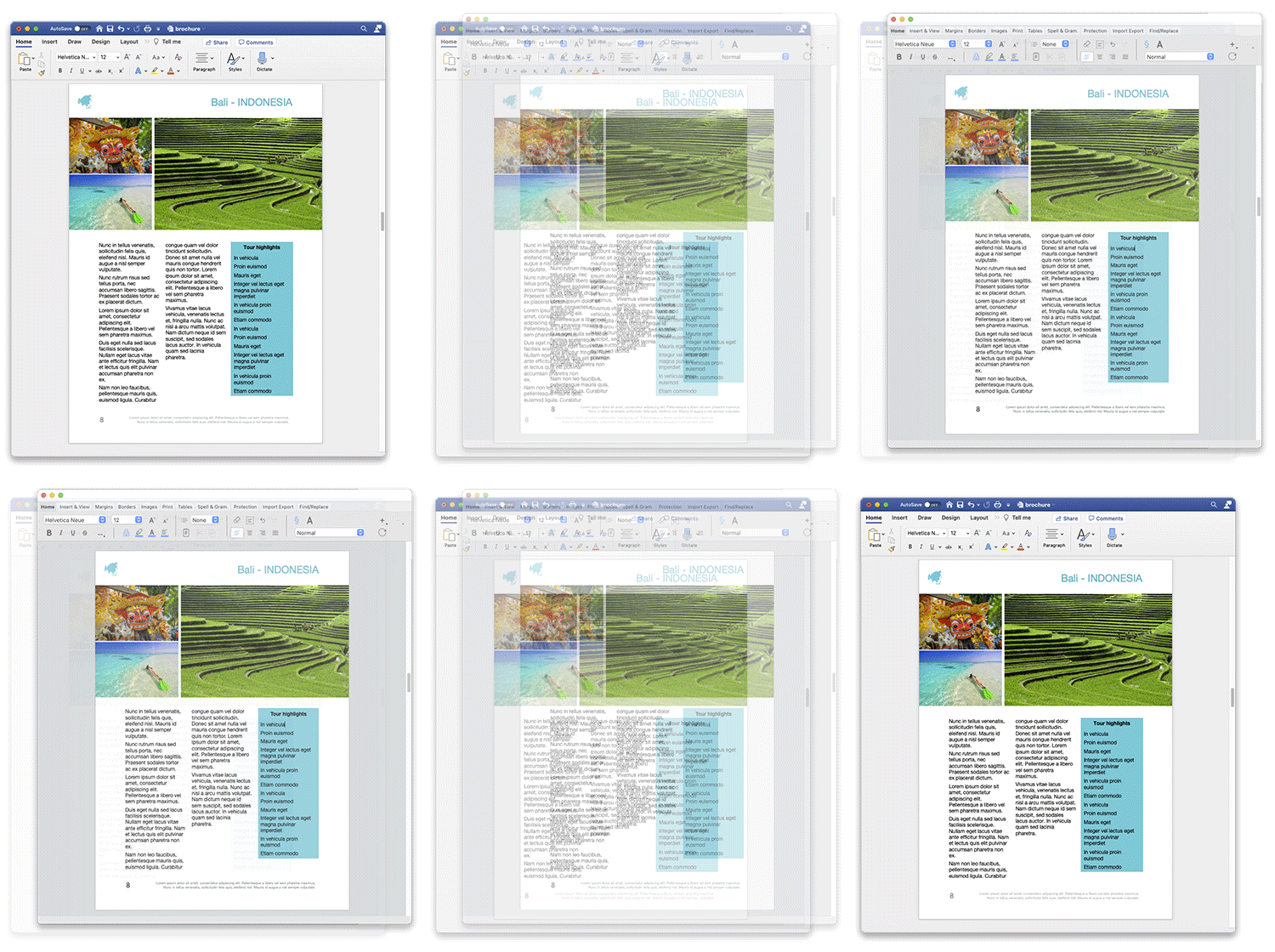
As for the export method (i.e., PDF export – see) you also have many options for your .docx files such as skipping the headers and footers, including the anchored pictures or not, etc. All of these are described in the documentation.
You can download the HDI above to test this new feature with your own documents or with the ones you may have already exported using 4D Write Pro!
We wish you a lot of fun and pleasure using this feature! Your feedback is always appreciated.
Got a question, suggestion or just want to get in touch with the 4D bloggers? Drop us a line!
* Your privacy is very important to us. Please click here to view our Policy
Comments are not currently available for this post.