
ORDA: an up-to-date datastore without restarting
We're thrilled to announce that 4D v18 R3 includes an enhancement that will have a huge impact on the developer's experience. A feature many of you ha...

June 3, 2020
1 min read

We're thrilled to announce that 4D v18 R3 includes an enhancement that will have a huge impact on the developer's experience. A feature many of you ha...

Do you want to avoid users accidentally modifying a particular 4D Write Pro document (fully or partially)? Are you interested in keeping some parts of...


When developing an application, it can be very useful to have quick access to the details of a method (e.g., an explanation of what it does, its synta...


Many features have been released to help you manage your 4D Server activity. 4D v18 R3 provides 4D administrators another monitoring tool for 4D Ser...
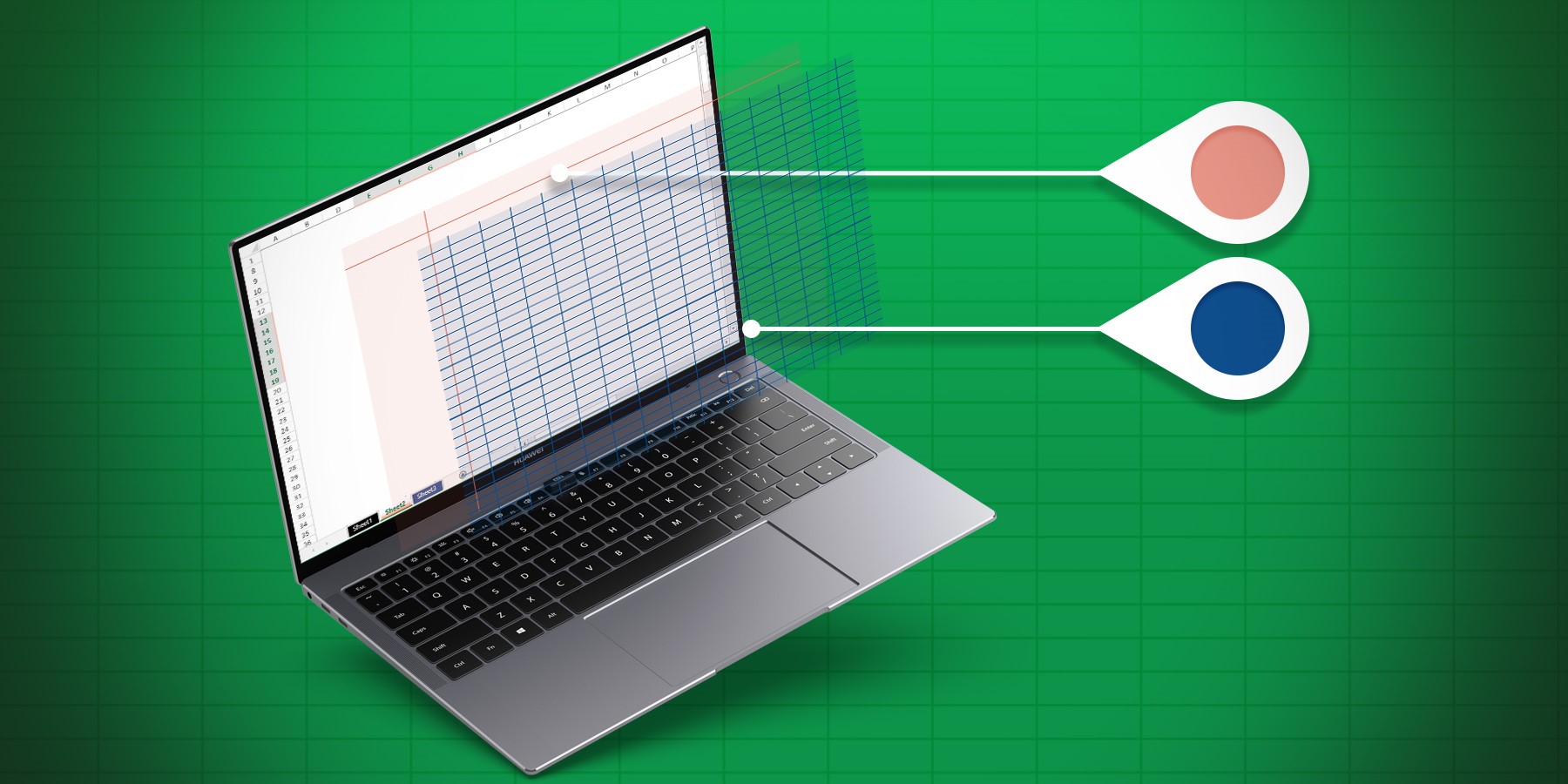
To create user-friendly documents, you often need to hide a gridline or header, protect certain cells, or simply change the line color to respect the ...


Have you ever needed to use multiple web servers in order to, for example, split your web application code into several business units, or separate th...


In a previous R-release, we added two new automatic themes to define font and the font size, so there are three automatic themes at your disposal whic...
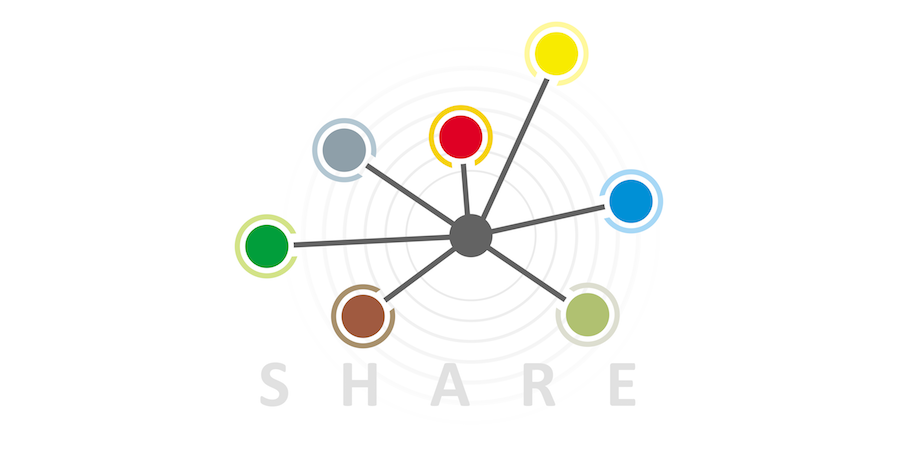
How many times have you gotten the "Not supported value type in a shared object" error when trying to put an object into a shared object? What did yo...

Very cool stuff is coming in 4D for iOS with 4D v18 R3! To make a long story short, 40+ ready-to-use templates are at your disposal and you have...


XPath is a language allowing you to easily work with your XML documents. It's already usable via the DOM Find XML element command and with 4D v18 R3, ...
Got a question, suggestion or just want to get in touch with the 4D bloggers? Drop us a line!
* Your privacy is very important to us. Please click here to view our Policy