Enhancing the Debugging Experience
Debugging plays a vital role in any development process, and improving the debugger's functionality and usability can significantly enhance a develope...
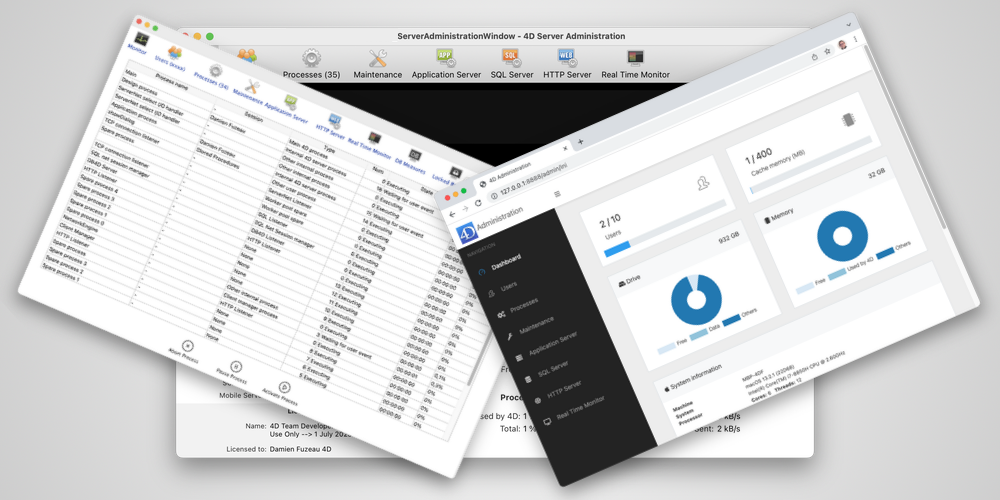
Managing processes and sessions is essential for optimizing and monitoring your 4D applications. You can easily manipulate and retrieve crucial inform...
Today, you can benefit from a powerful feature to filter access to data, which is essential for preventing malicious access to your application. This...
The Data Explorer is a powerful tool for visualizing data. Its capabilities allow administrators to effortlessly ensure data consistency. At the same ...
With 4D v20 R3, a new feature has been introduced to enable better journal management. This feature concerns the "Use log file" option, which can now ...
Since its release, ORDA has grown in popularity and is now widely used on your production servers. With 4D v20, we provide two improvements on how OR...
Data Explorer allows you to view the data in your database. You can choose which fields to display, organize, filter, and sort the data. With 4D v20,...
When deploying their applications, some developers want to customize the built-in 4D dialogs to fit their needs. It is especially true for the 4D Serv...
As developers and database administrators, you know the importance of quickly recovering from data corruption. Backups and journals help you with the ...
4D provides you with multiple built-in ways to backup your data: 4D backup and the use of a mirror server. With 4D v20, 4D exposes internal commands t...
Got a question, suggestion or just want to get in touch with the 4D bloggers? Drop us a line!
* Your privacy is very important to us. Please click here to view our Policy