
4D View Pro: Workbook options
When you create a document with 4D View Pro, you often need to fine-tune your user experience by hiding the sheet tabs and the scrollbars, or by deact...

January 18, 2022
1 min read

When you create a document with 4D View Pro, you often need to fine-tune your user experience by hiding the sheet tabs and the scrollbars, or by deact...

Sometimes, you need to display different tables of information in one document. For better visibility, it's often necessary to display them in differe...

4D View Pro automatically recalculates the formulas in your worksheet when you change data they depend on (e.g., entries, formulas, names, etc.). But...
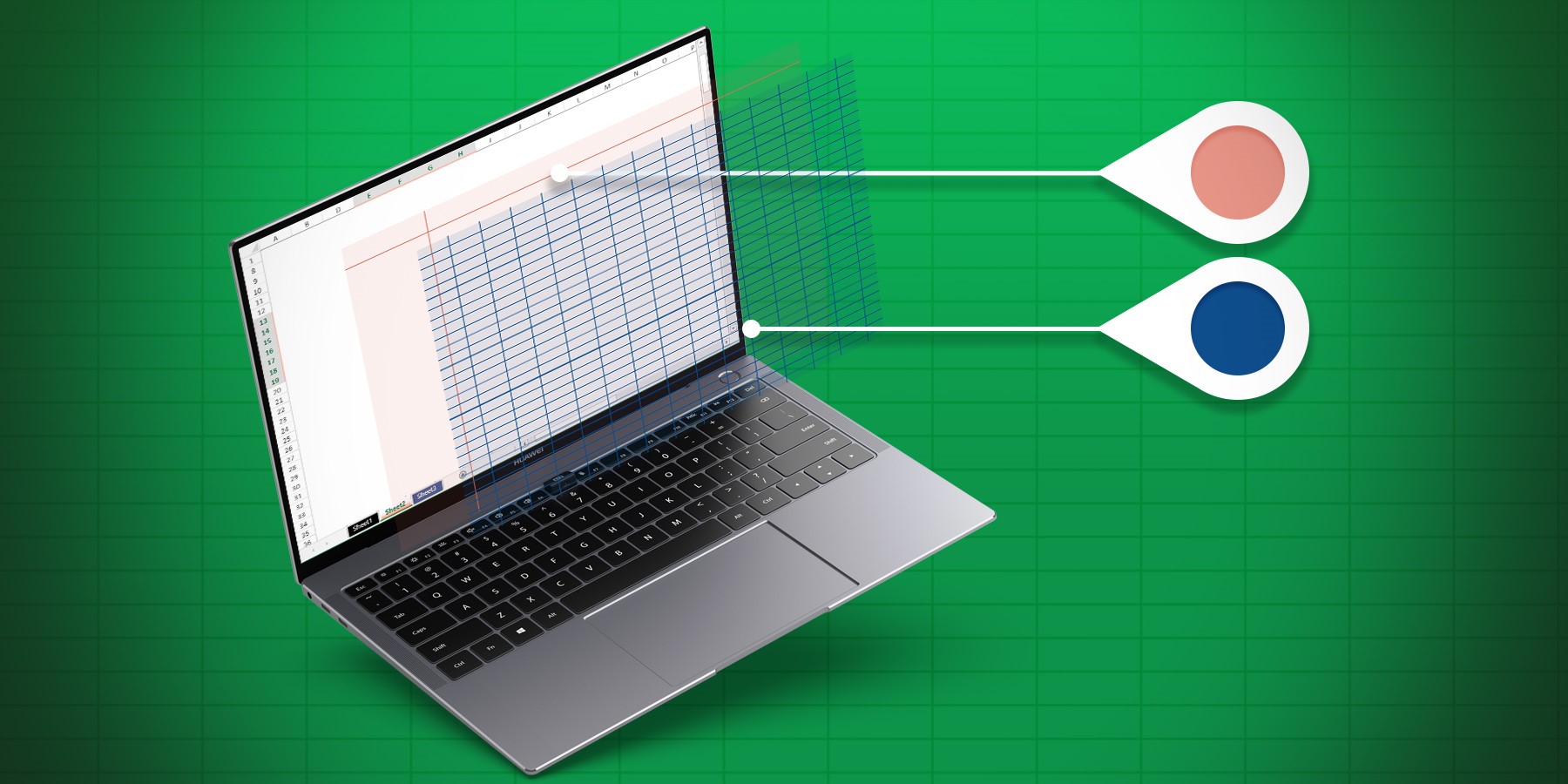
To create user-friendly documents, you often need to hide a gridline or header, protect certain cells, or simply change the line color to respect the ...

If you have a large table of data, it can be useful to keep an area of a worksheet visible while you scroll to another area. That's why 4D v18 R2 incl...
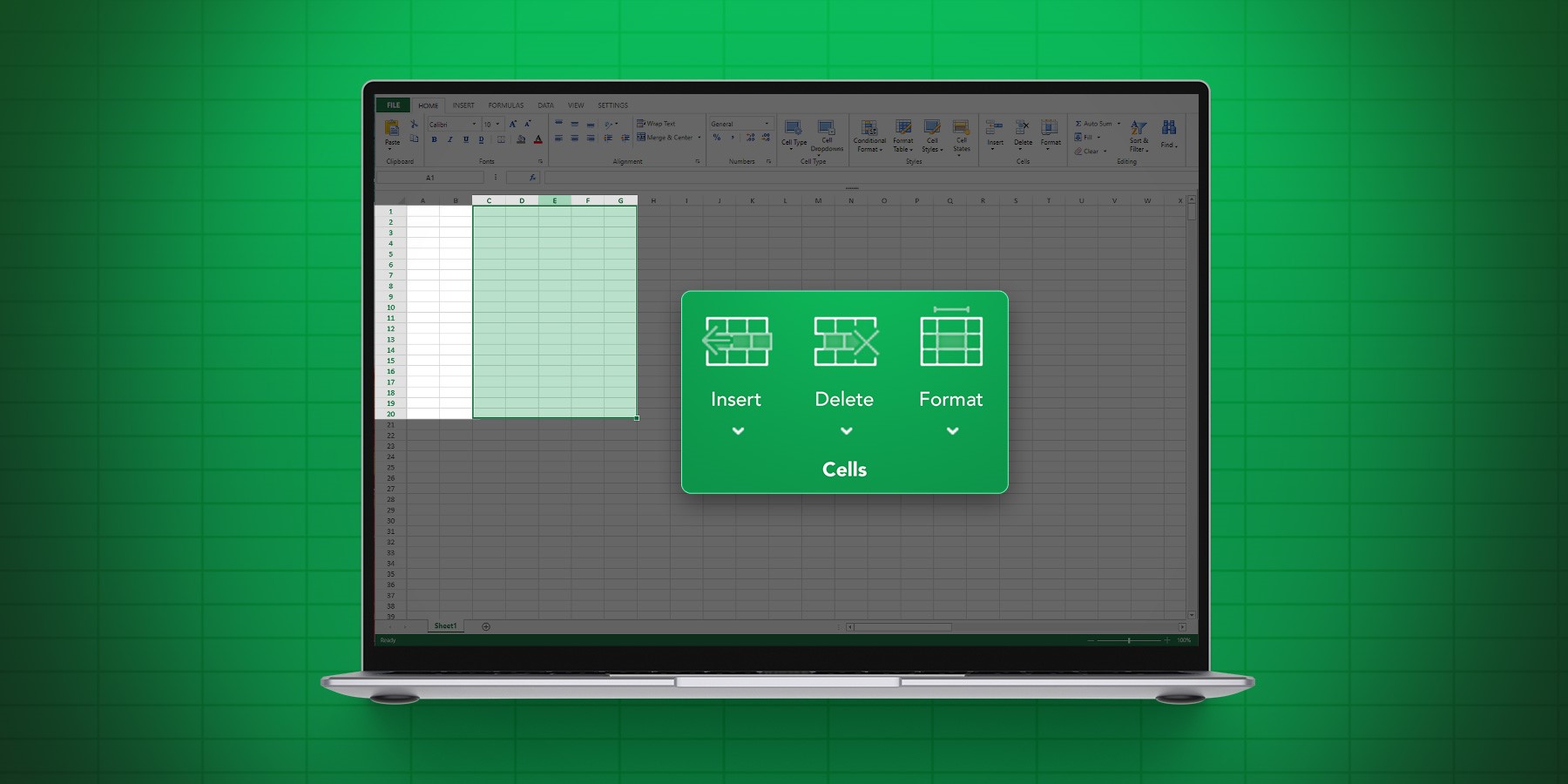
More features continue to be added to 4D View Pro's ever-growing list of capabilities and this R-release is no exception. 4D v18 R2 includes new comma...

With 4D v17 R6, you can programmatically customize the style of your 4D View Pro documents. There's three ways to go about it, you can: 1) use the def...
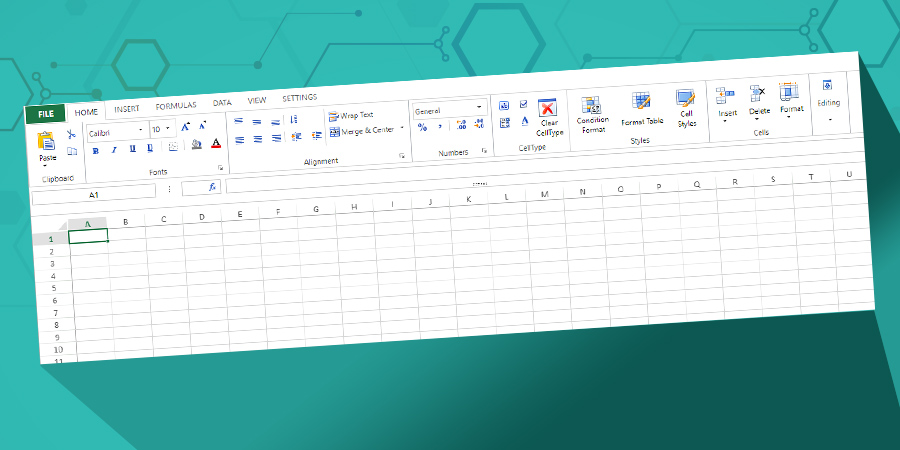
In addition to the existing toolbar, we're proud to announce the addition of a very powerful ribbon-style toolbar to enhance the 4D View Pro user inte...
Got a question, suggestion or just want to get in touch with the 4D bloggers? Drop us a line!
* Your privacy is very important to us. Please click here to view our Policy