

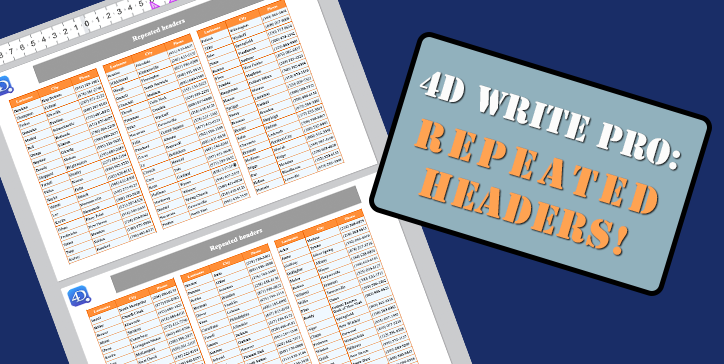
4D Write Pro: Say hello to table headers
Tables are an essential part of 4D Write Pro. They evolve regularly by offering new presentation options. For example, a table can be displayed on several columns or pages. The table headers are repeated at the top of each column or page to make it easier for the user to read.
Starting with 4D v19 R5, the table can be enhanced with headers.

ORDA and 4D Write Pro : The power couple!
4D Write Pro documents often contain formulas returning data or calculations depending on the database. Thanks to the use of contexts, associating that data with documents is now child’s play!
In this blog post, we’ll see how the combination of 4D Write Pro documents with data retrieved using ORDA makes the code clear and easy to maintain.
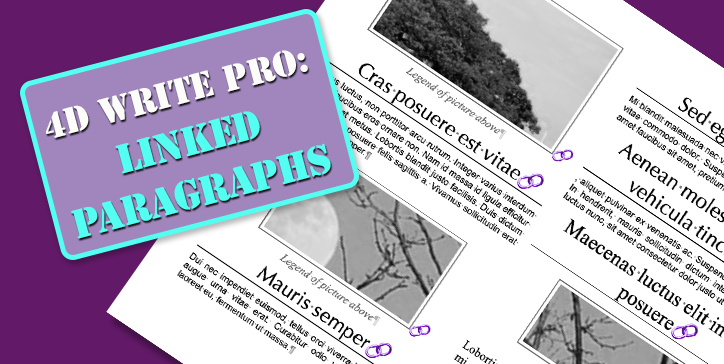
4D Write Pro – Elevate your documents’ layout with linked paragraphs
The layout of documents is a vital topic in many businesses, and there are many parameters to consider. To have even more precise control over the appearance of documents, it is now possible to link paragraphs together.


4D Write Pro is embracing the Dark (Mode)!
We are pleased to announce that this is the last step for dark mode on macOS. The last widgets of the library are compatible with dark mode:
- 4D Write Pro Interface toolbar
- 4D Write Pro Interface Sidebar
- Rich text area
So starting with 4D v19 R4, the choice is yours, as you can completely develop and deploy using light or dark mode on macOS.
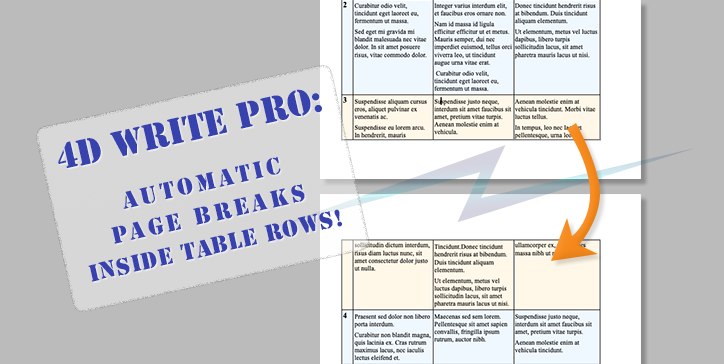
4D Write Pro – More control on page layout
4D Write Pro makes it easy to create complex documents. Display and layout attributes can be applied to different parts of the documents, whether they are text, images, or tables. Speaking of tables, they benefit from a new property to better define the layout! Let’s see what 4D v19 R4 has in store for you.

4D Write Pro: Where are my formulas?
When a 4D Write Pro document contains external elements resulting from expressions or formulas, they are visible when the “Display expressions” mode is used. Still, they are blended into the text when the values are displayed. This is what you want for a final document, but it is sometimes useful to easily view these calculated values while writing the document. Well, 4D v19 R3 is giving you new display options for this purpose!

Export 4D Write Pro documents to SVG format
4D Write Pro documents can be exported into different formats: PDF, Plain text, Microsoft Word, 4D Write Pro, HTML… To this list is now added the SVG format!
SVG is an image format. Thanks to that, you will be able to create previews of any page, integrate them in your interface, visualize them in browsers, on mobile devices, etc.

4D Write Pro – Continuous Section Breaks
Starting with 4D v19 R3, 4D Write Pro supports continuous section breaks.
A continuous section break creates a section in its own right but without causing a page break.
This allows, among other things, to have different numbers of columns on the same page!

4D Write Pro – New image formats
Starting with 4D v19 R2, inline as well as anchored images inside 4D Write Pro documents will benefit from new formatting types.
We’ve also made it much easier to format the images used as background of documents, sections, paragraphs, etc.
Let’s find out more about these enhancements.

4D Write Pro – Find and Replace
For many years now, 4D Write Pro has made it possible to create simple or complex documents, either via programming using templates or by simply creating new documents from scratch. Starting with 4D v19, both developers and end users will be happy to use the new find (and replace) capabilities of 4D Write Pro. Using not just the interface… but also the code!
Let’s delve into the details!
Contact us
Got a question, suggestion or just want to get in touch with the 4D bloggers? Drop us a line!
* Your privacy is very important to us. Please click here to view our Policy