New 4D View Pro form events
As of 4D v18, a new set of 4D View Pro form events are available. They return special information that can be accessed with the new FORM Event command, introduced in this blog post. Say hello to: “On Column Resize”, “On Row Resize”, “On Clicked”, “On Double Clicked”, “On Header Click”, “On Selection Change”, and “On After Edit”.
Expanding the abilities of the Form event command
As you may already know, the Form event command identifies the type of form event that has just occurred. It’s typically used within a form or object method.
Some changes have been made in 4D v18, but it’s all good. Here’s what you need to know:
C_VARIANT to store different type of values
Sometimes you want to write code being able to work with different variable types, this is especially true for generic coding. Using pointers can make code more difficult to read and debug. Sometimes it’s not possible at all, for example when you want to assign a generic variable to a form object as the data source.
A new command is now at your disposal to let you to declare a variable that can store different types of values. Say hello to the new C_VARIANT command!
4D View Pro: SVG conversion
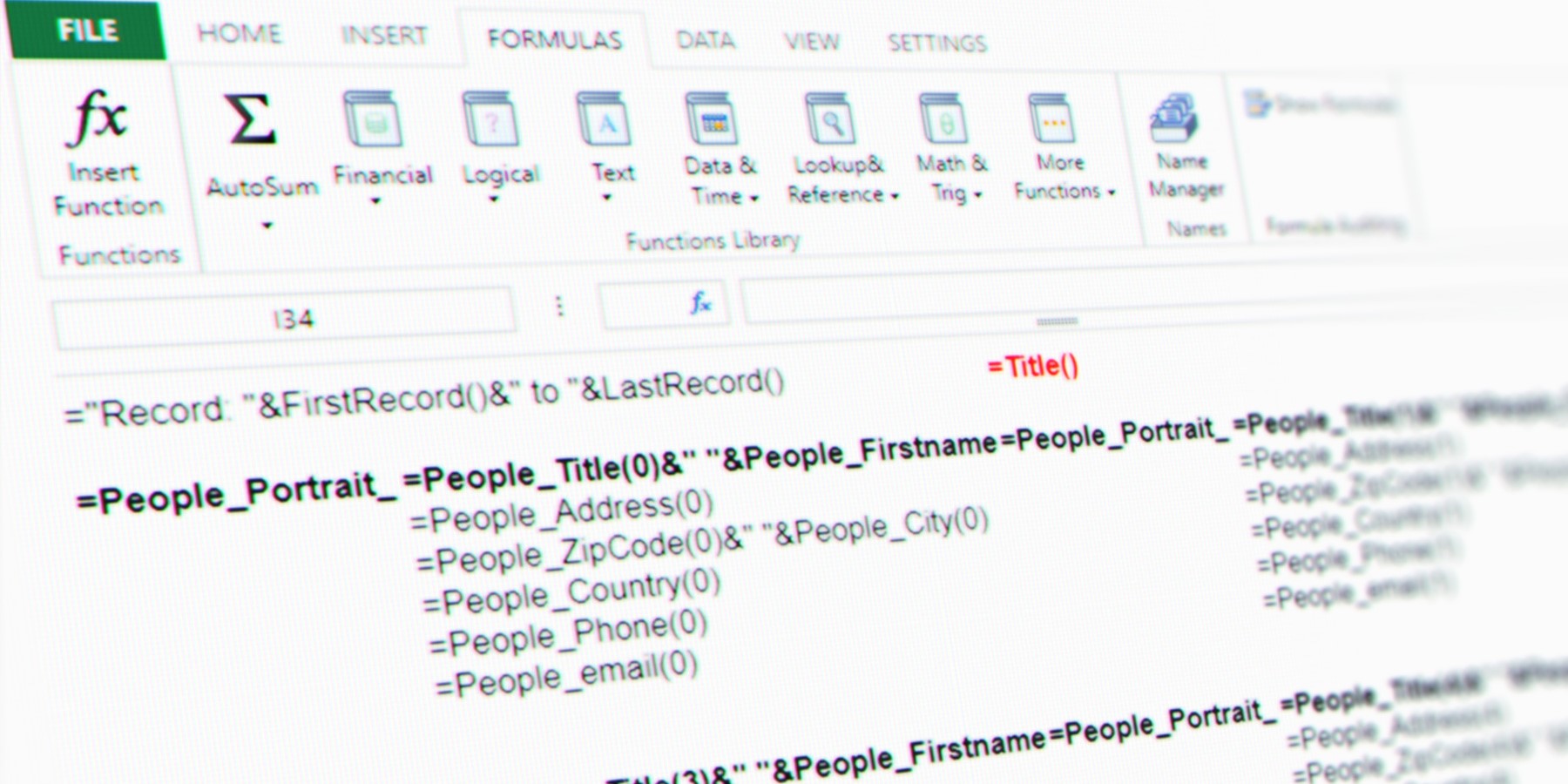
Do you need to print a 4D form with an embedded 4D View Pro document, or maybe displaying part of the document in a 4D View Pro document? With the VP Convert to picture command, you can create an SVG from a part of the 4D View Pro document and handle it like a picture. We’ll show how in this blog post.
4D View Pro: Manage Printing and PDF export
With the VP PRINT and VP EXPORT DOCUMENT commands, you can now print a document or create a PDF version of it. However, in order to create an appealing document for your customer, you not only need to print a document, but also add headers, footers, define the zoom, define the paper orientation, and so on. With 4D v18, it’s all possible thanks to the VP SET PRINT INFO command that allows you to define these attributes and more in your document!
4D View Pro: Get control over your 4D method settings
4D View Pro is getting more feature-rich with every R-release and 4D v17 R6 is no exception! A new command is available which allows you to specify a 4D method’s parameters, name, type, and a summary. Now your methods can be more informative and descriptive, helping end users to use them correctly.
Do you want to declare a date or time? What about giving a short description to help users understand what the method does? It can now be done with VP SET ALLOWED METHODS command!
Customize the style of your 4D View Pro documents
With 4D v17 R6, you can programmatically customize the style of your 4D View Pro documents. There’s three ways to go about it, you can: 1) use the default style commands to define the general style of a sheet, 2) use the stylesheet commands to define frequently used custom styles, and finally 3) use the cell style commands to define the style of specific cells.
Use collections to write and read in 4D View Pro
If you need to read or write hundreds of different values or formulas, you can do it faster, easier, and at the same time by using collections. New commands are available for this: VP SET VALUES, VP Get values, VP SET FORMULAS, and VP Get formulas.
Legacy charset support with 4D email
If you still need to communicate with old devices that don’t support Unicode, this blog post is for you! Keep reading because with 4D v17 R5, you can send emails in legacy encodings (ISO-2022-JP for Japanese or ISO-8859-1 for Western European).
More information about web processes
You asked for more information about web processes to better identify requests that might be slowing down or blocking your server. We heard you and in 4D v17 R5, we’ve added information about the URL used by web processes. This information can be retrieved two ways: via the 4D Server Administration Window or via the 4D language with the Get process activity command.
Contact us
Got a question, suggestion or just want to get in touch with the 4D bloggers? Drop us a line!
* Your privacy is very important to us. Please click here to view our Policy