
4D View Pro: End of document loading
When you use 4D View Pro (especially in offscreen mode) with complex documents, calculating all formulas could take a while and it can be difficult to...

February 1, 2021
1 min read

When you use 4D View Pro (especially in offscreen mode) with complex documents, calculating all formulas could take a while and it can be difficult to...

4D v18 R6 comes with new features in the code editor to make things easier for you when writing code. The same goes for the debugger. We know debuggi...


Nowadays, web applications are essential modern tools. As machines and processors become more and more powerful, your web applications must constantly...

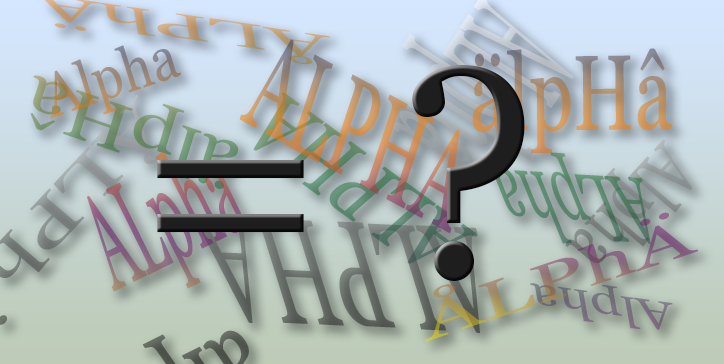
The 4D language offers 20+ commands to handle strings. And with 4D v18 R6, 4D introduces a new command: Compare strings. And yet another command has b...


Sometimes when you initialize a 4D View Pro document, you need to find some values or tags in it and replace them with data issued from 4D. Now it's a...

With 4D 18 R4, we announced the availability of the suggested functions for classes (4D and data model). With 4D v18 R6, we've got more great news to ...
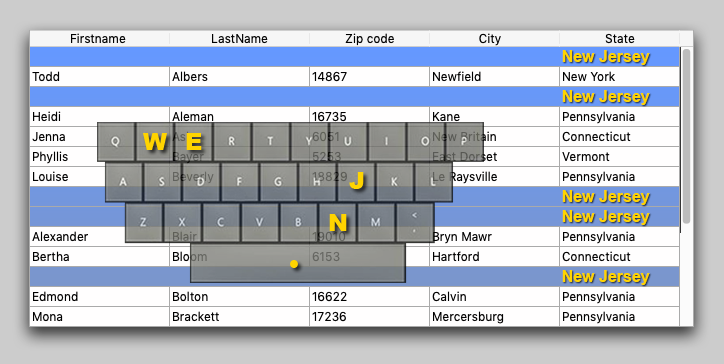
If you're interested in the user interface, you may have already used the On before keystroke and On after keystroke events. You'll certainly be happy...

4D v18 R5 provides a new 4D command to open a form in the form editor. This can be especially useful for analysis or introspection tools. ...

Using $1, $2, and $n variables in your code not only makes the code less readable, it can also increase confusion since the human brain can find it di...

In the How to connect Tableau with 4D blog post, you learned how to create a web data connector (WDC) to request data from 4D and visualize it in Tab...

Got a question, suggestion or just want to get in touch with the 4D bloggers? Drop us a line!
* Your privacy is very important to us. Please click here to view our Policy