
Printing Modern Interfaces with Clean, Consistent Output
In most business applications, printing is usually handled through generated documents using 4D Write Pro. This remains the recommended solution for p...

May 7, 2026
1 min read
In most business applications, printing is usually handled through generated documents using 4D Write Pro. This remains the recommended solution for p...

The WP SET ATTRIBUTES command in 4D Write Pro is undoubtedly one of the most frequently used commands, as its vast possibilities apply to all sorts of...


With 4D v20 R4, we significantly improved the management of print jobs inside 4D. 4D can now run multiple print jobs in parallel, significantly increa...

4D v16 R5 brought a significant improvement to the DIALOG command. An improvement that lays in the possibility of passing a new parameter "formData" o...
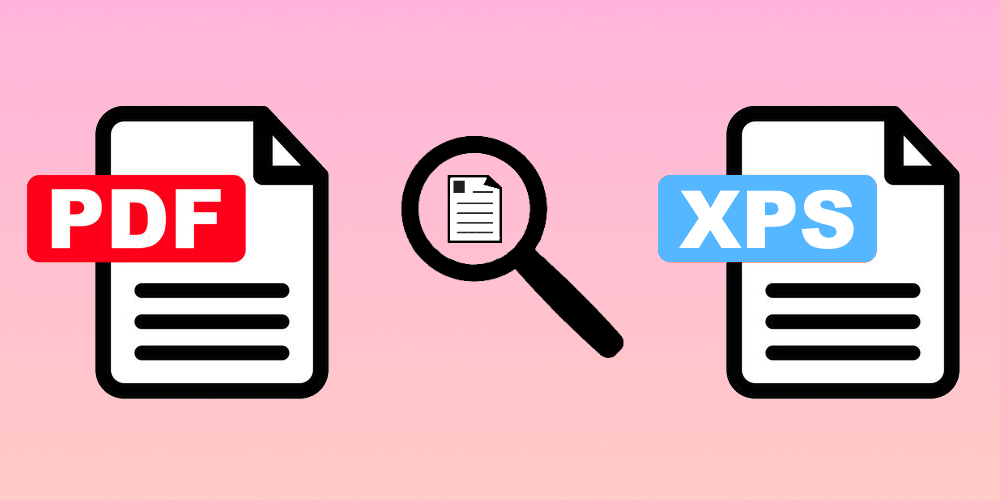
PDF format is a viable alternative to XPS for print previewing on Windows, providing users with a more accessible option. Microsoft's decision to make...


by Add Komoncharoensiri, Director of Technical Services at 4D Inc Here we go with another set of tips and tricks. As you know, 4D Knowle...


Whatever your business, you must create listings, inventories, tracking sheets, product sheets, invoices, and many other documents. These documents ar...
4D View Pro is a powerful tool in many fields. Its razor-sharp capabilities enable users to easily store, organize, and manipulate data. 4D v19 R5 bri...

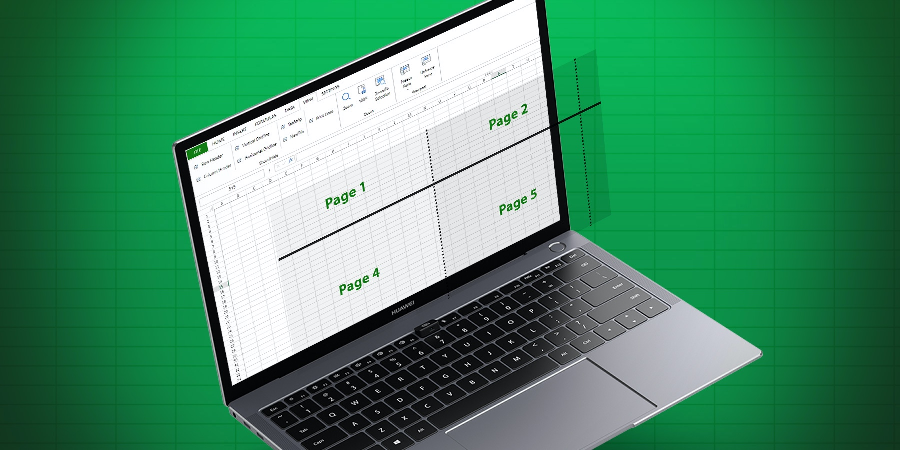
When printing, page break location is set by default, but you can adjust the print area by defining your own page breaks. Starting with 4D v19 R2, to...
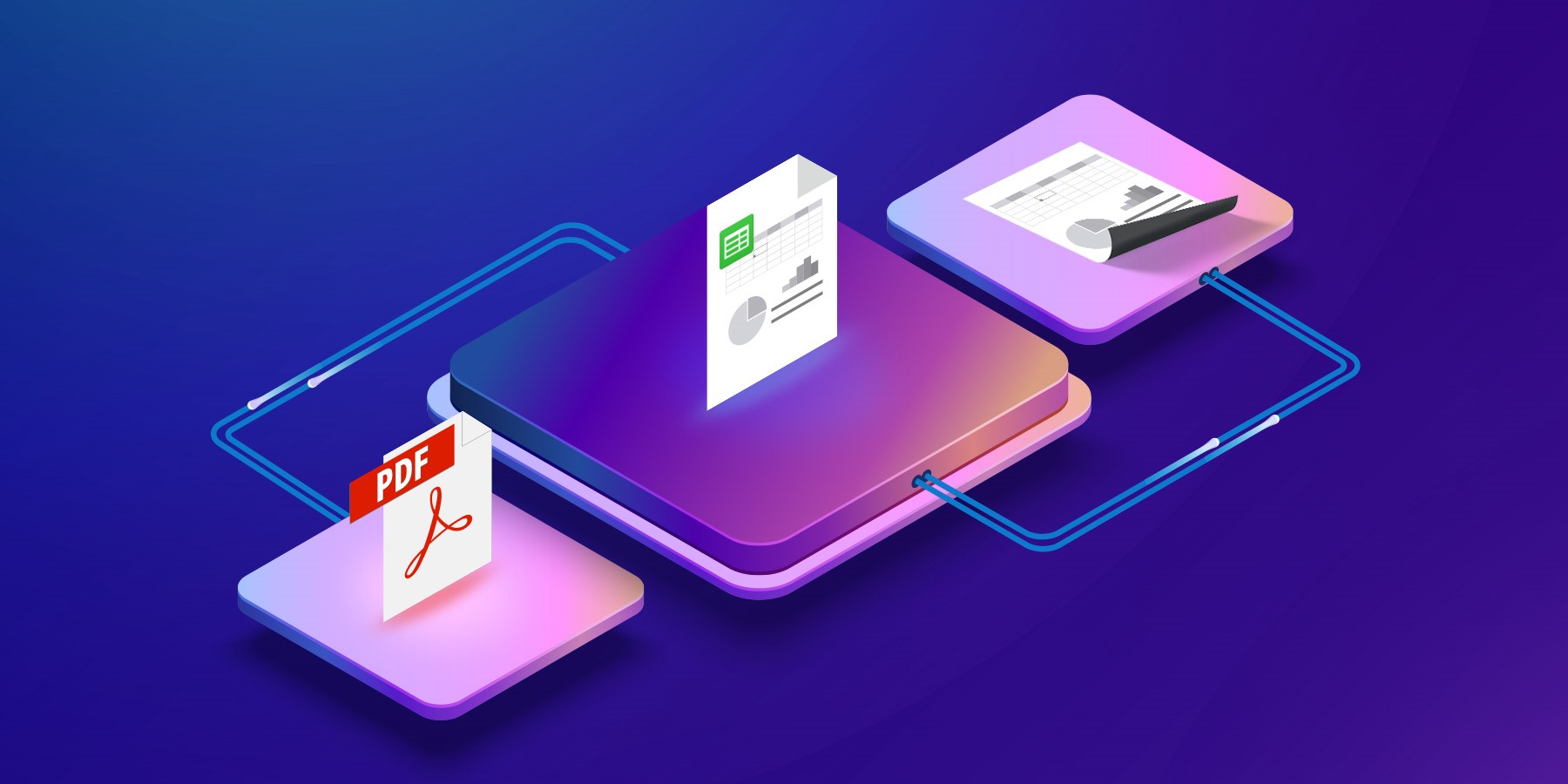
With the VP PRINT and VP EXPORT DOCUMENT commands, you can now print a document or create a PDF version of it. However, in order to create an appealin...
Got a question, suggestion or just want to get in touch with the 4D bloggers? Drop us a line!
* Your privacy is very important to us. Please click here to view our Policy