
System Worker— File Transfer Class to use Dropbox or GDrive
The first part of the System Worker series showed you the power of system workers, and the second one focused on the actual usage by going through the...

June 2, 2022
1 min read

The first part of the System Worker series showed you the power of system workers, and the second one focused on the actual usage by going through the...
The first video showed you the power of system workers and the flexibility they bring along. This sequel will focus on the actual usage by going thro...

System Workers might look like LAUNCH EXTERNAL PROCESS — but they're way more powerful. This 15-minute video explains how to use System Workers with ...

by Add Komoncharoensiri, Director of Technical Services at 4D Inc As you know, 4D Knowledge Base is a library of information about the 4D...


ORDA/REST performance is a strategic matter; that's why we shipped many features related to this topic, such as the ORDA/REST request optimization in ...


4D Write Pro offers many possibilities for both developers and end-users. A wide range of commands and standard actions are available for developers t...


Several formatters have been made available for formatting your data in the list or detail form. For example, a boolean field can be represented as a ...

Starting with 4D v19 R5, the ability to associate a variable with a subform has enriched the possibilities of interfaces and communication between for...


In our ongoing effort to improve the building of 4D applications, we've added a few functionalities to 4D v19R5 that you'll certainly find useful. Th...

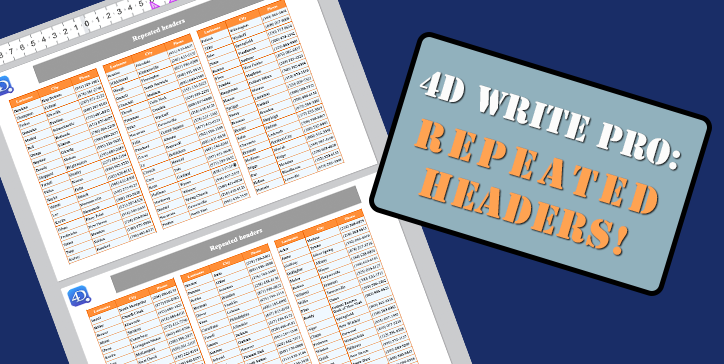
Tables are an essential part of 4D Write Pro. They evolve regularly by offering new presentation options. For example, a table can be displayed on sev...
Got a question, suggestion or just want to get in touch with the 4D bloggers? Drop us a line!
* Your privacy is very important to us. Please click here to view our Policy