
Haunting Features Await You 🦇
From under the full moon, among the shadows of the dark forest, 4D v19 R6 was released, bursting with many features! It’s not a bunch of hocus pocus;...

October 31, 2022
1 min read

From under the full moon, among the shadows of the dark forest, 4D v19 R6 was released, bursting with many features! It’s not a bunch of hocus pocus;...

by Add Komoncharoensiri, Director of Technical Services at 4D Inc Here we go with another set of tips and tricks. The 4D Knowledge Base ...


The structure editor is a crucial element of your project. First of all, it allows you to create your structure. But above all, it will enable you to ...

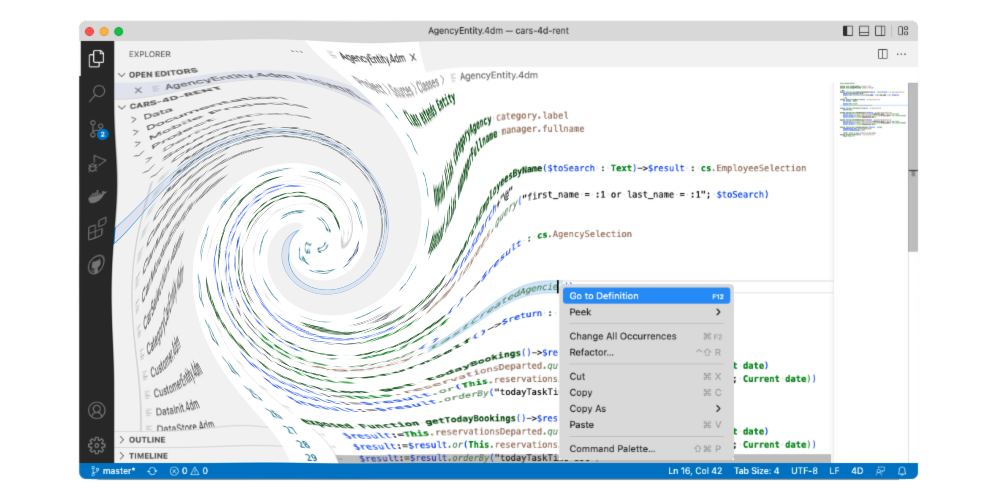
4D v19 R6 brought the support of external source code editors (e.g., Visual Studio Code), allowing them to handle 4D code and provide them with standa...


The current trend is for light, clean, soft colors and rounded corners. For you to embellish your applications and follow the latest trends, we have...

With 4D v19R6, we brought you a new way to perform HTTP requests: HTTP classes. At that time, some of the HTTP classes functionalities were not final,...


As you probably know, scalable sessions have been available since 4D v18 R6. They're a web session type that is able to handle several processes in pr...


You can already compose views based on templates; dozens of them are at your disposal to beautify your mobile apps. 4D v19 R7 is spicing up things eve...
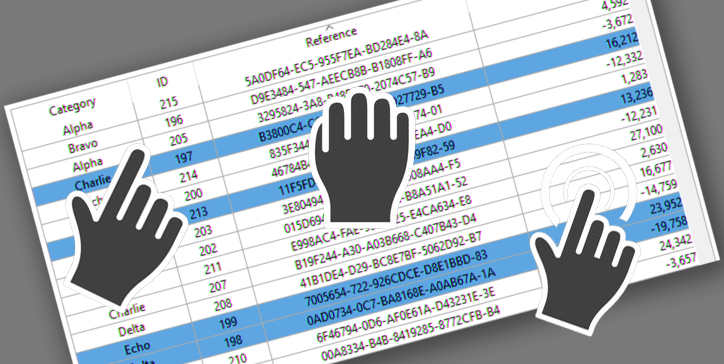
The drag and drop action is a standard action in computer interfaces. In the case of list boxes, pressing the "Alt" key is necessary to move several i...


When a 4D Write Pro document is in edit mode, it's often helpful to know if it has actually been modified by the end user. Based on this information, ...
Got a question, suggestion or just want to get in touch with the 4D bloggers? Drop us a line!
* Your privacy is very important to us. Please click here to view our Policy