
Rearrange the object entry order in a single click
When working on a form, it often happens, for a reason or another, that you insert new objects within a group of existing objects in your form. In tha...

November 22, 2017
1 min read

When working on a form, it often happens, for a reason or another, that you insert new objects within a group of existing objects in your form. In tha...
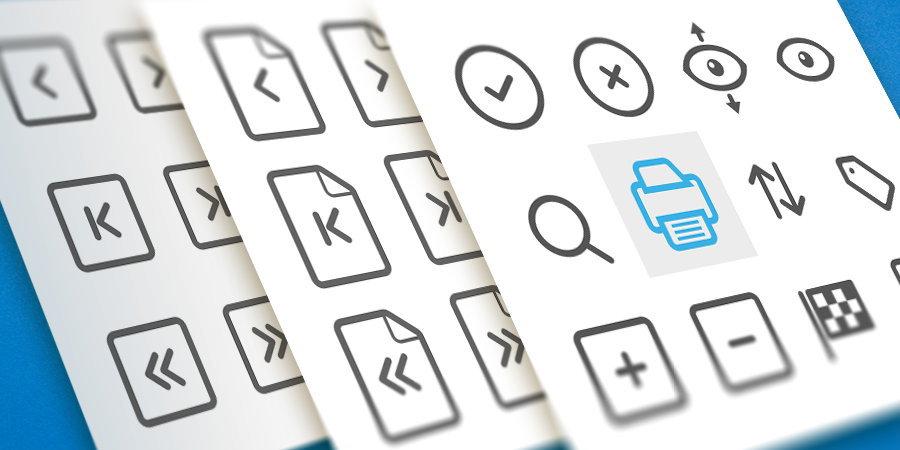
Sometimes little things can have a big impact ... and it turns out that these little things we call icons are kind of important when it comes to today...


There are common user stories where there is a need to have a background image fill the entire printable area, such as paper-folding lines or a waterm...

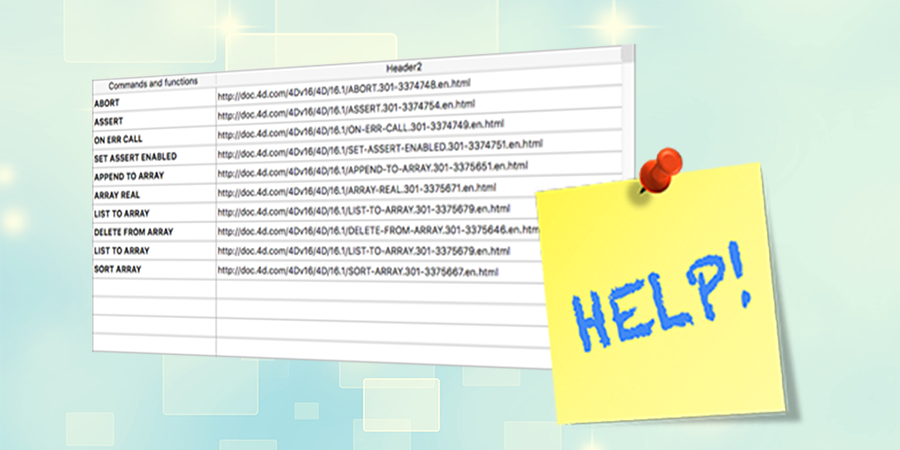
Help tips or hints are very useful, as they simplify the user interface and help users understand objects that sometimes aren’t self-evident. 4D suppo...

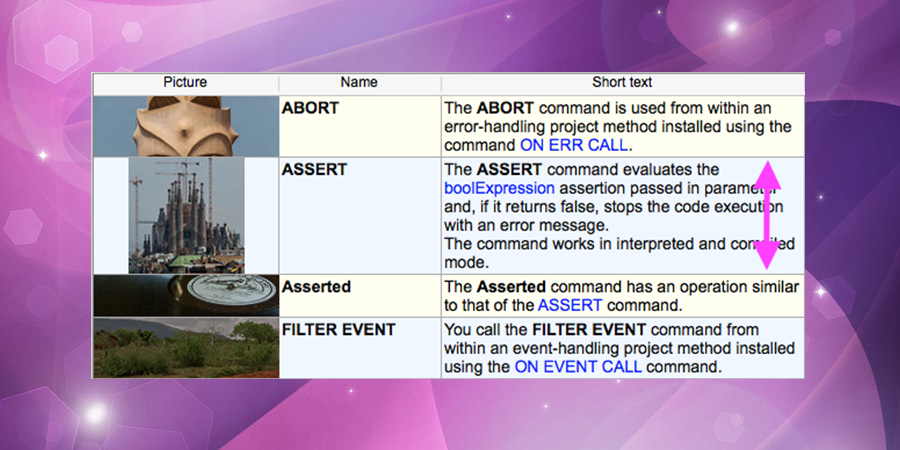
Starting with 4D v16, you can set a different row height for each row in your list box. So with a few lines of code, you have a list box with rows tha...

Today, big screens are everywhere. At the airport or train station for arrival/departure. In production areas for failure/success or production number...


According to neuroscientists, we respond better and faster to a visual form than any other type of representation. That’s why graphs and charts are cl...

4D v16 R4 is providing you with more flexibility regarding tips management. Beyond the possibility to enable or disable all tips at once using databas...

Here are 2 very common developer needs: 1. Depending on the user criteria, you want to rearrange the objects in the form. – 2. Depending on the select...

You need a custom 4D Write Pro toolbar for your application but you're concerned it might take too much time to implement it? Good news, with 4D v16 R...
Got a question, suggestion or just want to get in touch with the 4D bloggers? Drop us a line!
* Your privacy is very important to us. Please click here to view our Policy