
Create your own interface for 4D Write Pro
You want to quickly create a menu bar to manage your 4D Write Pro areas? You want to create your own contextual menu for your end-users ? You would li...

April 12, 2017
1 min read

You want to quickly create a menu bar to manage your 4D Write Pro areas? You want to create your own contextual menu for your end-users ? You would li...

Some developers believe that automatic actions are for beginners. However they might have missed a lot of potential we added in the last years. Standa...

If you are using a huge database with a lot of data, you should be very familiar with the 4D MSC dialog. The Maintenance and Security Center contains ...

Find in design dialog has been upgraded to offer a more user-friendly design as well as 2 new features that will improve the user experience : a new s...

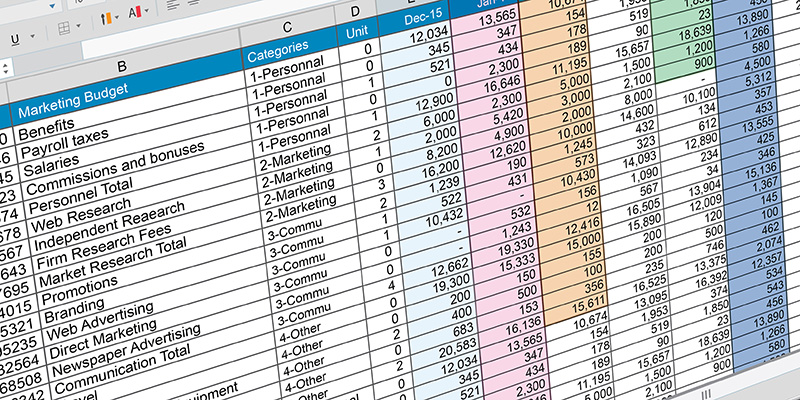
A new step is reached to provide our developers with a fully customizable listbox object, entirely adaptable to user need. A new option is available i...


With 4D v16 R2 you can display a graphical horizontal ruler at the top of the 4D Write Pro area ! Thanks to this horizontal ruler, the text can be eas...
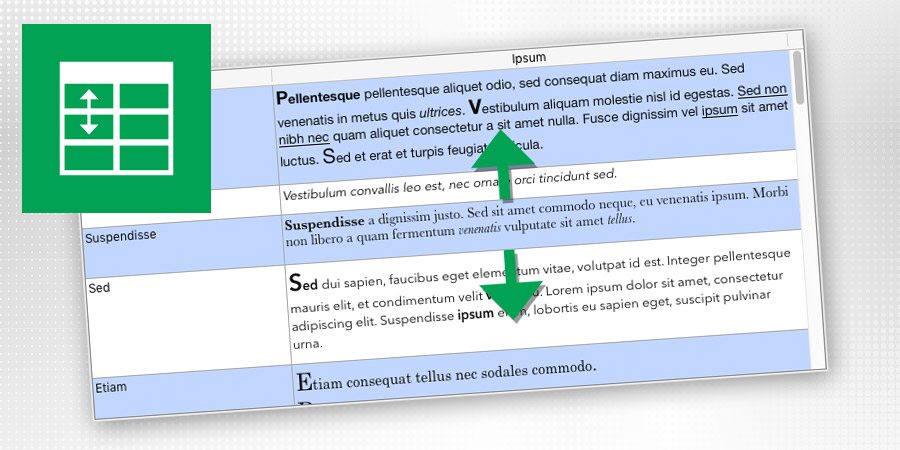
Displaying a list where the line height would exactly fit the content is a very common need. 4D View Pro is including a new feature so that you can no...
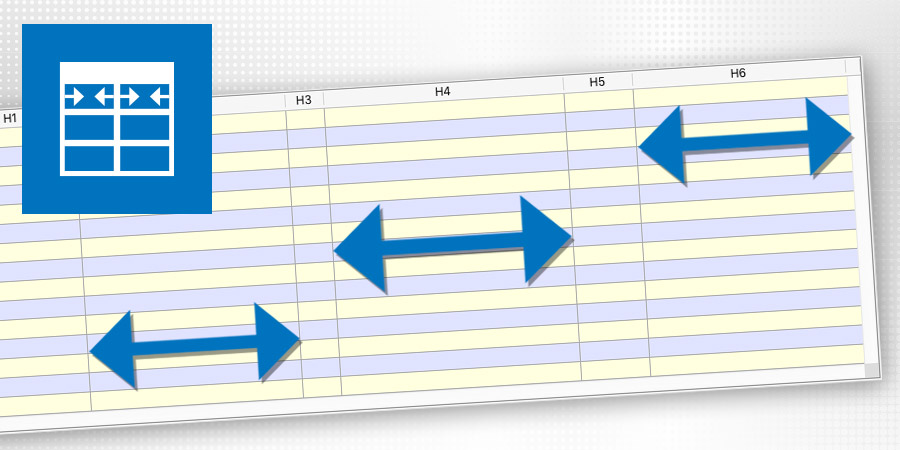
4D v16 includes a new feature providing your end-user great freedom and flexibility at the interface level when using list boxes. The constraints defi...

The event On Column Resize is now triggered "live" during the resizing of the list boxes as long as the user modifies the column widths (previously, i...

In 4D v16 the texts for all the form objects (static texts, buttons, check boxes, etc...) will be stored in Unicode, allowing you to use characters fr...
Got a question, suggestion or just want to get in touch with the 4D bloggers? Drop us a line!
* Your privacy is very important to us. Please click here to view our Policy