
4D View Pro: Use 4D formulas in your spreadsheet
4D v18 R5 introduces a new command that simplifies writing your code: VP SET CUSTOM FUNCTIONS. It creates custom functions in 4D View Pro which execut...

October 27, 2020
1 min read
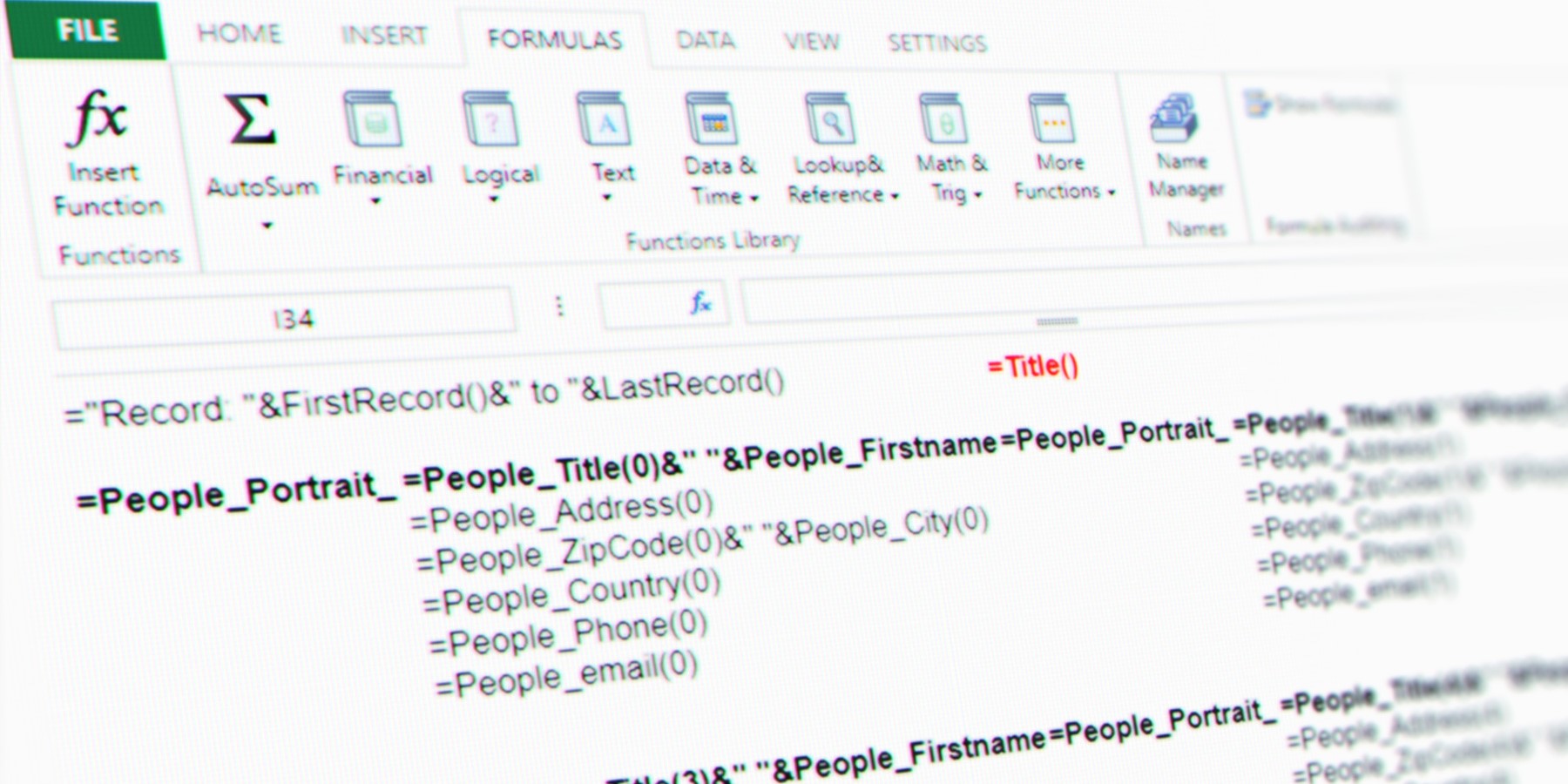
4D v18 R5 introduces a new command that simplifies writing your code: VP SET CUSTOM FUNCTIONS. It creates custom functions in 4D View Pro which execut...

With 4D v18 R5, we've simplified the insertion of soft-hyphens by providing new standard actions, as well as new buttons in the 4D Write Pro Interface...


If you're a fan of macros in the code editor, then 4D v18 R5 has some good news for you ... because now macros are also available in the form editor!...

4D v18 R5 includes a new great feature: Deep linking. That's cool, but what the heck is it? Here's an example: Have you ever gotten an email from Ne...

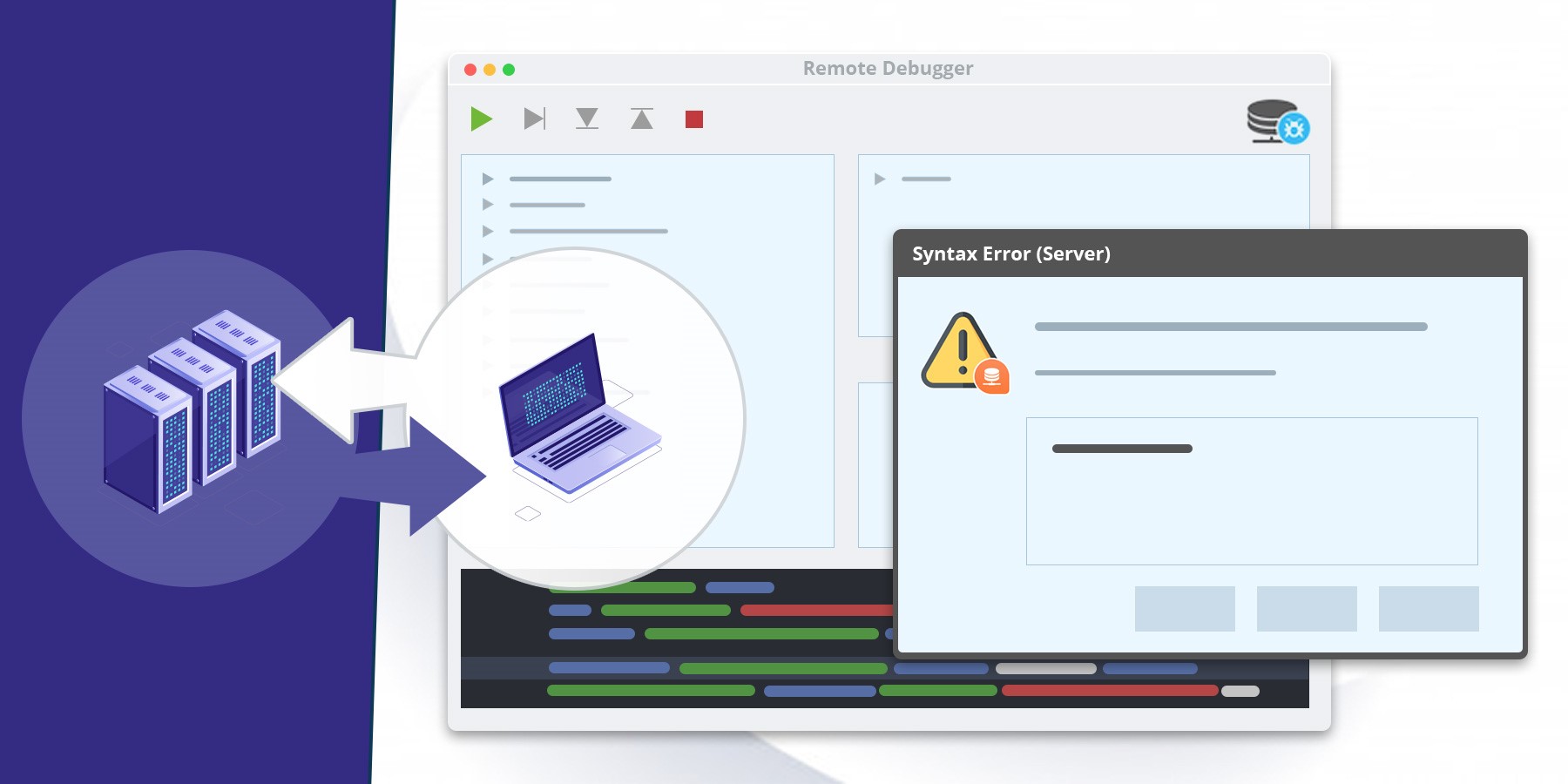
There are many different client/server development scenarios, but in all of them, you need to switch between the client-side and the server-side to lo...

Using $1, $2, and $n variables in your code not only makes the code less readable, it can also increase confusion since the human brain can find it di...

4D v18 R4 and ORDA made it possible for you to create high-level class functions above the data model. This allows you to write business-oriented code...


Understanding what users really need has always been a fundamental product management challenge. At 4D, we take this very seriously which is why we've...


In 4D v18 R5, you can preview the final CSS rendering in the form editor WITHOUT running your dialog. Yes, you heard that right. Standardizing and rev...

Beta testing for 4D v18 R5 is starting today and we couldn't be more excited! From ORDA, the Form editor, 4D for iOS, 4D Write Pro, and 4D View Pro, ...

Got a question, suggestion or just want to get in touch with the 4D bloggers? Drop us a line!
* Your privacy is very important to us. Please click here to view our Policy