
4D View Pro: Manage Rows and Columns
More features continue to be added to 4D View Pro's ever-growing list of capabilities and this R-release is no exception. 4D v18 R2 includes new comma...

February 4, 2020
1 min read
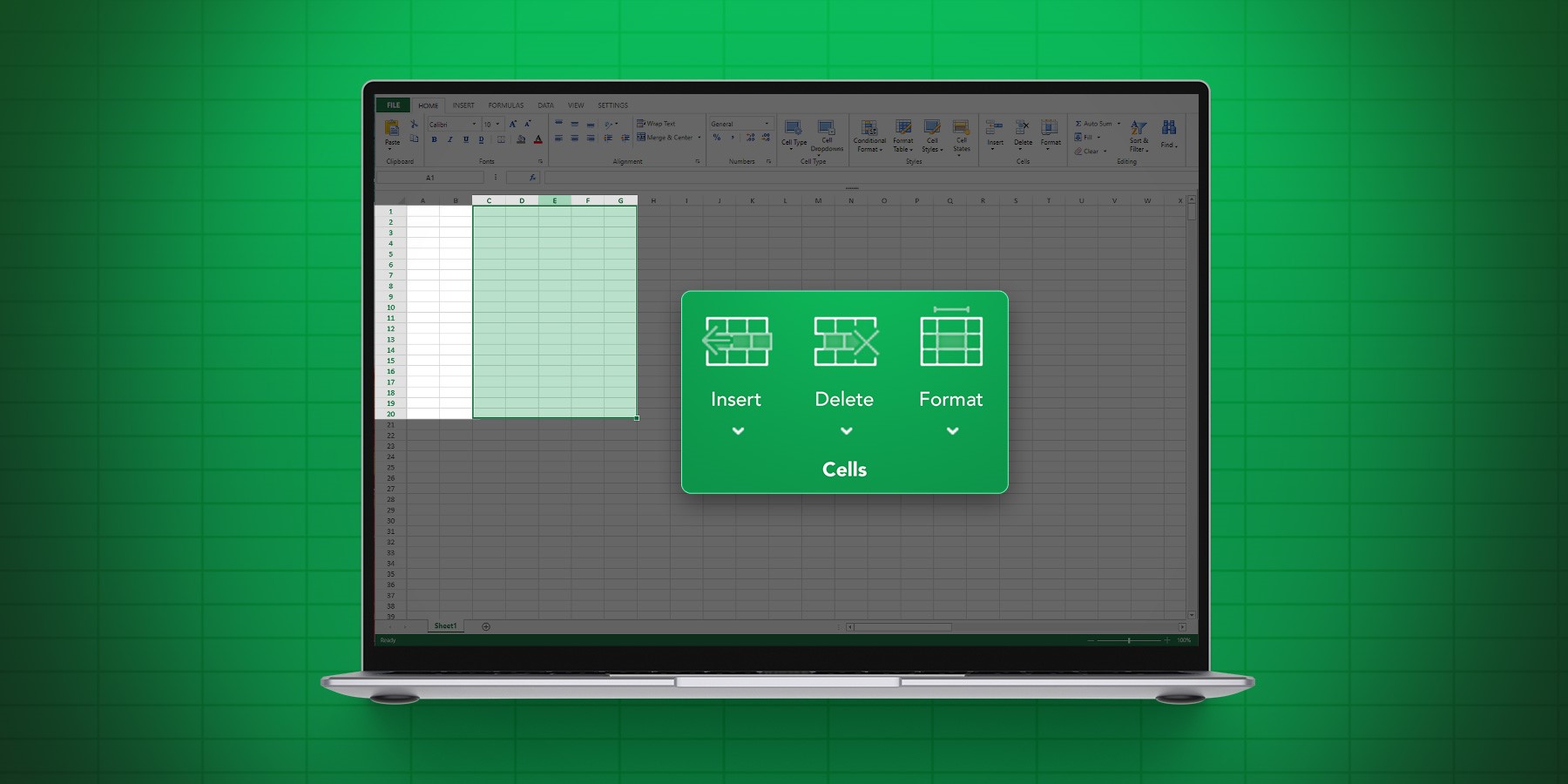
More features continue to be added to 4D View Pro's ever-growing list of capabilities and this R-release is no exception. 4D v18 R2 includes new comma...

As of 4D v18, a new set of 4D View Pro form events are available. They return special information that can be accessed with the new FORM Event command...

Do you need to print a 4D form with an embedded 4D View Pro document, or maybe displaying part of the document in a 4D View Pro document? With the VP ...

With the VP PRINT and VP EXPORT DOCUMENT commands, you can now print a document or create a PDF version of it. However, in order to create an appealin...
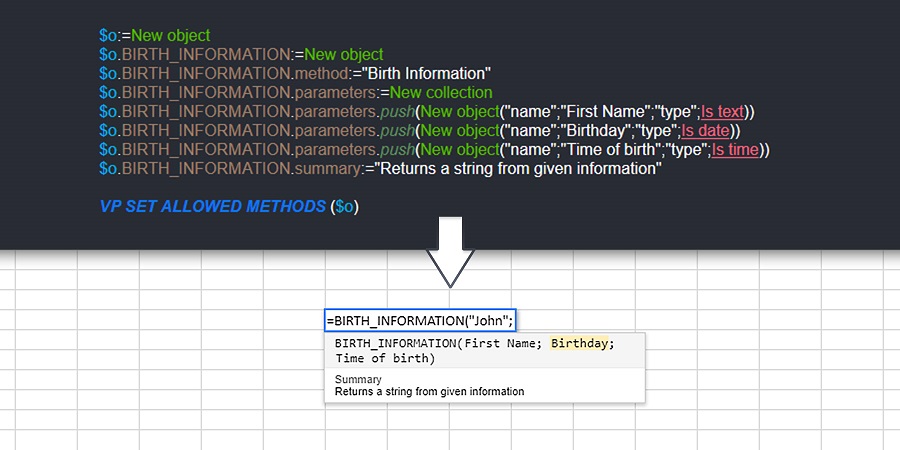
4D View Pro is getting more feature-rich with every R-release and 4D v17 R6 is no exception! A new command is available which allows you to specify a ...

With 4D v17 R6, you can programmatically customize the style of your 4D View Pro documents. There's three ways to go about it, you can: 1) use the def...

If you need to read or write hundreds of different values or formulas, you can do it faster, easier, and at the same time by using collections. New co...

Typically, 4D View Pro requires that you identify the cell being worked with and where data will be entered (the active cell). You may also need to se...
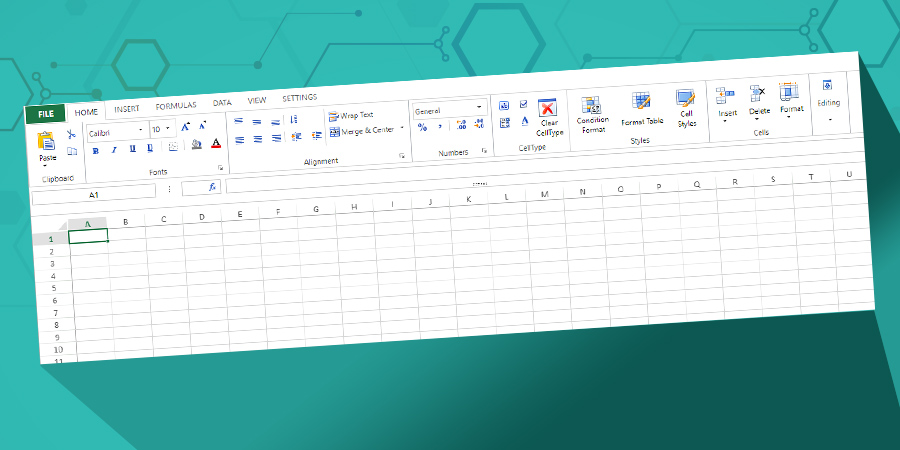
In addition to the existing toolbar, we're proud to announce the addition of a very powerful ribbon-style toolbar to enhance the 4D View Pro user inte...

4D v17 R4 is on the way with a cool new 4D View Pro feature: named ranges and formulas. If you need to use formulas with references to cell(s) or cons...
Got a question, suggestion or just want to get in touch with the 4D bloggers? Drop us a line!
* Your privacy is very important to us. Please click here to view our Policy