
Get and Set cell content in 4D View Pro
The ability to interact with a document via programming is an important part of using 4D View Pro. Now you can fill your documents by programming. You...

January 29, 2019
1 min read

The ability to interact with a document via programming is an important part of using 4D View Pro. Now you can fill your documents by programming. You...

4D v17 R4 brings new features to 4D View Pro and one of them is the creation of ranges with code. First, you need to define a range object to manipul...

Do you need to open a Microsoft Excel document directly in your 4D View Pro area, or convert a 4D View Pro document to Microsoft Excel format to send ...

With 4D v17 R2, it's now possible to call 4D project methods and fields from within your formulas. This not only extends the possibilities of your 4D ...

UI is all about personal preference, and 4D View Pro gives you two new options to enhance yours. Two properties have been added to the Property List ...


Do you need to create a 4D View Pro document using code, without any user interface? It's possible! Because 4D View Pro documents are objects, it's ve...

We know how important your customer's existing 4D View documents are, and being able to move them to 4D View Pro has been a priority for us. This is n...
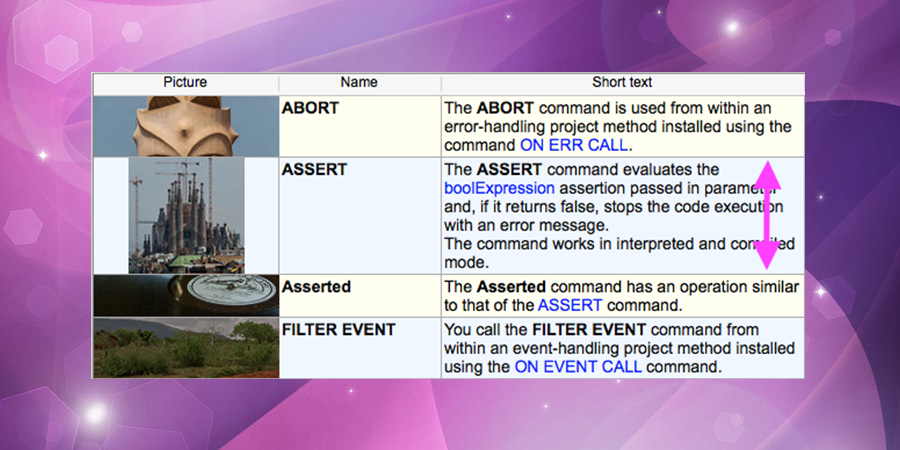
Starting with 4D v16, you can set a different row height for each row in your list box. So with a few lines of code, you have a list box with rows tha...

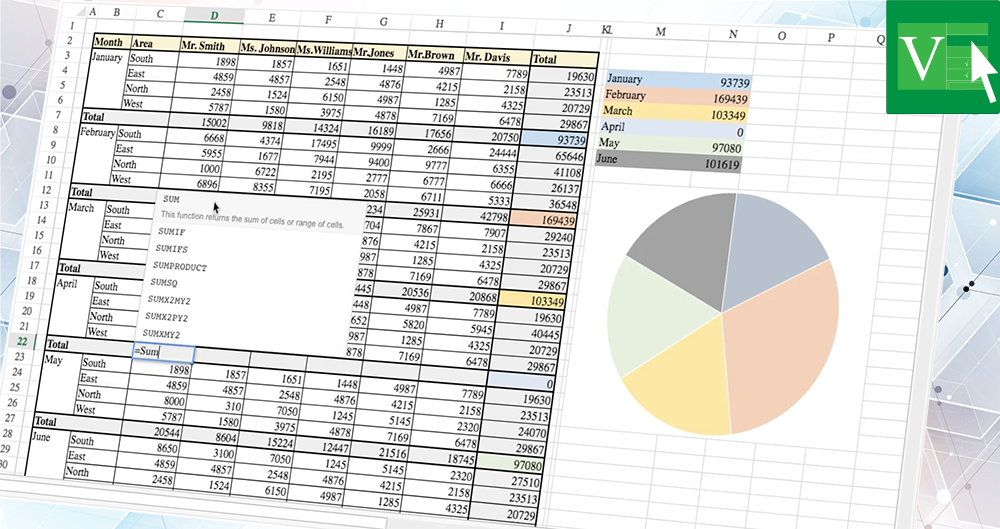
After the advanced list usage completely covered with 4D v16, 4D v16 R4 reaches a major step toward with 4D View Pro by providing our customers with t...

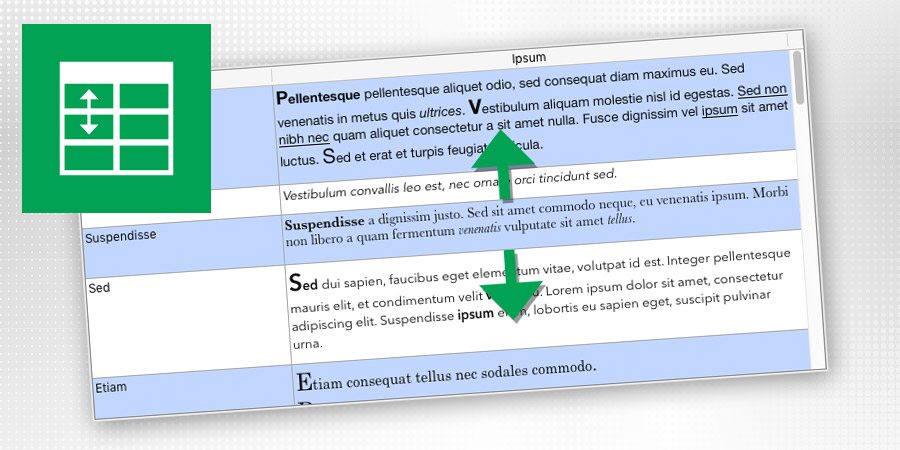
Displaying a list where the line height would exactly fit the content is a very common need. 4D View Pro is including a new feature so that you can no...

Got a question, suggestion or just want to get in touch with the 4D bloggers? Drop us a line!
* Your privacy is very important to us. Please click here to view our Policy