
Use 4D Write Pro documents as input forms
Do you want to avoid users accidentally modifying a particular 4D Write Pro document (fully or partially)? Are you interested in keeping some parts of...

June 2, 2020
1 min read

Do you want to avoid users accidentally modifying a particular 4D Write Pro document (fully or partially)? Are you interested in keeping some parts of...
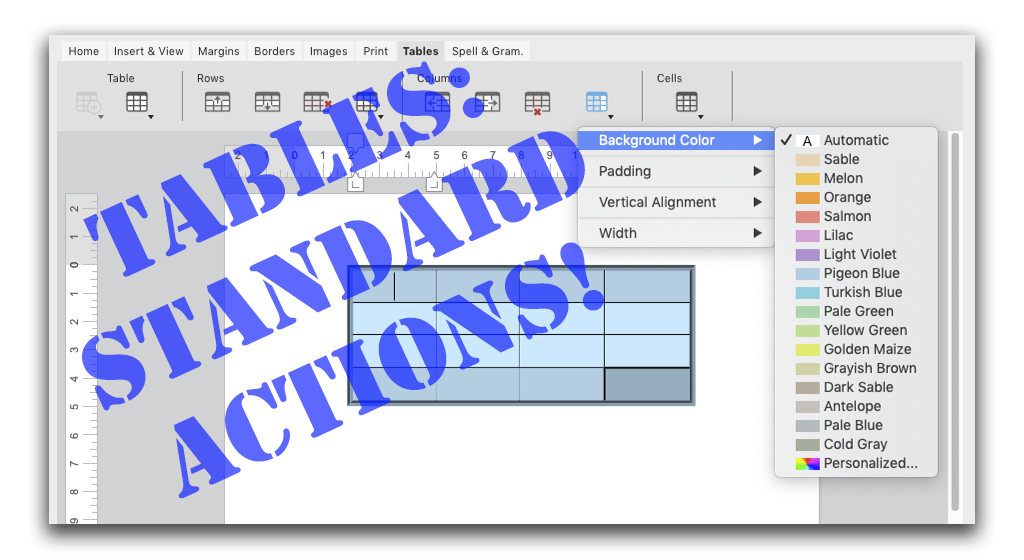
4D v18 R3 brings new standard actions to 4D Write Pro. They target tables and their elements (i.e., rows and cells). These actions let you to define a...

4D Write Pro brings good news with 4D v18 R2: deleting inline or anchored pictures can now be done in a snap! Say hello to the new command, WP DELETE ...

With 4D v18 R2, 4D Write Pro is able to manage formula objects inside documents. To do so, four new commands have been created: WP Get formulas, WP In...

In 4D v18, we shipped a cool feature allowing you to easily manipulate tables with new commands and standard actions. We've got even more good news (e...

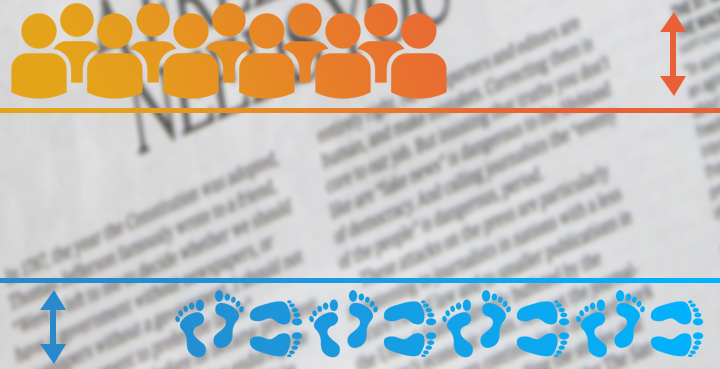
4D Write Pro has been designed to create all kinds of documents, from the most simple to the most sophisticated. To achieve this diversity, documents ...

Want to use 4D Write Pro to create HTML emails with static pictures in the text? Maybe something like a fancy newsletter with pictures of the top ten ...

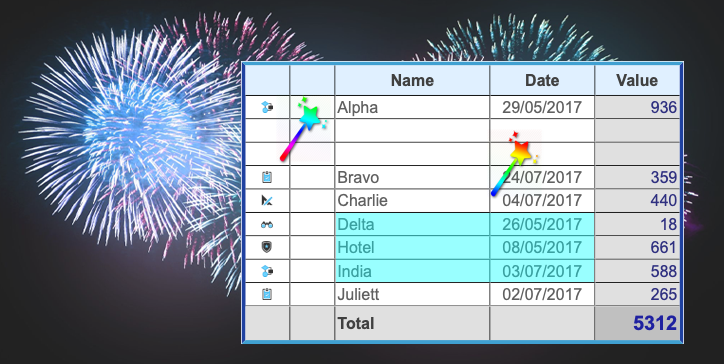
You already know that 4D Write Pro allows you to create tables and append rows to them. With 4D v18, we've got more thrilling news! We're excited to a...

4D v16 R4 made your dreams come true with the delivery of a huge feature: tables. Real tables where text automatically wraps to fit the column size an...
For 4D Write Pro, 4D v18 brings good news: the arrival of style sheets! We're thrilled to announce that you can now manage your own style sheets for p...
Got a question, suggestion or just want to get in touch with the 4D bloggers? Drop us a line!
* Your privacy is very important to us. Please click here to view our Policy