Find the right spot in your 4D Write Pro document with AI
In 4D applications, large documents are commonplace: financial reports, internal guidelines, technical manuals… Searching for an exact keyword often i...
In many business applications, users enter or receive unstructured text: customer feedback, internal notes, support tickets, reports, and more. This c...
In many 4D business applications, documents are everything — technical notes, reports, manuals, internal guides. But when users can’t remember the exa...
In a world where professional writing is constantly evolving, 4D Write Pro is here to revolutionize the way you write. With the integration of an AI-p...
The purpose of this article is to show how, in an easy-to-implement way, you can sign and verify documents transparently. The obvious benefit of this...
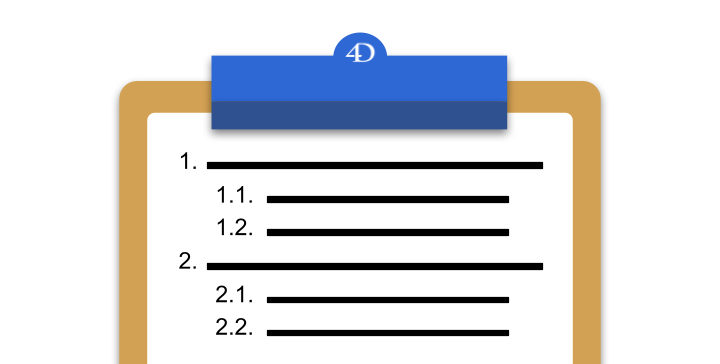
Sections and subsections are the building blocks of any well-structured document. You’ve likely used them countless times, perhaps without even realiz...
As you know, 4D Write Pro manages two types of sections, continuous or with page breaks. Whether you prefer distinct right-sided pages from the left ...
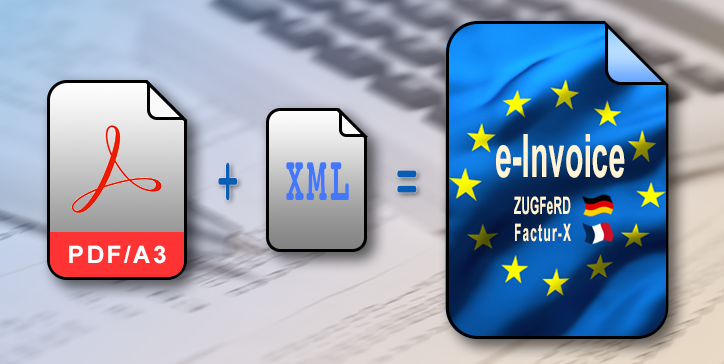
4D v20 R4 introduces an exciting feature in 4D Write Pro—now, it empowers you to generate electronic invoices. But what exactly do we mean by e-invoic...
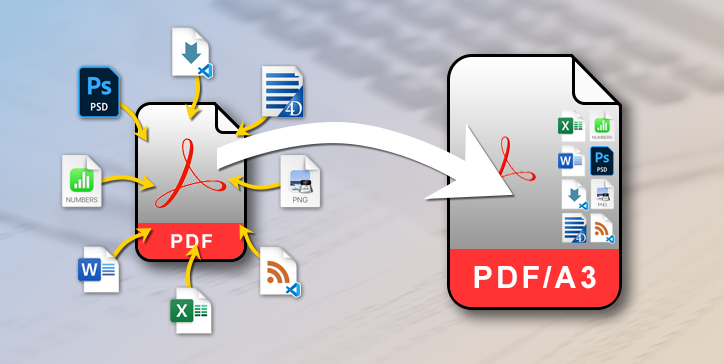
As you already know, since 4D v20 R3, 4D Write Pro can export in PDF/A2 and PDF/A3 (BLOG) formats. Apart from the signature, the main difference betwe...
The PDF format is now a classic and has been available for exporting 4D Write Pro documents for several versions. The PDF/A format is available option...
Got a question, suggestion or just want to get in touch with the 4D bloggers? Drop us a line!
* Your privacy is very important to us. Please click here to view our Policy