
4D Write Pro: Decimal point or comma for number alignment?
Numbers ... big, small, very big, very small ... No matter their size, it's always better if they're easy to read. In most countries and languages, s...

October 27, 2020
1 min read

Numbers ... big, small, very big, very small ... No matter their size, it's always better if they're easy to read. In most countries and languages, s...

As a 4D Write Pro user, you've most likely used expressions (or more recently, formulas) to automatically fill in certain parts of your documents. The...

4D Write Pro brings good news with 4D v18 R2: deleting inline or anchored pictures can now be done in a snap! Say hello to the new command, WP DELETE ...

With 4D v18 R2, 4D Write Pro is able to manage formula objects inside documents. To do so, four new commands have been created: WP Get formulas, WP In...
For 4D Write Pro, 4D v18 brings good news: the arrival of style sheets! We're thrilled to announce that you can now manage your own style sheets for p...

View settings are used to define how a 4D Write Pro document should be displayed. Until 4D v17 R5, these settings could only be modified using the con...


We're thrilled to announce an exciting enhancement in 4D Write Pro! In addition to the features we've rolled out so far, 4D v17 R5 also includes a new...

4D Write Pro documents can be displayed in different modes (draft, page and embedded), each with their own viewing options. For example in Page view m...

As a developer or end user, you know how convenient hyperlinks can be. Without them, you would need to know the URL for every page on the internet! Th...
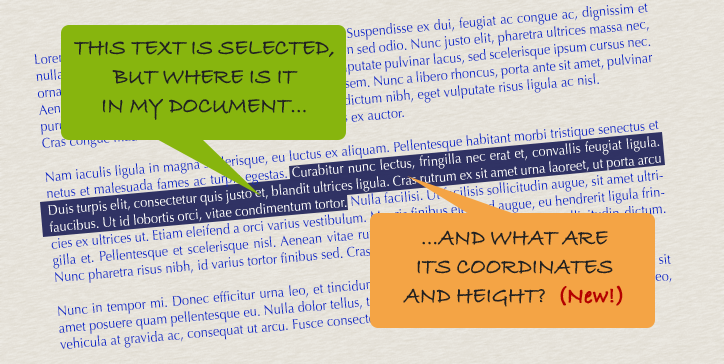
By now, you should be familiar with the WP Get position command. At the very least you've read about it in this blog post. Introduced with v17, it hel...
Got a question, suggestion or just want to get in touch with the 4D bloggers? Drop us a line!
* Your privacy is very important to us. Please click here to view our Policy