
VS Code Extension: Show 4D Documentation
4D v20 R3 comes with a new Visual Studio Code editor feature thanks to the 4D-Analyzer extension — the "Show 4D Documentation" feature! ...

October 19, 2023
1 min read

4D v20 R3 comes with a new Visual Studio Code editor feature thanks to the 4D-Analyzer extension — the "Show 4D Documentation" feature! ...

A new feature of the VS Code extension arrives with 4D V20 R2: code formatting! In this blog post, we will delve into the details of this new functio...

In an era where data security is paramount, updating security libraries is crucial. 4D v20 has taken a significant step forward by upgrading its Open...

In the development industry, CI/CD has become a standard practice. With each code modification, automated actions such as testing, compilation, buildi...
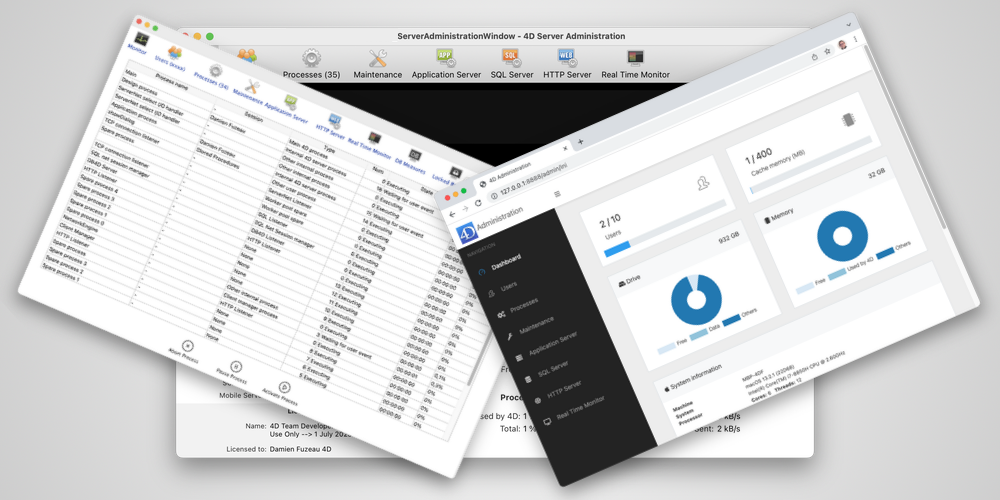
When deploying their applications, some developers want to customize the built-in 4D dialogs to fit their needs. It is especially true for the 4D Serv...

As usual, a new release, new VS Code extension features for developers who want to view and edit code with this free editor. 4D v20 brings new capabi...

PDF format is a viable alternative to XPS for print previewing on Windows, providing users with a more accessible option. Microsoft's decision to make...

Error management is often a constraining part of development in all languages. In 4D, if you forget to call an error-handling method in a new process/...

A new release, a new VS Code extension feature. 4D v19 R8 brings a new capability to the Visual Studio Code editor through the 4D-Analyzer extensio...
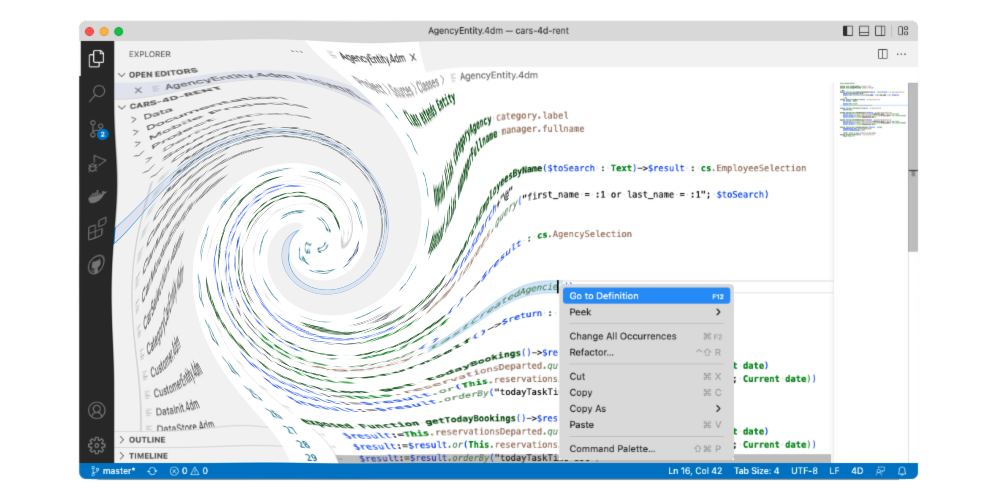
4D v19 R6 brought the support of external source code editors (e.g., Visual Studio Code), allowing them to handle 4D code and provide them with standa...
Got a question, suggestion or just want to get in touch with the 4D bloggers? Drop us a line!
* Your privacy is very important to us. Please click here to view our Policy