
4D Write Pro and tables- Easily resize columns
4D v16 R4 made your dreams come true with the delivery of a huge feature: tables. Real tables where text automatically wraps to fit the column size an...

November 13, 2019
1 min read

4D v16 R4 made your dreams come true with the delivery of a huge feature: tables. Real tables where text automatically wraps to fit the column size an...
For 4D Write Pro, 4D v18 brings good news: the arrival of style sheets! We're thrilled to announce that you can now manage your own style sheets for p...

View settings are used to define how a 4D Write Pro document should be displayed. Until 4D v17 R5, these settings could only be modified using the con...


Prior to 4D v17 R5, you may have discovered upon opening your 4D Write Pro document that the displayed font is not what it is supposed to be! If the d...

A shout out to everyone using 4D Write Pro and letting us know your thoughts about the product. This lets us better understand your needs and difficul...

We're thrilled to announce an exciting enhancement in 4D Write Pro! In addition to the features we've rolled out so far, 4D v17 R5 also includes a new...

4D Write Pro documents can be displayed in different modes (draft, page and embedded), each with their own viewing options. For example in Page view m...

As a developer or end user, you know how convenient hyperlinks can be. Without them, you would need to know the URL for every page on the internet! Th...
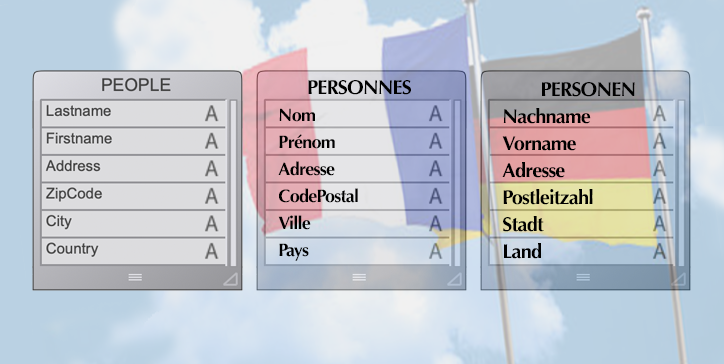
Understanding end user needs and creating user-friendly interfaces are high priorities for every application developers. And as you may know, the 4D ...

By now, you should be familiar with the WP Get position command. At the very least you've read about it in this blog post. Introduced with v17, it hel...
Got a question, suggestion or just want to get in touch with the 4D bloggers? Drop us a line!
* Your privacy is very important to us. Please click here to view our Policy