


Projects were introduced in 4D v17 R5. An architecture representing a giant evolution for 4D applications, projects opened the 4D world to source cont...
Showing 661-670 of 1094 results
Projects were introduced in 4D v17 R5. An architecture representing a giant evolution for 4D applications, projects opened the 4D world to source cont...

4D is pleased to announce the launch of beta testing for 4D v18 R4. 4D v18 R4 is one of the best Feature Releases ever delivered! I'm so thrilled to ...
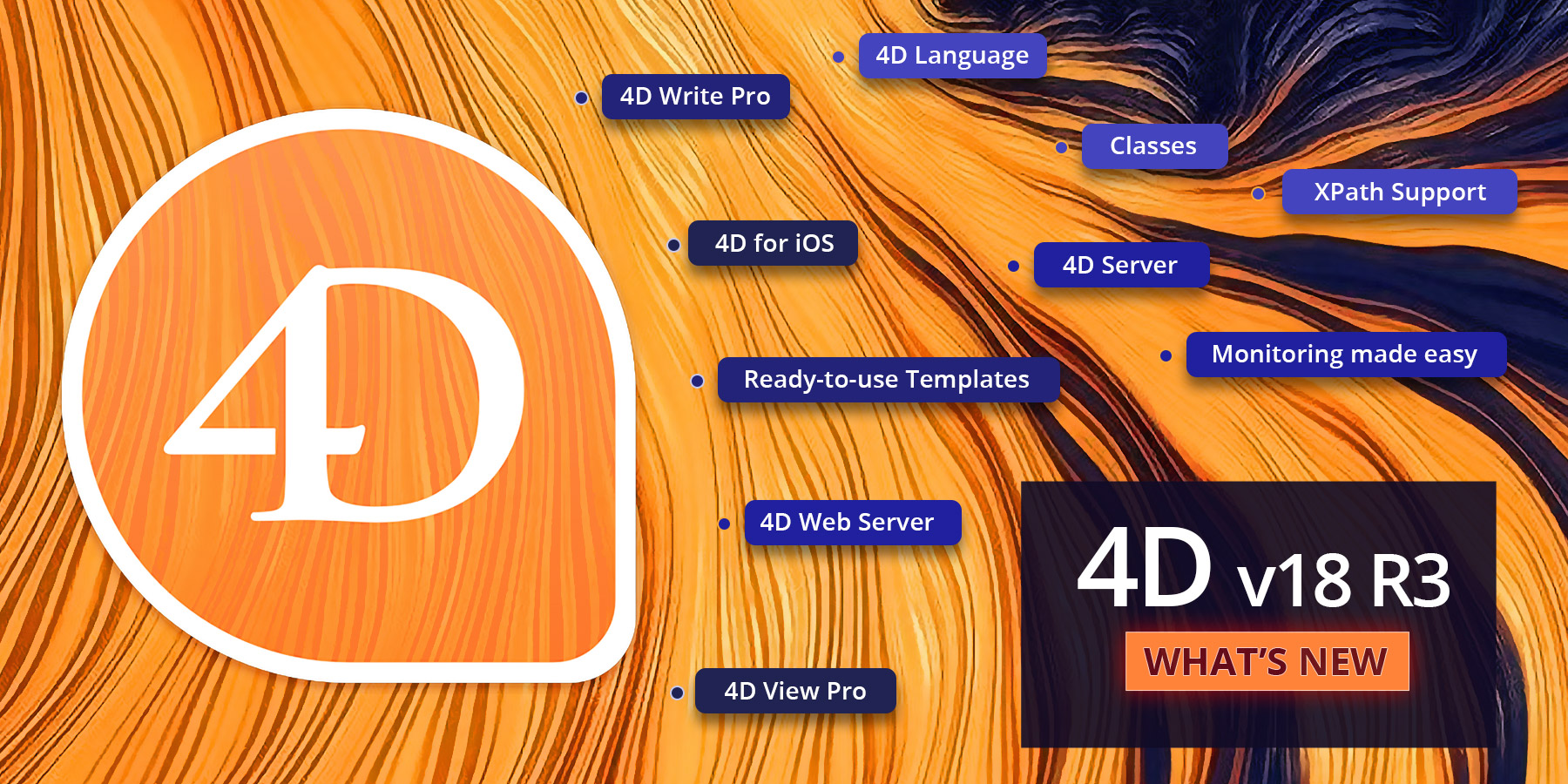
I'm thrilled to announce that 4D v18 R3 is now available! 4D v18 R3 is one of the most jam-packed feature-releases ever delivered. It also marks the ...

In a previous blog post, we showed you that documentation for methods has returned in the Explorer. Want to take things even further and use them as d...

Do you need to load web pages, extract metadata, or generate pictures from the contents of pages on a headless server? If you answered "yes", then you...

Do you need to store all business emails, for example, for legal or fiscal purposes? These documents must be stored as they are. That is, how they wer...

We're thrilled to announce that 4D v18 R3 includes an enhancement that will have a huge impact on the developer's experience. A feature many of you ha...

Do you want to avoid users accidentally modifying a particular 4D Write Pro document (fully or partially)? Are you interested in keeping some parts of...

When developing an application, it can be very useful to have quick access to the details of a method (e.g., an explanation of what it does, its synta...

Many features have been released to help you manage your 4D Server activity. 4D v18 R3 provides 4D administrators another monitoring tool for 4D Ser...
Got a question, suggestion or just want to get in touch with the 4D bloggers? Drop us a line!
* Your privacy is very important to us. Please click here to view our Policy



