
4D Write Pro: Carry Over Rows are Available!
Using tables in 4D Write Pro documents is more frequent, especially since it is possible to associate a datasource to them, which automatically feeds ...

October 14, 2022
1 min read

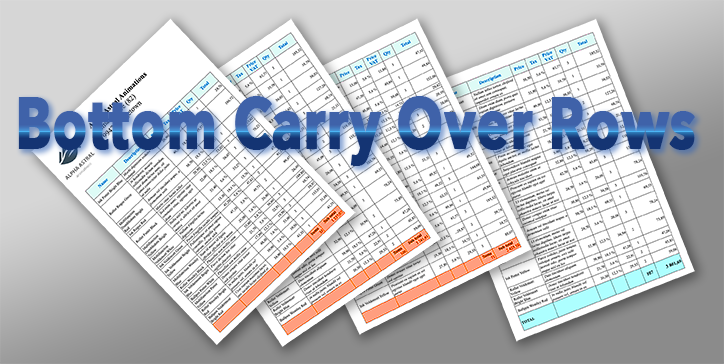
Using tables in 4D Write Pro documents is more frequent, especially since it is possible to associate a datasource to them, which automatically feeds ...

The File and Folder commands, which appeared in 4D v17 R5, enable you to manage folders and files on disk in a modern and efficient way. When it come...

4D Write Pro documents can contain images from different sources and in various formats. These images may, in some cases, not be displayed for totally...

As developers, we often create complex and advanced 4D Write Pro documents. We may generate tables that need to be filled from a data source, and we m...

List boxes are powerful and very customizable form objects. And their power is extended with 4D v19 R6 thanks to two new properties: horizontal and ve...

Starting with 4D v19 R5, the ability to associate a variable with a subform has enriched the possibilities of interfaces and communication between for...
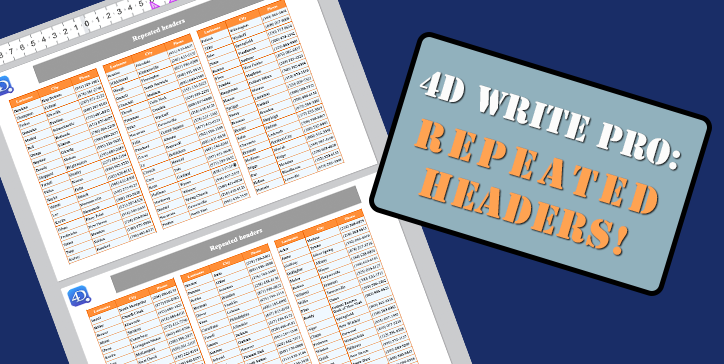
Tables are an essential part of 4D Write Pro. They evolve regularly by offering new presentation options. For example, a table can be displayed on sev...

4D Write Pro documents often contain formulas returning data or calculations depending on the database. Thanks to the use of contexts, associating tha...

The layout of documents is a vital topic in many businesses, and there are many parameters to consider. To have even more precise control over the app...
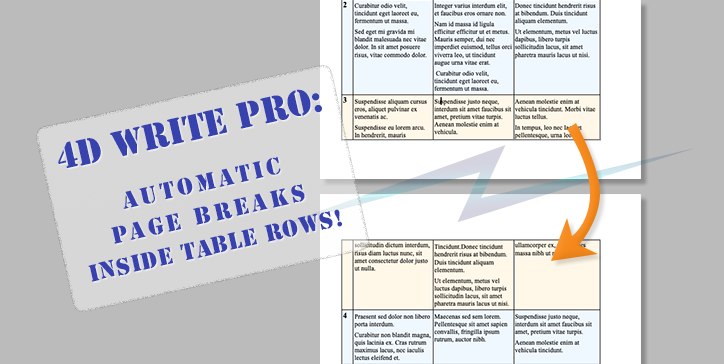
4D Write Pro makes it easy to create complex documents. Display and layout attributes can be applied to different parts of the documents, whether they...
Got a question, suggestion or just want to get in touch with the 4D bloggers? Drop us a line!
* Your privacy is very important to us. Please click here to view our Policy