
4D Write Pro Tables: Introducing Cells Merge
Tables are among the most essential elements in 4D Write Pro documents. 4D v20 R2 brings a new improvement to help you better organise and present inf...

July 18, 2023
1 min read


Tables are among the most essential elements in 4D Write Pro documents. 4D v20 R2 brings a new improvement to help you better organise and present inf...

Introduced with 4D v19 R8, text boxes allow you to insert text, tables, images, formulas, and other elements anywhere into your applications. This fea...

4D v16 R5 brought a significant improvement to the DIALOG command. An improvement that lays in the possibility of passing a new parameter "formData" o...

The 4D Write Pro document tables have greatly improved over the last few versions. In fact, we, the 4D team, are so invested in making 4D Write Pro a ...

The functions associated with collections were introduced with 4D v16 R6 and have evolved with the possibility to use formulas for some of them, like ...

4D Write Pro is an essential product for creating business documents. That's why with every feature release, we give you more features to nail your wo...

List boxes are the most versatile and customizable form objects. Automatic row heights were already possible for array-based list boxes. With the arri...
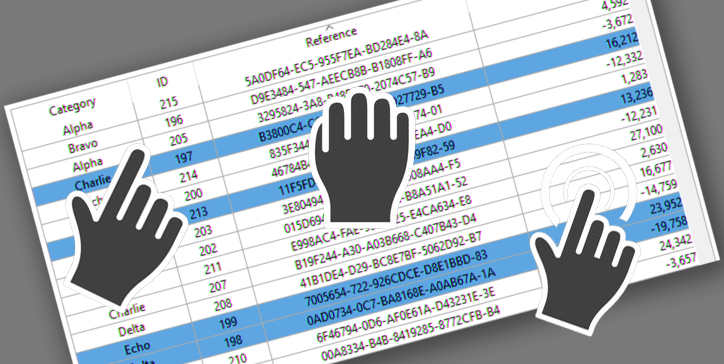
The drag and drop action is a standard action in computer interfaces. In the case of list boxes, pressing the "Alt" key is necessary to move several i...

When a 4D Write Pro document is in edit mode, it's often helpful to know if it has actually been modified by the end user. Based on this information, ...

Formulas are an integral part of 4D Write Pro documents. They allow the integration of a lot of information coming from the database. Creating documen...
Got a question, suggestion or just want to get in touch with the 4D bloggers? Drop us a line!
* Your privacy is very important to us. Please click here to view our Policy