Choose the Right Native Input Style for Your Interface on macOS
Modern operating systems keep evolving their native controls to provide a more consistent and polished user experience. With the introduction of Liqui...

A well-chosen border color can make a form easier to understand and give it a more polished, consistent appearance. Whether you want to highlight an i...
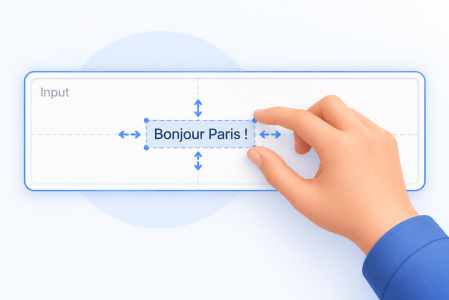
Take Full Control of Text Alignment and Padding in Your Forms With 4D 21 R5, you can fine-tune the layout of Text Areas and Input objects with explic...
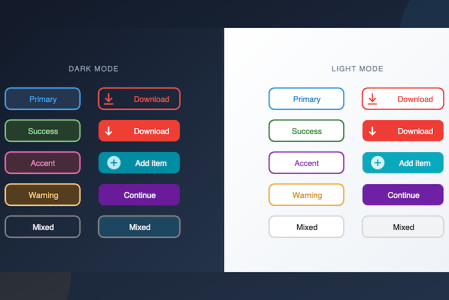
Imagine you're building a toolbar with colorful action buttons, or a settings panel with styled radio buttons and check boxes. You don't need custom a...
When we introduced Fluent UI, the goal was clear: let your 4D applications adopt the modern Windows look and feel with almost no effort. Release afte...
With 4D 21 R3, building modern user interfaces becomes even easier. The Object Library has been enhanced to align with today’s UI standards, including...
With macOS Tahoe, Apple Inc. introduces a new visual language called Liquid Glass. In this release, we follow this interface style to stay aligned wit...
With 4D 21 R2, Fluent UI remains in Developer Preview, but reaches a new milestone with a full native integration directly into 4D. While still in pre...
Ever wanted to enrich your user interface with widgets known from websites, such as a navigation map? Not by learning JavaScript and dealing with CSS ...
Behind the scenes, a significant engineering effort has been carried out to bring native Fluent UI integration into 4D. This means that 4D forms can n...
Got a question, suggestion or just want to get in touch with the 4D bloggers? Drop us a line!
* Your privacy is very important to us. Please click here to view our Policy