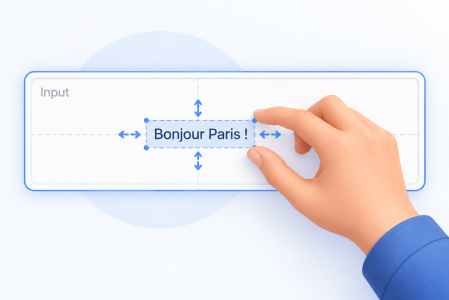
Padding and Vertical Alignment: Fine-Tune Text Placement in Inputs and Text Areas
Take Full Control of Text Alignment and Padding in Your Forms With 4D 21 R5, you can fine-tune the layout of Text Areas and Input objects with explic...
Build better 4D applications with practical patterns and technical deep dives from our blog.
Take Full Control of Text Alignment and Padding in Your Forms With 4D 21 R5, you can fine-tune the layout of Text Areas and Input objects with explic...
Vector data is at the heart of modern AI-powered features: semantic search, recommendation engines, RAG (Retrieval-Augmented Generation) pipelines, an...
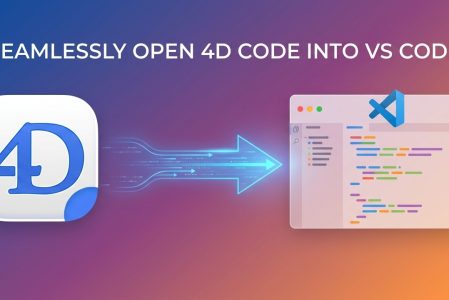
Many developers want to bring the best of the VS Code ecosystem to their everyday 4D work: AI-assisted coding, Git integration, its extension library ...
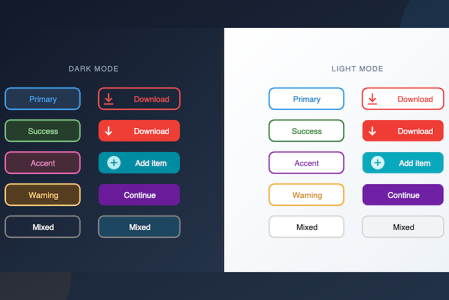
Imagine you're building a toolbar with colorful action buttons, or a settings panel with styled radio buttons and check boxes. You don't need custom a...
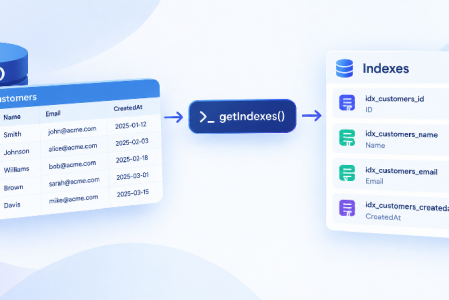
Keeping track of which indexes exist on a table and how they are configured used to require manual inspection through the Structure Editor. With the n...
When we introduced Fluent UI, the goal was clear: let your 4D applications adopt the modern Windows look and feel with almost no effort. Release afte...
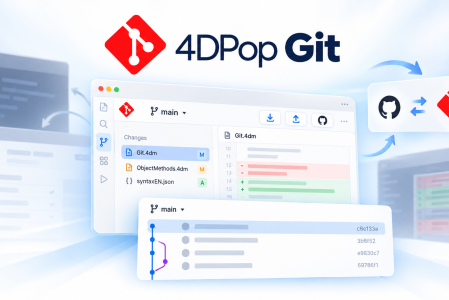
When a 4D project is managed with Git, even a small code change can send you across several tools. You edit the code in 4D, open a terminal to inspect...
For several years your 4D app has been running in client-server mode. This is a common way to deploy an application. For some use cases, such as work...
What’s more tedious than writing repetitive clean-up code at every possible exit point of a complex method? Whether you are managing document closing...
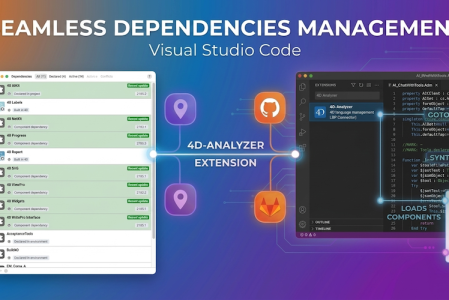
When we introduced the 4D Project Dependencies, our goal was simple: to take the headache out of managing components. Whether your components are stor...
Got a question, suggestion or just want to get in touch with the 4D bloggers? Drop us a line!
* Your privacy is very important to us. Please click here to view our Policy