Discover how object notation can simplify your developer’s life!
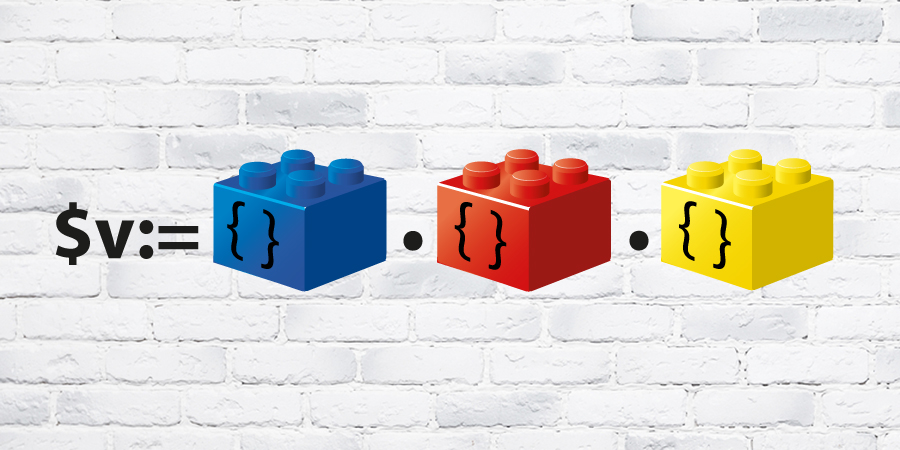
With the object notation, available as a preview in 4D v16 R4, your code is simpler to write, easier to read and more natural to think. That is true. ...

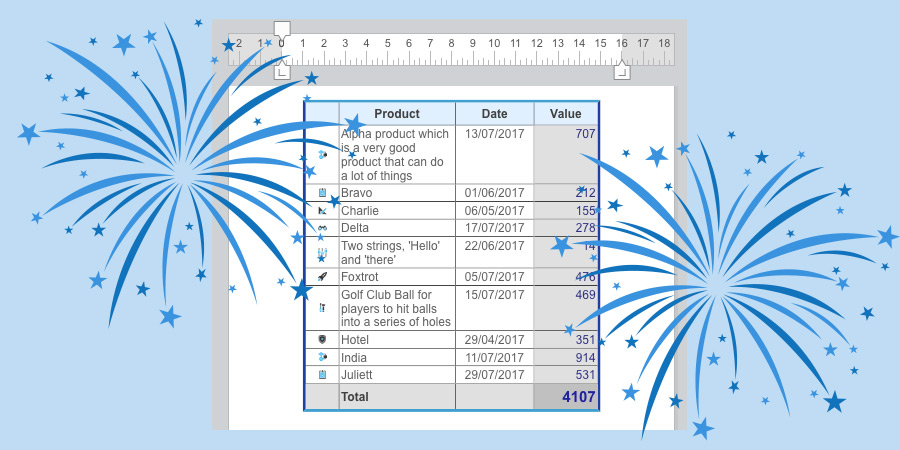
Your wish has finally come true, you can now insert and fill tables by programming in your 4D Write Pro documents. We are not talking about bar tabs m...
Objects are great, everyone says so. Beside their wonderful flexibility, they are unbelievably fast. You can search through millions of records in jus...
You are looking forward to start coding with Object Notation? For sure, Object Notation will make your life easier as a developer. But before activati...
4D gives you new possibilities to customize your 4D Write Pro user interface to make it perfectly fit your business application. Instead of using the ...
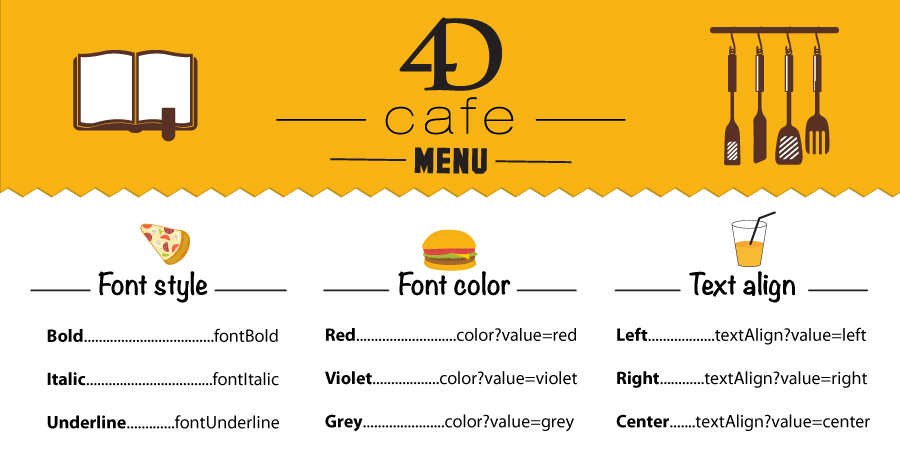
You want to quickly create a toolbar for your Styled text areas. You want to change the font of the text or compute/freeze 4D Expressions without writ...
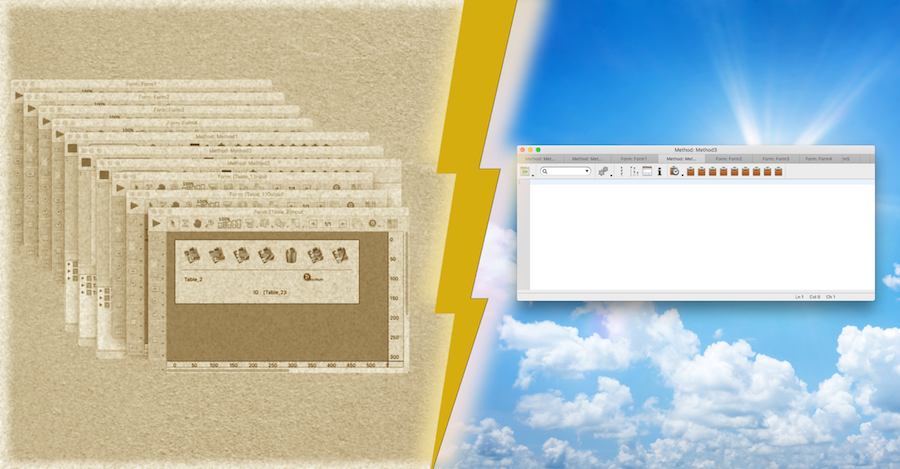
Thanks to macOS Sierra, applications now have to opportunity to use tabbed windows instead of multiple windows. From 4D v16 R3, 4D Developer Edition 6...
When you search for all objects in the Design Environment, 4D displays the results in the hierarchical list. From 4D v16 R3, you can export these resu...
Discover New object, the new command of 4D to initialize an object. This command allows you to either create an empty object or create it with some in...
You want to quickly create a menu bar to manage your 4D Write Pro areas? You want to create your own contextual menu for your end-users ? You would li...
Got a question, suggestion or just want to get in touch with the 4D bloggers? Drop us a line!
* Your privacy is very important to us. Please click here to view our Policy