
A class for easy handling of your sub-forms
On the forum, several requests, tips, or questions have been asked about displaying a message, an hourglass, or some interface elements in the foregro...

February 13, 2024
1 min read

On the forum, several requests, tips, or questions have been asked about displaying a message, an hourglass, or some interface elements in the foregro...

Data Explorer allows you to view the data in your database. You can choose which fields to display, organize, filter, and sort the data. With 4D v20,...

To allow you to make the most beautiful interfaces, we continue to improve the form objects. Since 4D v19 R6, you can define a rounded border for stat...

The "Find and Replace" feature in the code editor has existed for many years. Developers can easily and efficiently search and replace code, especiall...

It's been a long time since you could provide your customers with merged applications in SDI mode. We know that testing an SDI application can be cha...

List boxes are the most versatile and customizable form objects. Automatic row heights were already possible for array-based list boxes. With the arri...


The structure editor is a crucial element of your project. First of all, it allows you to create your structure. But above all, it will enable you to ...

The current trend is for light, clean, soft colors and rounded corners. For you to embellish your applications and follow the latest trends, we have...
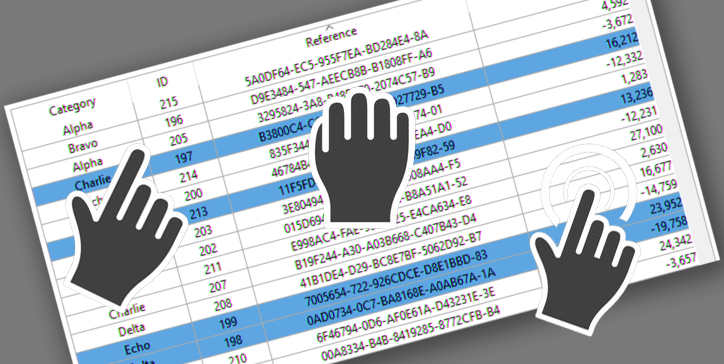
The drag and drop action is a standard action in computer interfaces. In the case of list boxes, pressing the "Alt" key is necessary to move several i...

To ensure that your application follows the latest design trends and that your users are blown away by a minimalistic, stylish, and great looking, we ...
Got a question, suggestion or just want to get in touch with the 4D bloggers? Drop us a line!
* Your privacy is very important to us. Please click here to view our Policy