
4D Write Pro commands optimized again!
As each new version is released, we take into account the feedback we receive from our customers on the general use of 4D Write Pro and its commands. ...

January 21, 2025
1 min read

As each new version is released, we take into account the feedback we receive from our customers on the general use of 4D Write Pro and its commands. ...

Working on 4D Write Pro tables with hidden lines can be tricky! You can't tell where each cell ends, especially with merged ones. But 4D 20 R7 is ship...
Since the tables in 4D Write Pro can be populated by datasources, numerous functions have been added to personalize them as much as possible. These in...

Since the introduction of tables in 4D Write Pro, many new features have been put in place. Including Headers, footers, sort breaks and, of course, th...

Over the last few versions of 4D Write Pro, many table-related features have been added. You can easily create tables based on database data using con...


Tables are among the most essential elements in 4D Write Pro documents. 4D v20 R2 brings a new improvement to help you better organise and present inf...

The 4D Write Pro document tables have greatly improved over the last few versions. In fact, we, the 4D team, are so invested in making 4D Write Pro a ...
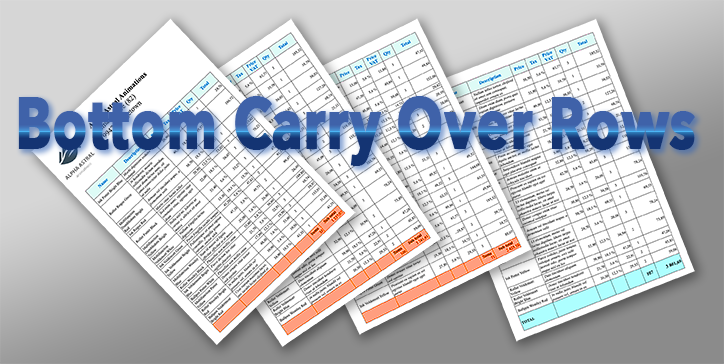
Using tables in 4D Write Pro documents is more frequent, especially since it is possible to associate a datasource to them, which automatically feeds ...

Whatever your business, you must create listings, inventories, tracking sheets, product sheets, invoices, and many other documents. These documents ar...

As developers, we often create complex and advanced 4D Write Pro documents. We may generate tables that need to be filled from a data source, and we m...
Got a question, suggestion or just want to get in touch with the 4D bloggers? Drop us a line!
* Your privacy is very important to us. Please click here to view our Policy