
Building Forms on the fly with New Data Source Commands
In application development, it is often necessary to build forms dynamically. For example, you might want to generate a search form on the fly, tailor...

July 15, 2025
1 min read

In application development, it is often necessary to build forms dynamically. For example, you might want to generate a search form on the fly, tailor...

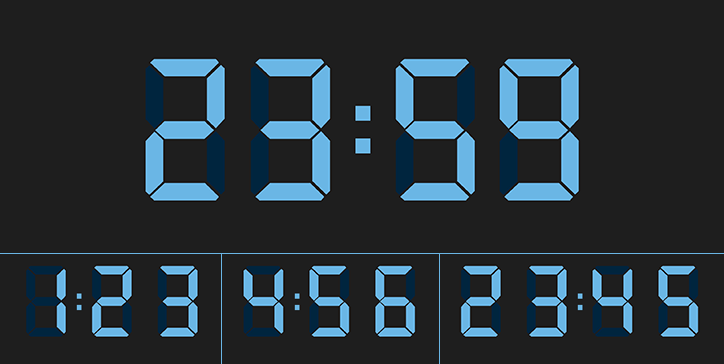
For many versions, the "Blank if null" property has been available for "time" type zones, whether for input or display. However, it was not previously...


List boxes are the most versatile and customizable form objects. Automatic row heights were already possible for array-based list boxes. With the arri...
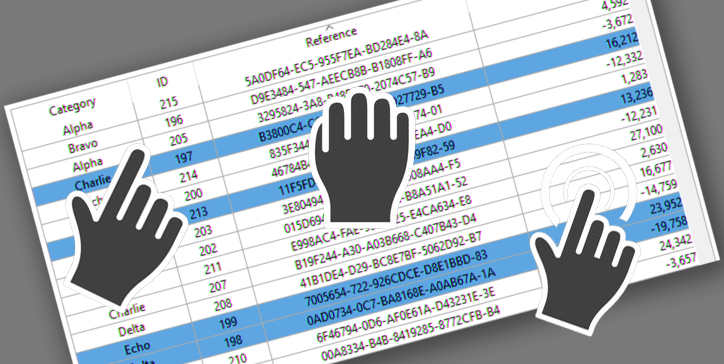
The drag and drop action is a standard action in computer interfaces. In the case of list boxes, pressing the "Alt" key is necessary to move several i...

List boxes are powerful and very customizable form objects. And their power is extended with 4D v19 R6 thanks to two new properties: horizontal and ve...
List boxes are great, powerful tools to display data in the interface. They can display fields from records, items from arrays, and since recently, en...

As a developer, you're used to handling events inside form objects. The most common is the on clicked form event which can be used in most objects, in...
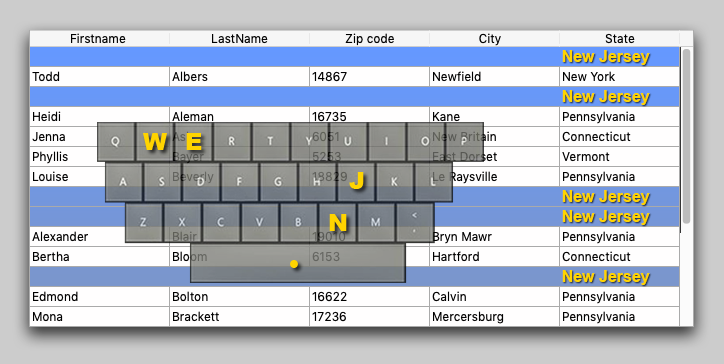
If you're interested in the user interface, you may have already used the On before keystroke and On after keystroke events. You'll certainly be happy...

List boxes are powerful form objects. They're easily created and manipulated, and most importantly, they can handle any kind of data. Additionally, th...

You've probably used the LISTBOX SELECT ROW command many times, looping through each entity in order to select the rows for an entity selection. 4D v...

Got a question, suggestion or just want to get in touch with the 4D bloggers? Drop us a line!
* Your privacy is very important to us. Please click here to view our Policy