
Links in 4D Write Pro documents
As a developer or end user, you know how convenient hyperlinks can be. Without them, you would need to know the URL for every page on the internet! Th...

April 29, 2019
1 min read
Generate and automate data driven documents, build adaptive tables, manage large datasets, export PDF or PDF/A, create electronic invoices, attach files, and use the integrated AI assistant.

As a developer or end user, you know how convenient hyperlinks can be. Without them, you would need to know the URL for every page on the internet! Th...
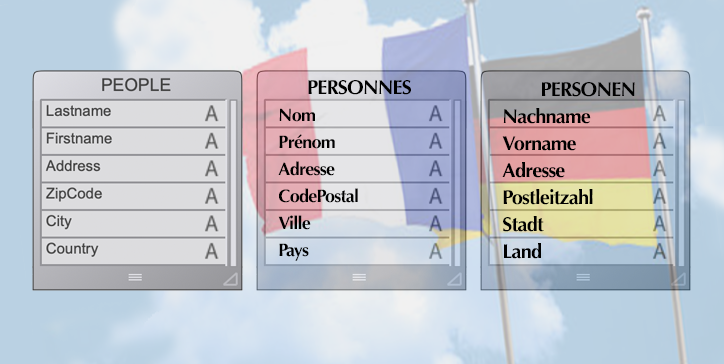
Understanding end user needs and creating user-friendly interfaces are high priorities for every application developers. And as you may know, the 4D ...
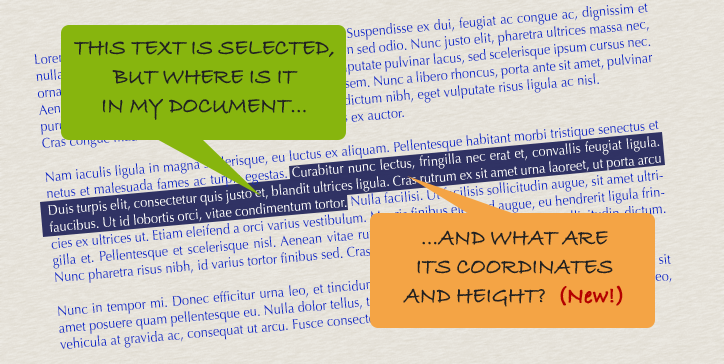
By now, you should be familiar with the WP Get position command. At the very least you've read about it in this blog post. Introduced with v17, it hel...

Becoming more feature-rich with every R-release, 4D v17 R4 introduces the ability to export 4D Write Pro documents in .docx format! ...

We've received comments on the forum and TAOW about features that previously existed in the 4D Write plug-in but seem to be missing in 4D Write Pro. Y...


To produce a nice document, you need to respect some typesetting rules and fundamentals. For example, the grammar, spelling, and structure of your doc...

4D Write Pro has become a mature product with a lot of functionalities, surpassing the 4D Write plug-in in many areas (tables and bookmarks, for examp...

When creating a 4D Write Pro document, you need to define the page size, orientation, and margins. Starting with v17 R3, you can do all this by progra...

Since v16 R5, it's been possible to access and modify an existing header and footer by programming. If you want to add a header and footer to your 4D ...

Want a different background per section? Or maybe a different margin per section? How about a different number of columns per section? Want to do all ...
Got a question, suggestion or just want to get in touch with the 4D bloggers? Drop us a line!
* Your privacy is very important to us. Please click here to view our Policy