Choose the Right Native Input Style for Your Interface on macOS
Modern operating systems keep evolving their native controls to provide a more consistent and polished user experience. With the introduction of Liqui...

A well-chosen border color can make a form easier to understand and give it a more polished, consistent appearance. Whether you want to highlight an i...
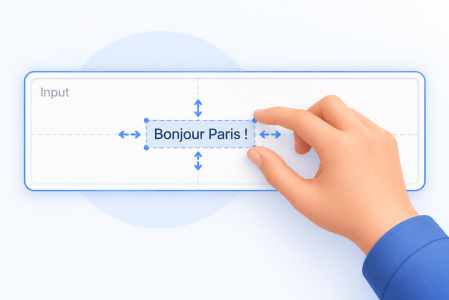
Take Full Control of Text Alignment and Padding in Your Forms With 4D 21 R5, you can fine-tune the layout of Text Areas and Input objects with explic...
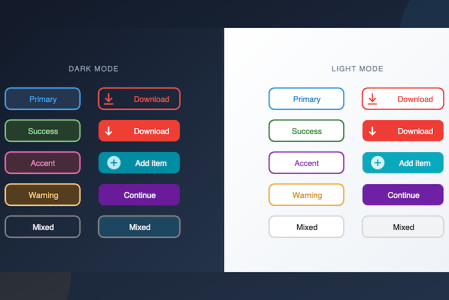
Imagine you're building a toolbar with colorful action buttons, or a settings panel with styled radio buttons and check boxes. You don't need custom a...
With 4D 20 R5, unlocking new possibilities in application customization, two additional window types now offer flexible modal or non-modal windows wit...
To allow you to make the most beautiful interfaces, we continue to improve the form objects. Since 4D v19 R6, you can define a rounded border for stat...
The current trend is for light, clean, soft colors and rounded corners. For you to embellish your applications and follow the latest trends, we have...
Starting with 4D v19 R5, the ability to associate a variable with a subform has enriched the possibilities of interfaces and communication between for...
Web areas can display various types of web content within your forms: HTML pages with static or dynamic contents, files, pictures,... You can choose b...
With COVID-19, the remote office has become a new standard, and video conferencing is becoming commonplace for professionals. As a result, more and mo...
Got a question, suggestion or just want to get in touch with the 4D bloggers? Drop us a line!
* Your privacy is very important to us. Please click here to view our Policy