
4D Write Pro: a new way to set TABS!
We're thrilled to announce an exciting enhancement in 4D Write Pro! In addition to the features we've rolled out so far, 4D v17 R5 also includes a new...

May 23, 2019
1 min read

We're thrilled to announce an exciting enhancement in 4D Write Pro! In addition to the features we've rolled out so far, 4D v17 R5 also includes a new...

4D Write Pro documents can be displayed in different modes (draft, page and embedded), each with their own viewing options. For example in Page view m...

As a developer or end user, you know how convenient hyperlinks can be. Without them, you would need to know the URL for every page on the internet! Th...
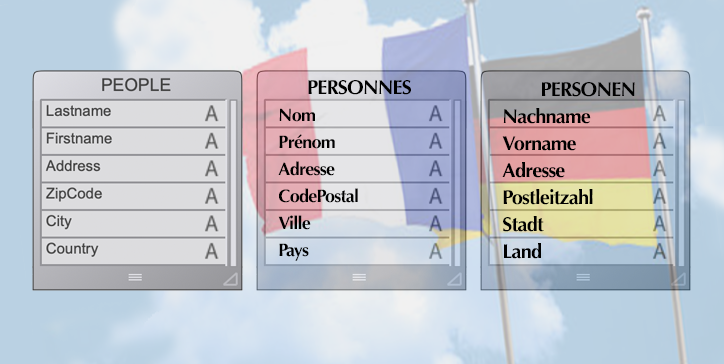
Understanding end user needs and creating user-friendly interfaces are high priorities for every application developers. And as you may know, the 4D ...
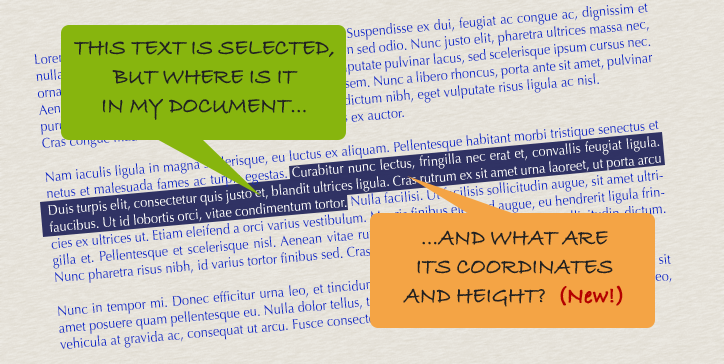
By now, you should be familiar with the WP Get position command. At the very least you've read about it in this blog post. Introduced with v17, it hel...
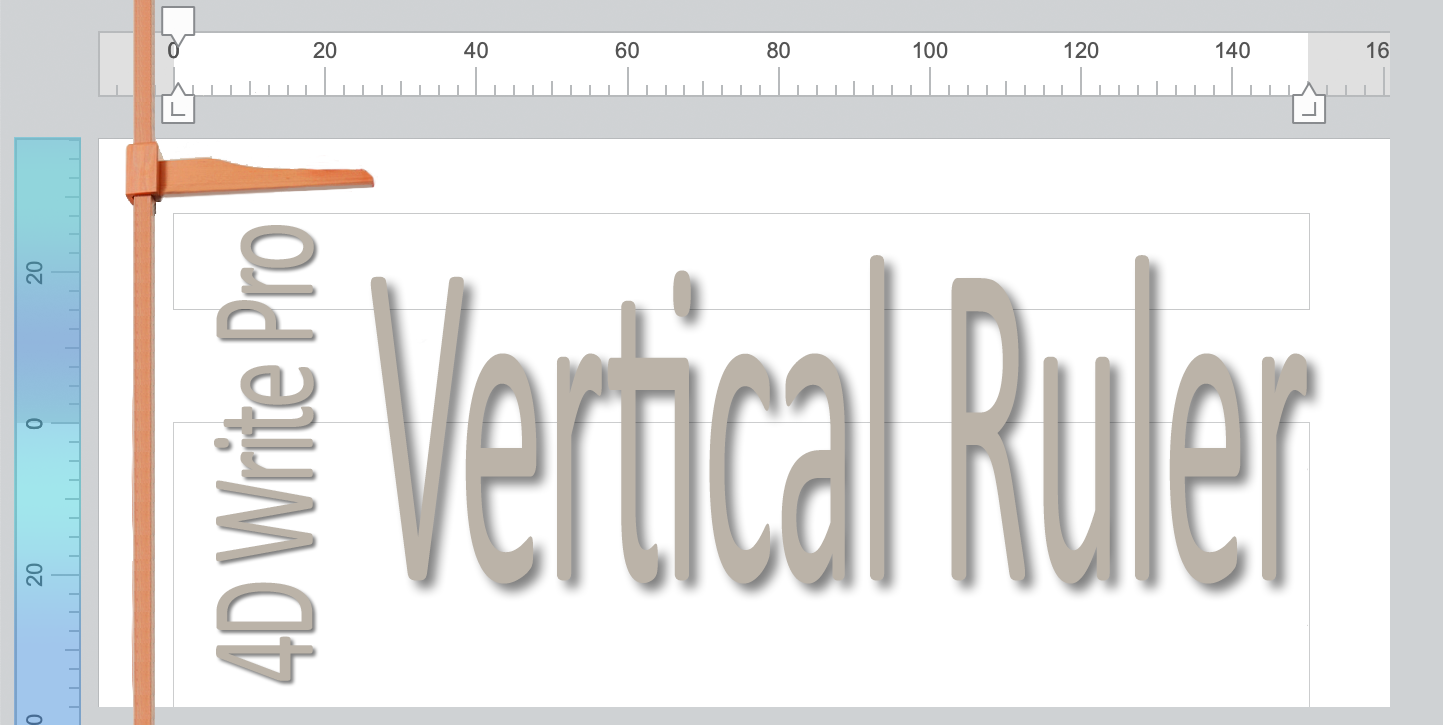
We're pleased to announce that a new feature has been added to 4D Write Pro. In page mode, a vertical ruler can be displayed on the left side of the p...

Becoming more feature-rich with every R-release, 4D v17 R4 introduces the ability to export 4D Write Pro documents in .docx format! ...

To produce a nice document, you need to respect some typesetting rules and fundamentals. For example, the grammar, spelling, and structure of your doc...


When creating a 4D Write Pro document, you need to define the page size, orientation, and margins. Starting with v17 R3, you can do all this by progra...

Since v16 R5, it's been possible to access and modify an existing header and footer by programming. If you want to add a header and footer to your 4D ...
Got a question, suggestion or just want to get in touch with the 4D bloggers? Drop us a line!
* Your privacy is very important to us. Please click here to view our Policy