
Introducing the Latest Find and Replace Features
The "Find and Replace" feature in the code editor has existed for many years. Developers can easily and efficiently search and replace code, especiall...

April 27, 2023
1 min read
Use the 4D code editor with real time validation, structured warnings, and intelligent syntax checking. Leverage the debugger, workspace analysis, VS Code integration, and remote debugging tools to detect issues early and maintain code quality.

The "Find and Replace" feature in the code editor has existed for many years. Developers can easily and efficiently search and replace code, especiall...
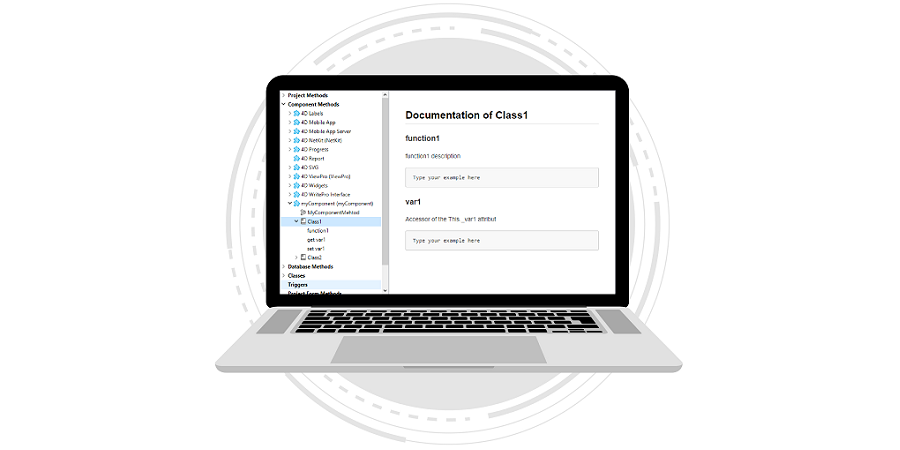
From the 4D v19 R5, components can publish their classes. This feature came with tips and code completion support to smooth your code writing. To mak...


When it comes to customizing the code editor, everyone thinks of the font and colors of the code. But it is also possible to customize the code editor...

Comments are essential in a developer's life. When we work on a new feature, we often add comments that are reminders. For example: to validate a ...

Classes were introduced with 4D v18 R3. They allow you to organize your business logic and separate it from the UI part more quickly. Classes are com...

In the latest versions of 4D, several improvements have been made to simplify the writing of code with classes: function and attribute suggestions...

The code editor’s feature set grows with every release, and 4Dv19 is no exception. Every developer has their own special - and sometimes peculiar - t...

With 4D 18 R4, we announced the availability of the suggested functions for classes (4D and data model). With 4D v18 R6, we've got more great news to ...

Adding a block of comments at the beginning of a method is useful for adding a note about what a method does, as well as a list of input/output parame...
Got a question, suggestion or just want to get in touch with the 4D bloggers? Drop us a line!
* Your privacy is very important to us. Please click here to view our Policy