
Use DIALOG instead of MODIFY SELECTION
There is an old saying: "Old is gold" meaning that new ways are not as good as the old ones. But the new way to say is "Old is gold but new is platinu...

November 15, 2017
1 min read

There is an old saying: "Old is gold" meaning that new ways are not as good as the old ones. But the new way to say is "Old is gold but new is platinu...

4D v15 R5 introduces a new, simple and powerful way to exchange information between processes and also between processes and forms. This feature is ba...

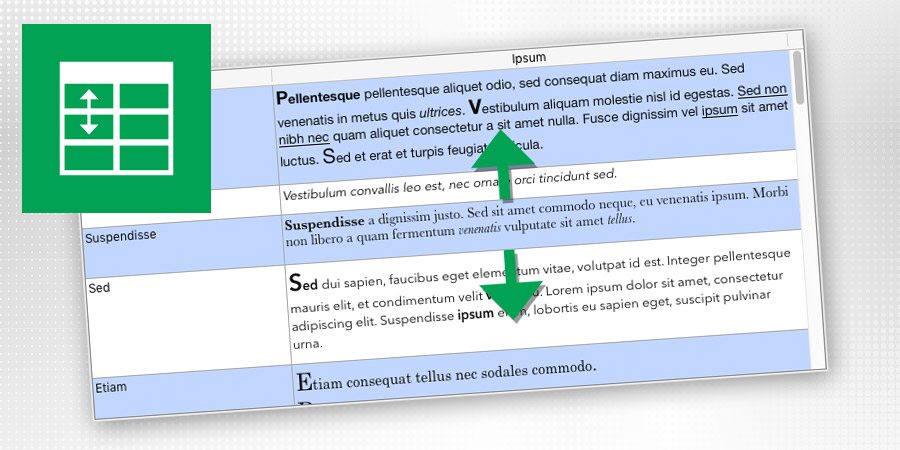
Displaying a list where the line height would exactly fit the content is a very common need. 4D View Pro is including a new feature so that you can no...
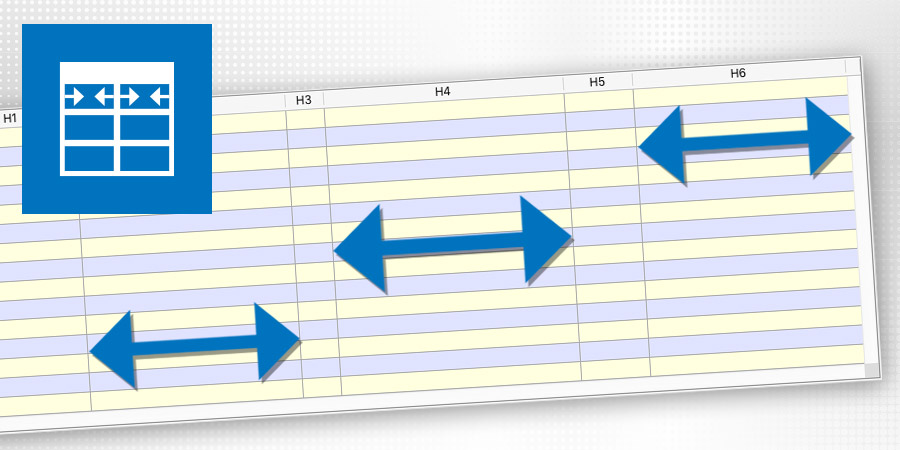
4D v16 includes a new feature providing your end-user great freedom and flexibility at the interface level when using list boxes. The constraints defi...


This feature allows users to save and restore print settings (even those that cannot be set using 4D Get print option and SET PRINT OPTION commands) q...

The event On Column Resize is now triggered "live" during the resizing of the list boxes as long as the user modifies the column widths (previously, i...

Object fields introduced with v15 allows unstructured data bases, similar to schemaless database (NoSQL). 4D v16 goes a big step further. Get a dyna...


In 4D v16 the texts for all the form objects (static texts, buttons, check boxes, etc...) will be stored in Unicode, allowing you to use characters fr...

4D v16 is providing you with an enhanced integration of object fields in your database. If you have already pre-selected sets of an object field, you...
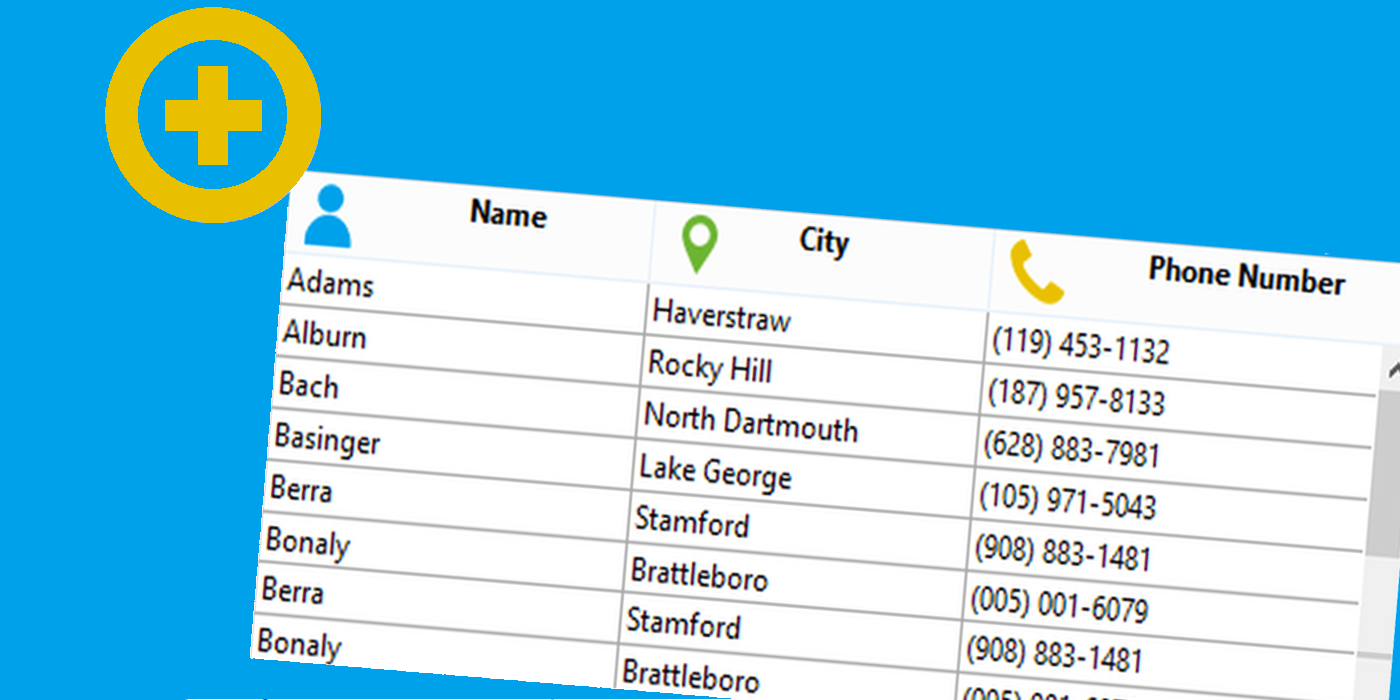
From 4D v15 R5, you can add an icon in the listbox header by programming. The image can come from a file, a picture variable or the picture library. T...
Got a question, suggestion or just want to get in touch with the 4D bloggers? Drop us a line!
* Your privacy is very important to us. Please click here to view our Policy