
Display a collection in a listbox
Recently, 4D introduced of a new type of variable: collections, as well as a large set of methods to manipulate them. With 4D v17, the possibilities o...

April 12, 2018
1 min read

Recently, 4D introduced of a new type of variable: collections, as well as a large set of methods to manipulate them. With 4D v17, the possibilities o...
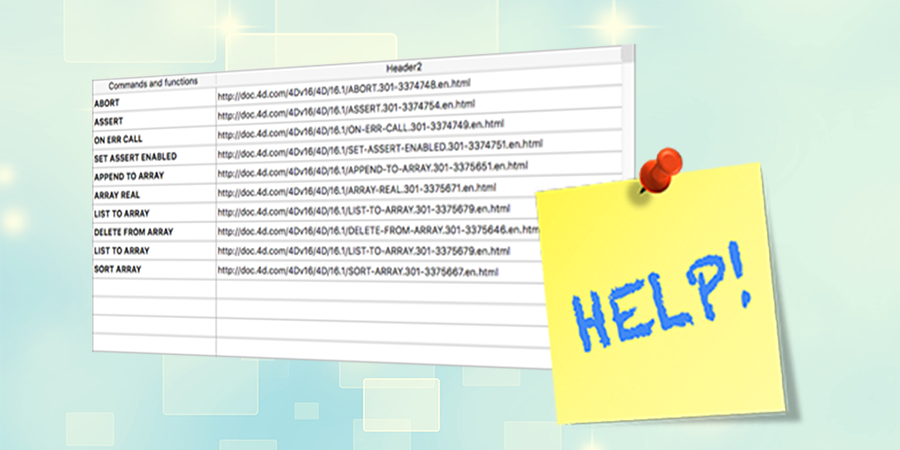
Help tips or hints are very useful, as they simplify the user interface and help users understand objects that sometimes aren’t self-evident. 4D suppo...

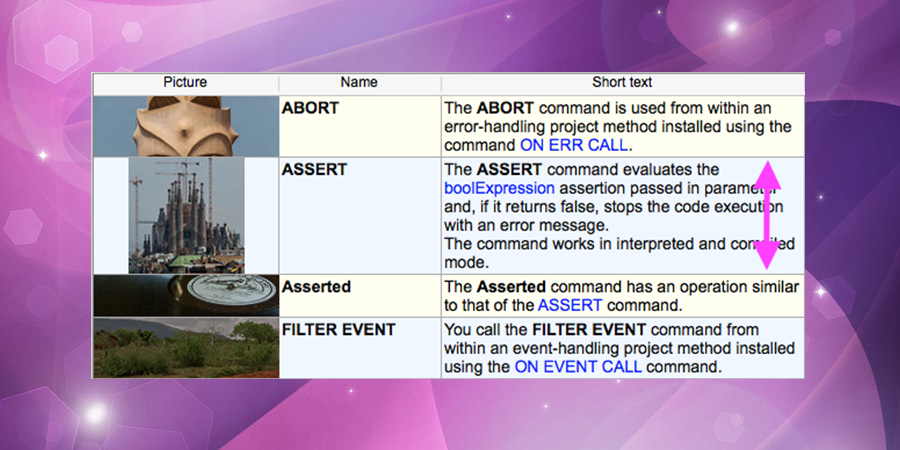
Starting with 4D v16, you can set a different row height for each row in your list box. So with a few lines of code, you have a list box with rows tha...

Want to do generic programming using listboxes? So this feature is for you! With 4D v16 R2, 20+ new listbox properties can be dynamically manipulated...
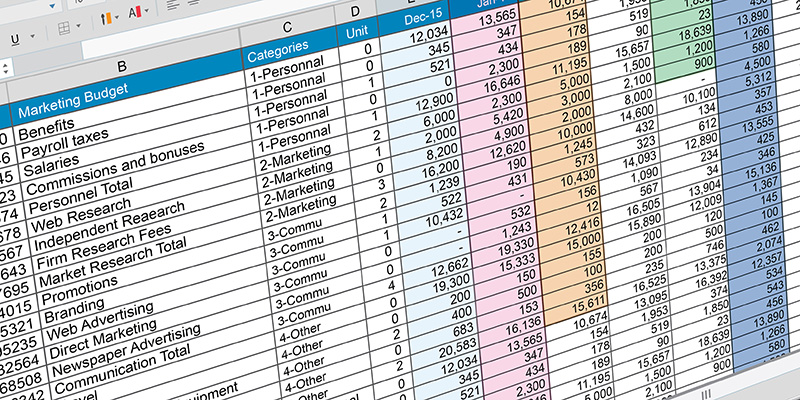
A new step is reached to provide our developers with a fully customizable listbox object, entirely adaptable to user need. A new option is available i...
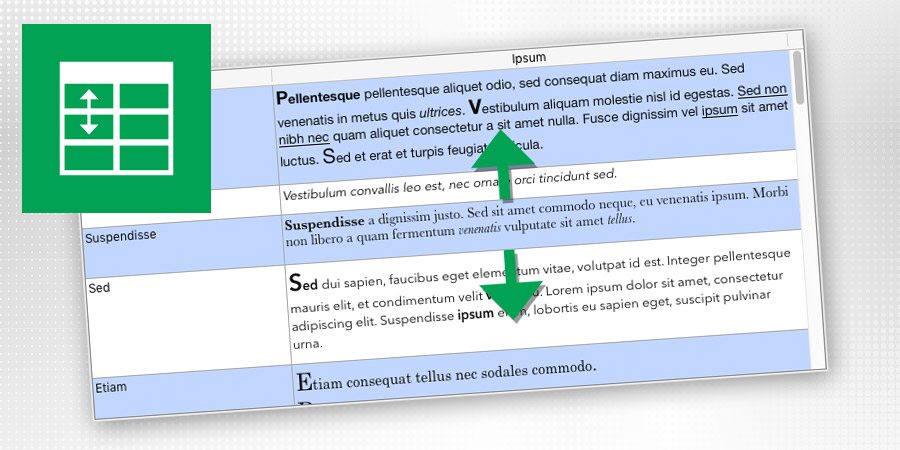
Displaying a list where the line height would exactly fit the content is a very common need. 4D View Pro is including a new feature so that you can no...
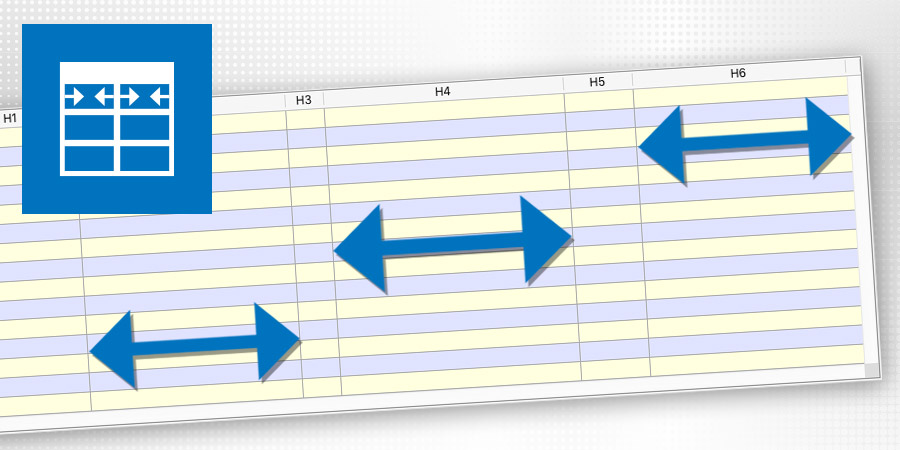
4D v16 includes a new feature providing your end-user great freedom and flexibility at the interface level when using list boxes. The constraints defi...

The event On Column Resize is now triggered "live" during the resizing of the list boxes as long as the user modifies the column widths (previously, i...
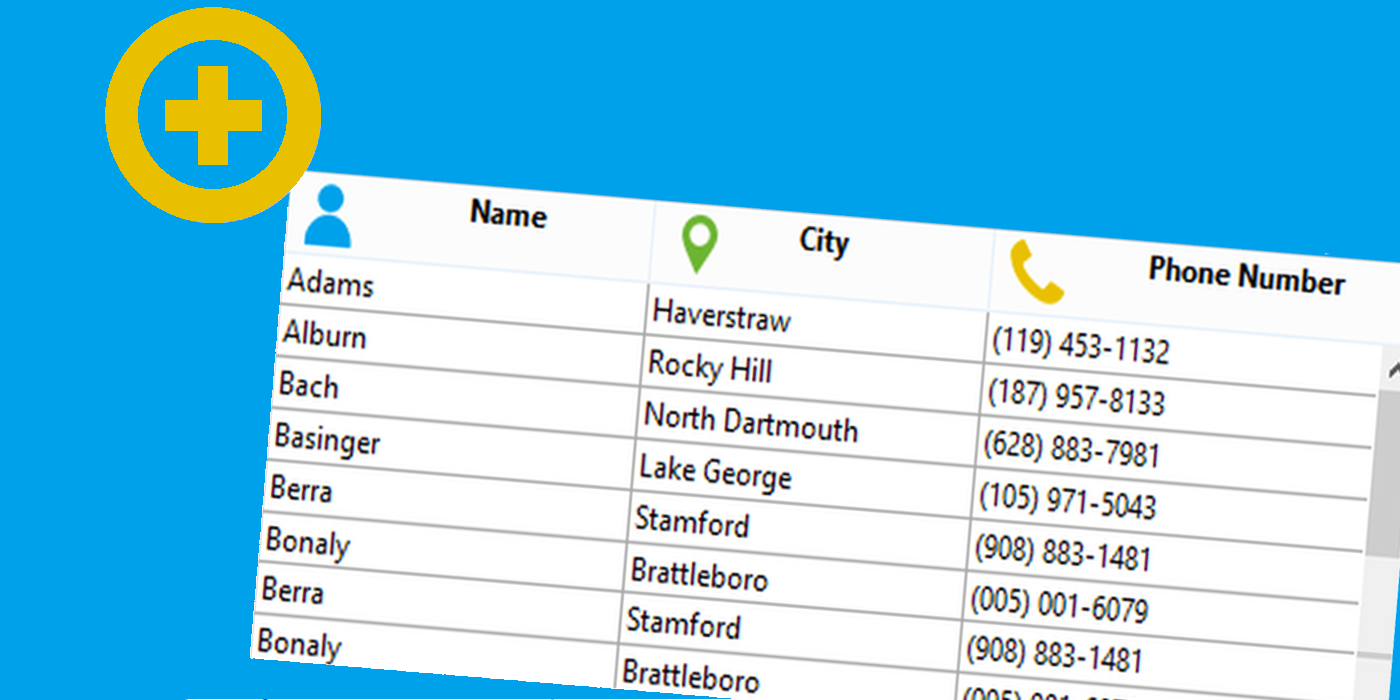
From 4D v15 R5, you can add an icon in the listbox header by programming. The image can come from a file, a picture variable or the picture library. T...


Easily create flexible and powerful UIs, dialogs and widgets with 4D View Pro! To know more about 4D View Pro, check out this blog post. This feature...
Got a question, suggestion or just want to get in touch with the 4D bloggers? Drop us a line!
* Your privacy is very important to us. Please click here to view our Policy