
Introducing the Latest Find and Replace Features
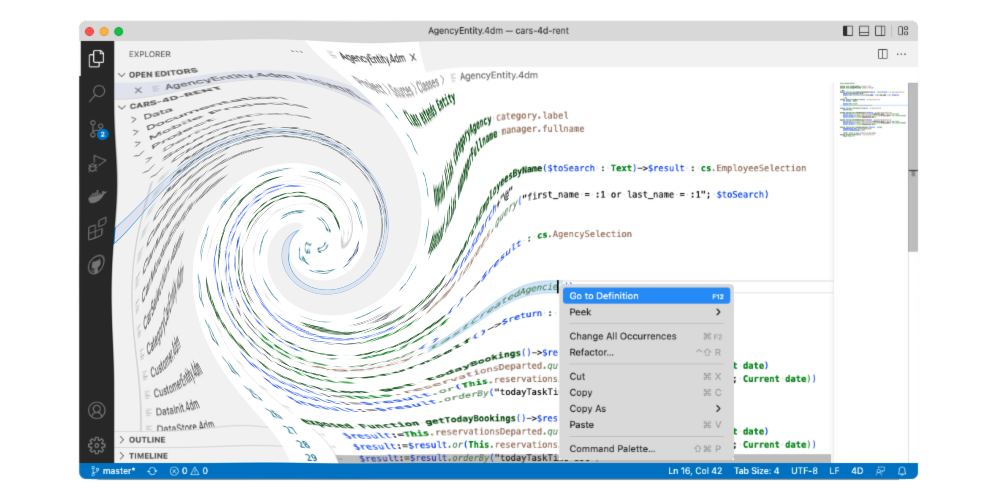
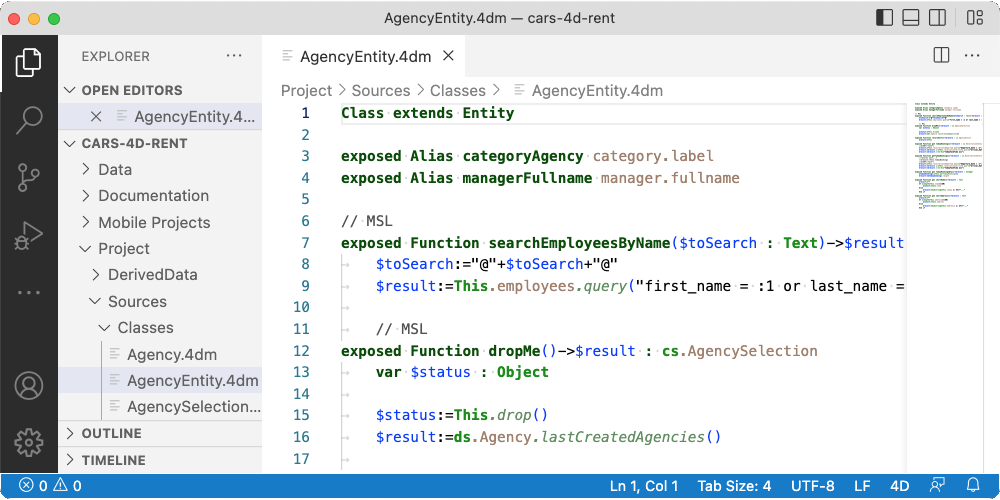
The "Find and Replace" feature in the code editor has existed for many years. Developers can easily and efficiently search and replace code, especiall...

April 27, 2023
1 min read

The "Find and Replace" feature in the code editor has existed for many years. Developers can easily and efficiently search and replace code, especiall...

As usual, a new release, new VS Code extension features for developers who want to view and edit code with this free editor. 4D v20 brings new capabi...


A new release, a new VS Code extension feature. 4D v19 R8 brings a new capability to the Visual Studio Code editor through the 4D-Analyzer extensio...
4D v19 R6 brought the support of external source code editors (e.g., Visual Studio Code), allowing them to handle 4D code and provide them with standa...
We recently talked about our new Visual Studio Code extension allowing VS Code to communicate with 4D for code management. The syntax highlighting was...

4D now supports the Language Server Protocol to allow external source code editors to handle 4D code and provide them with standard functionalities su...

Components can now publish classes! And even better, if your application is still in binary mode, you can now benefit from classes and object-oriented...


When it comes to customizing the code editor, everyone thinks of the font and colors of the code. But it is also possible to customize the code editor...

Commands, constants, tables and fields are stored with their tokens in the project source code files (4dm files). This allows 4D to rename them automa...

Comments are essential in a developer's life. When we work on a new feature, we often add comments that are reminders. For example: to validate a ...
Got a question, suggestion or just want to get in touch with the 4D bloggers? Drop us a line!
* Your privacy is very important to us. Please click here to view our Policy