
User settings linked to the data file
If you’re used to run multiple 4D instances of an application on the same system, we are introducing with 4D v16 a feature that will simplify your lif...

December 14, 2016
1 min read

If you’re used to run multiple 4D instances of an application on the same system, we are introducing with 4D v16 a feature that will simplify your lif...

Since 4D v11, the database server and SQL server both use preemptive multi-threading. Starting with 4D v13, the Web Server in Static mode also uses pr...

One common usage of 4D Write was to create documents automatically, such as invoices, reports, orders, based on templates created or designed by the e...


In 4D v16, a new Get 4D File command returns the file path to different 4D files. You can now easily retrieve the path for the following files: Ba...

Bookmarks can now be created inside 4D Write Pro documents. But what are bookmarks exactly? A bookmark is a named reference matching a text selection ...
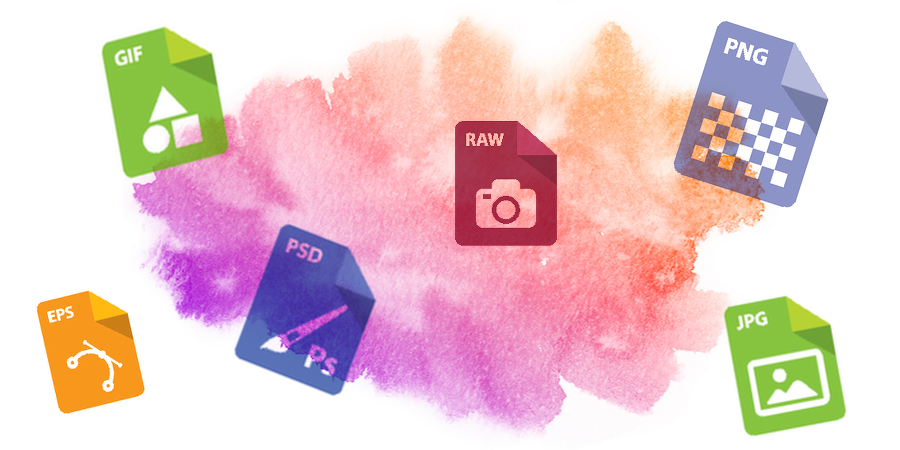
A picture field or variable can store different image formats – and even one image in several formats at the same time. As example, an image could be ...

From 4D v16, you can define at design phase the way a 4D Write Pro document will be displayed in a 4D Write Pro area. Without writing a single line of...


With 4D v16, 4D Write Pro is now providing a higher level of protection regarding the evaluation of 4D expressions in documents. Developers can now f...

4D v15 R5 introduces a new, simple and powerful way to exchange information between processes and also between processes and forms. This feature is ba...
On the way to provide Windows 64-bit version of the 4D product line we reached a major milestone, an Altura-free version. Altura is a library to emula...
Got a question, suggestion or just want to get in touch with the 4D bloggers? Drop us a line!
* Your privacy is very important to us. Please click here to view our Policy