
Introducing the New 4D Blog Experience

June 12, 2026
6 min read
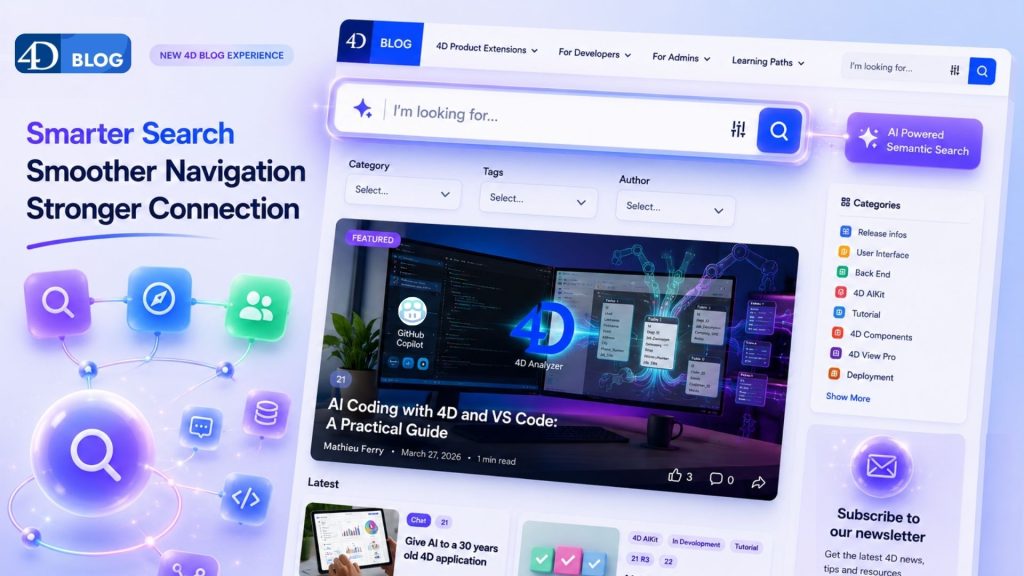
4D Blog has become much more than a place for product announcements.
Over the years, it has grown into a rich library of technical articles, tutorials, release highlights, best practices, and expert insights covering every corner of the 4D ecosystem.
As that library continued to grow, we faced a simple challenge: how do you help readers find the right information faster?
The answer wasn’t another redesign.
It was rethinking how content is discovered, explored, and shared.
That’s exactly what the new 4D Blog experience is all about.
Let’s start with the biggest change.
The new search experience is powered by semantic search, which means it understands the meaning behind your request rather than simply matching keywords.
Instead of remembering exact article titles or feature names, you can describe what you’re trying to achieve in natural language. That’s why the search bar now starts with a simple prompt: “I’m looking for…”

Whether you’re searching for information about ORDA, deployment, AI, document generation, or a feature you vaguely remember reading about months ago, the search engine helps surface the most relevant content based on context and intent.
To help you narrow your results even further, search can be refined using Categories, Tags, and Authors. Categories help you focus on a specific area of the platform, tags make it easy to explore related technologies, products, concepts, and releases, while author filters allow you to quickly find content from a specific contributor.
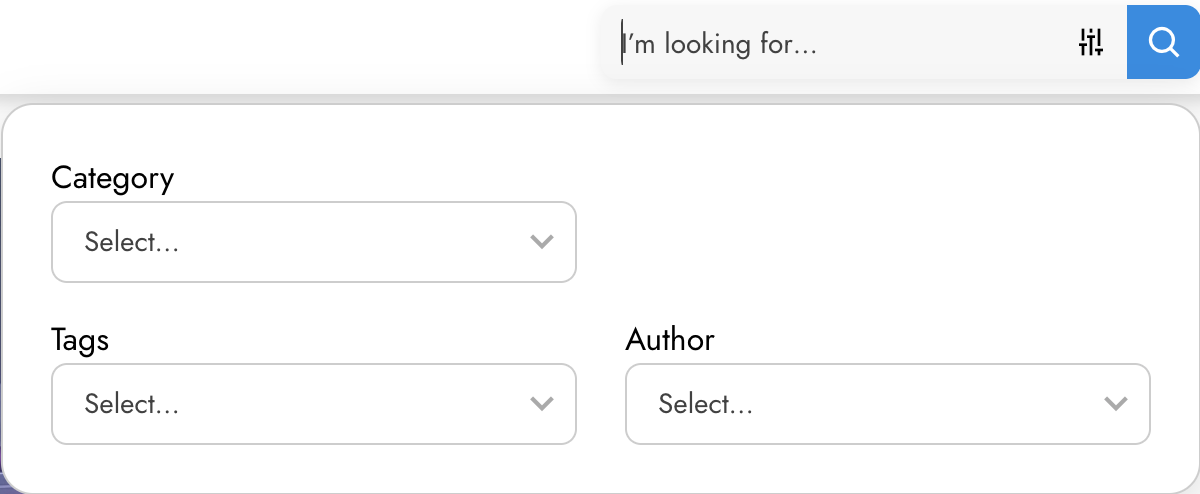
The result is a search experience that feels much closer to how people actually think and ask questions.
One of the most interesting things about this new search experience is that it’s not just a blog feature.
It’s a real world example of what you can build with 4D 21, 4D AIKit, and vector technologies.
Semantic search is only one use case. The same AI capabilities can be used to help users discover information, summarize content, answer questions, assist with workflows, generate content, analyze data, and interact with applications more naturally.
If you’re curious about how this works and how you can build similar experiences in your own applications, here are a few recommended articles to get started:
1. Start with 4D AIKit Fundamentals:
2. Discover Vectors and Semantic Search:
3. Make AI More Reliable and Predictable:
4. See Real World AI Use Cases:
5. Go Further with AI and 4D Write Pro:
The new 4D Blog doesn’t just showcase AI. It demonstrates how technologies such as 4D AIKit, vectors, semantic search, structured outputs, and intelligent assistants can work together to create applications that are more intuitive, more powerful, and ultimately more useful to their users.
Not every article has the same purpose.
Some announce major releases. Others introduce strategic initiatives, important features, or content that every developer should know about.
The new homepage now includes a dedicated Featured Article section that allows the Product Team to highlight important content and keep it visible for longer. This ensures major announcements and must read articles don’t immediately disappear beneath newer publications.
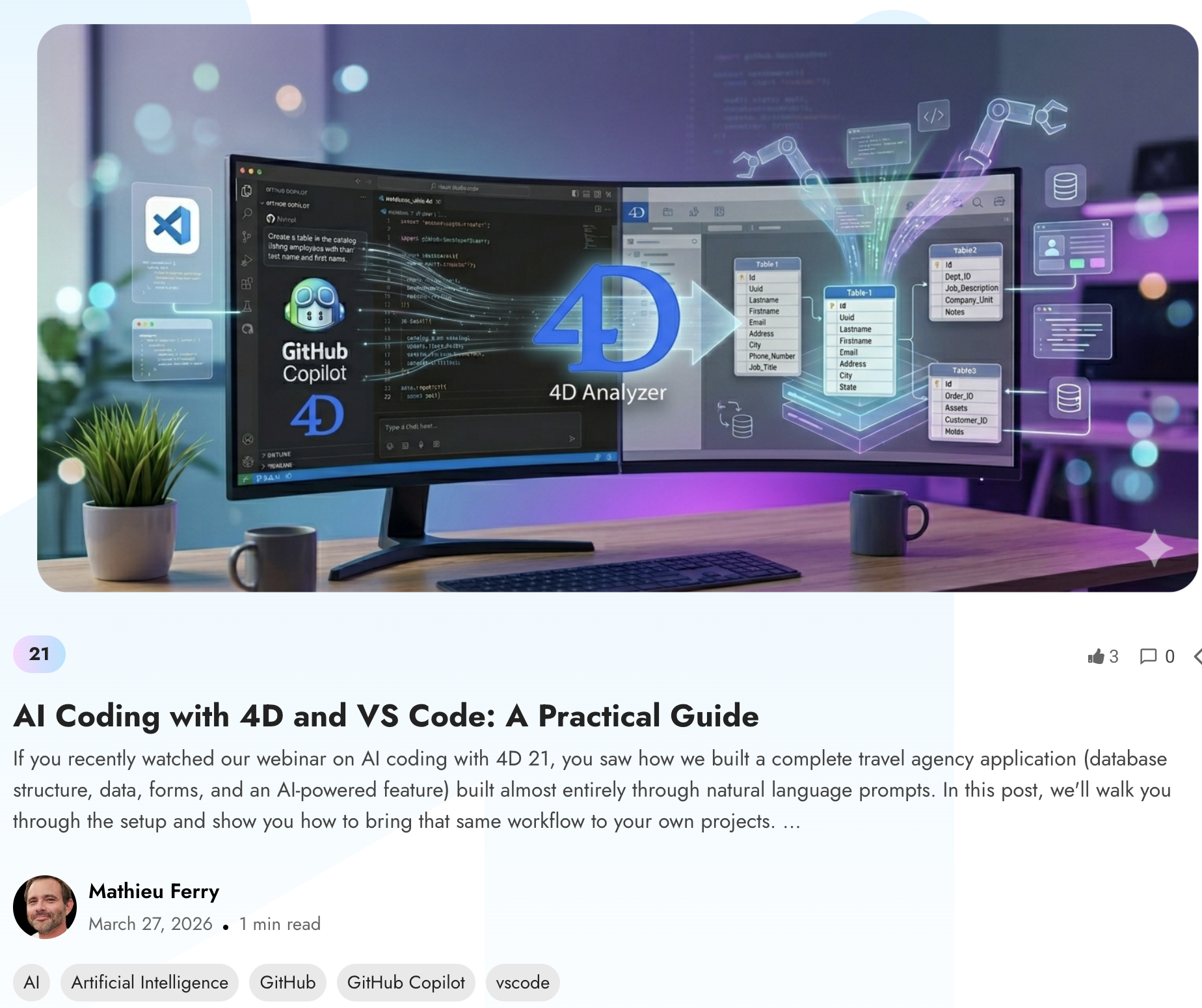
And don’t worry, the latest articles are still right where you’d expect them, displayed chronologically below the featured content.
Search is powerful. Sometimes you simply want to browse.
That’s why the navigation experience has been completely rethought.
The new navigation bar  provides dedicated entry points based on how people use 4D.
You can explore content by product through 4D Product Extensions, dive into development topics through For Developers, access operational content through For Admins, or continue learning through a collection of Learning Resources that includes webinars, documentation, GitHub repositories, Learn 4D, and Knowledge Base articles.
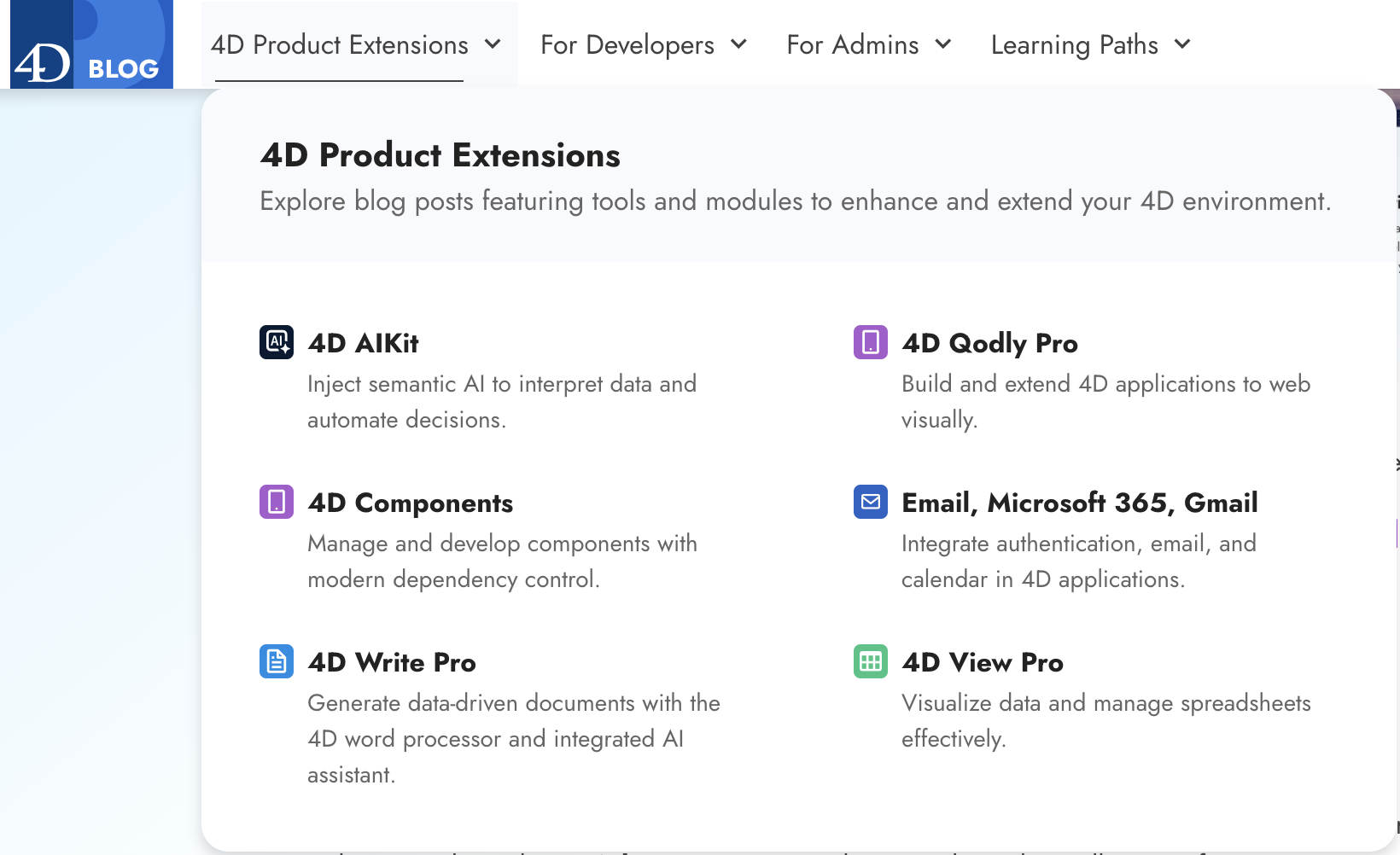
Instead of starting from a long list of articles, you can now start from the area that matters most to you.
Many readers still prefer browsing content by topic, and that experience isn’t going anywhere.
The category panel remains available throughout the entire blog experience. Whether you’re reading an article, exploring search results, or browsing the homepage, categories stay visible and accessible from the right panel.
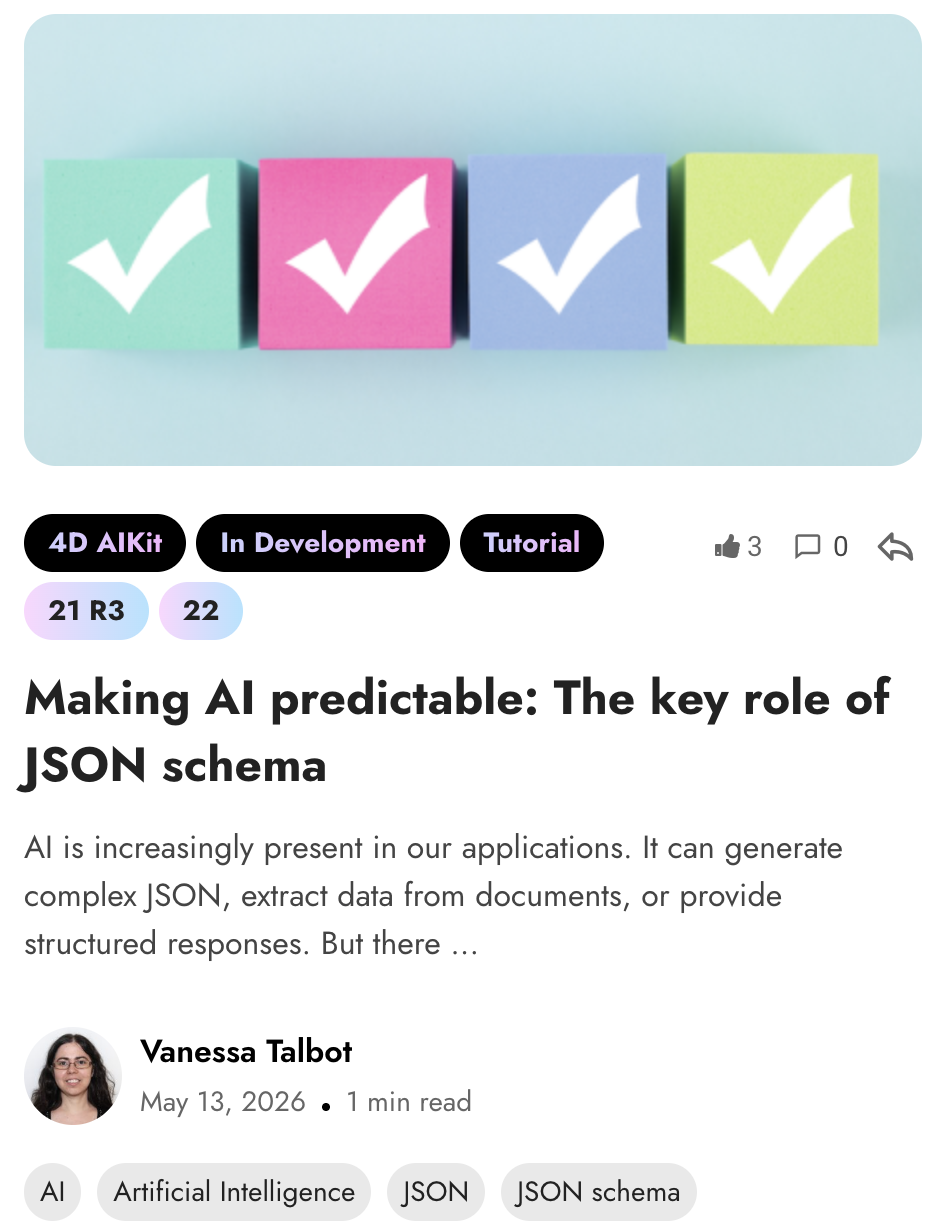
Finding an article is one thing. Knowing whether it’s relevant before opening it is another.
Each article now includes richer information directly from the listing page, including categories  , tags
  , release versions
  , author information, publication dates, and reading time estimates.
These details make it easier to evaluate content at a glance and quickly identify the articles most relevant to your needs.
The new blog experience is also more interactive.
You can now like and share articles directly  , making it easier to highlight useful content and spread knowledge across teams and the broader 4D community.
We’re also working toward a closer connection between the 4D blog and the 4D Forum Coming Soon.
The goal is simple: make it easier to continue the conversation beyond the article itself.
When an interaction or comment is initiated from a blog post, a corresponding discussion topic can automatically be created in the 4D Forum and linked to that article. This creates a dedicated space where readers can ask questions, share feedback, exchange implementation tips, and discuss real world use cases around a specific feature or topic.
Rather than scattering conversations across emails and multiple channels, discussions are centralized in the forum, making them easier to follow, organize, and revisit. By connecting blog content with community discussions, valuable knowledge remains accessible long after an article is published.
We hope you enjoy exploring it.
And as always, if you have ideas, suggestions, or features you’d like to see next, we’d love to hear from you.
Got a question, suggestion or just want to get in touch with the 4D bloggers? Drop us a line!
* Your privacy is very important to us. Please click here to view our Policy
Comments are not currently available for this post.