
Forget server-side wrappers, use 4D Sessions from the client

April 30, 2026
3 min read
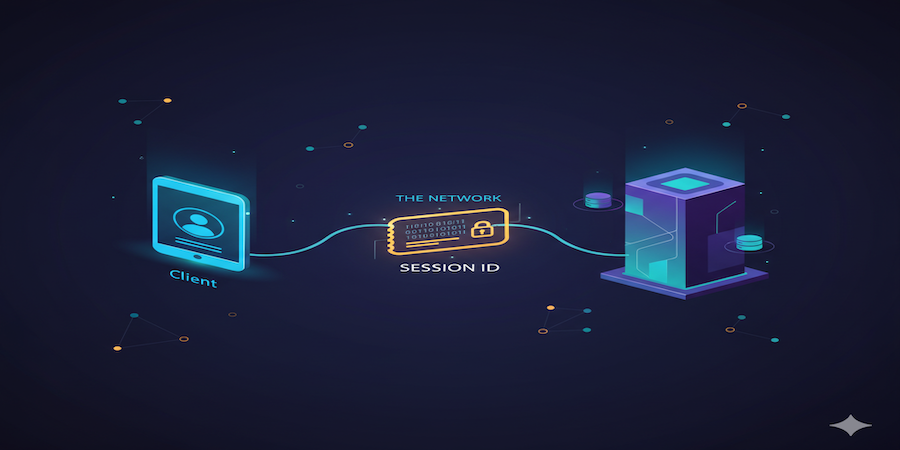
Enhance your end users’ experience in client-server applications by taking advantage of 4D sessions. Native and automatically created as soon as a user opens their desktop client application, a 4D session provides many benefits.
The main one? Data access can be easily restricted based on the current user.
There is nothing to configure to start working with 4D sessions and there is no additional licensing cost. With 4D 21 R3, the use of 4D sessions in client-server mode has been further enhanced.
Read on to discover these improvements!
When a 4D client connects to a an application deployed on a 4D Server, a remote user session is created on the server. Sessions are ideal for storing contextual or user-specific information in memory, such as names, companies, or a user’s current progress in a workflow.
Multiple sessions coexist on the server: each user having their own dedicated session.
In addition, 4D 21 introduces a full set of ORDA events. These events are always triggered on the server. When an event needs access to user context, the 4D session is the perfect solution, especially for restricting data access based on the current user.
In your code, calling the Session command returns the remote user session information as an object.
Before 4D 21 R3, this had to be done on the server side (within a dedicated project method or an ORDA class function) because calling the Session command on the 4D client returned Null.
With 4D 21 R3, the Session command can now also be called directly from the 4D client.
This improves both code organization and readability. While developing, you no longer need to worry about questions like “Where will my code run?”.
Code running on the 4D client:
var $session : 4D.Session

ASSERT(Application type()=4D Remote mode)

$session:=Session
This is the $session object:
{
	"storage": {},
	"userName": "Designer",
	"id": "607BC064662C4563B3521E162E8DFB5A",
	"info": {
		"ID": "607BC064662C4563B3521E162E8DFB5A",
		"creationDateTime": "2026-03-12T09:50:45Z",
		"userName": "Designer",
		"state": "active",
		"type": "remote",
		"IPAddress": "localhost",
		"systemUserName": "Marie-Sophie",
		"hostType": "mac",
		"machineName": "Mac mini 1743",
		"persistentID": "97212B60A6294A24AC3BF829E2040888"
	}
}
The info property is specific to the user’s machine.
Because you don’t need to anticipate a Null value returned by the Session command, this simplifies coding in most cases, as you no longer need to write a specific-server-side routine.
The only exception is the shared storage object.
Calling the Session command from the 4D client provides a shared storage object that is local to the 4D client. It is not the same reference as the shared storage object of the remote user session on the 4D server.
If you need to store session information that is only relevant for server-side routines (like restricting data access based on the current user ), you still need to execute this code on the server to target the appropriate Session.storage shared object.
Start using 4D sessions today to easily centralize contextual or user-specific information in memory and take full advantage of the benefits described above.
Got a question, suggestion or just want to get in touch with the 4D bloggers? Drop us a line!
* Your privacy is very important to us. Please click here to view our Policy
Comments are not currently available for this post.