
Qodly pages can now render styled texts

September 21, 2026
2 min read
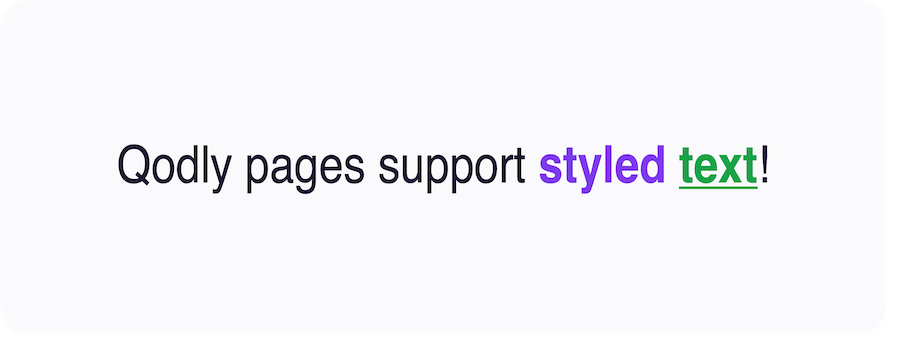
Styled text is nothing new for 4D: it has been supported for years in 4D forms. What’s new is that 4D Qodly Pro now renders this same 4D styled text data in a Qodly page exactly as it would in a 4D form — no conversion, no extra work.
Starting with 4D 21 R4, wether you integrate Qodly pages in 4D forms (in web areas) or provide web-browser-based access to your users, Qodly pages consume your 4D data which may contain styled texts.
Keep reading to see it in action.
If a text component or a column of a datatable is bound to a Qodly source of type String containing HTML styled text, it is automatically rendered with the applied styles.
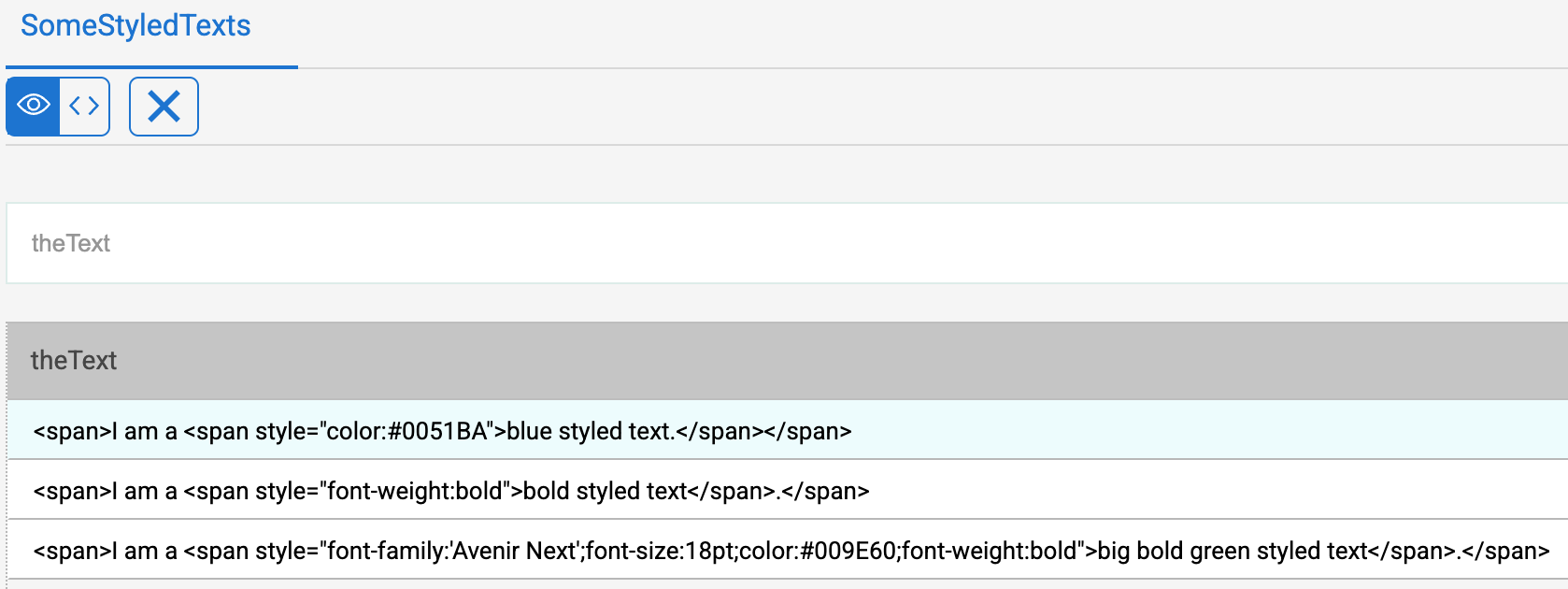
In the example below, the table SomeStyledTexts contains styled texts:
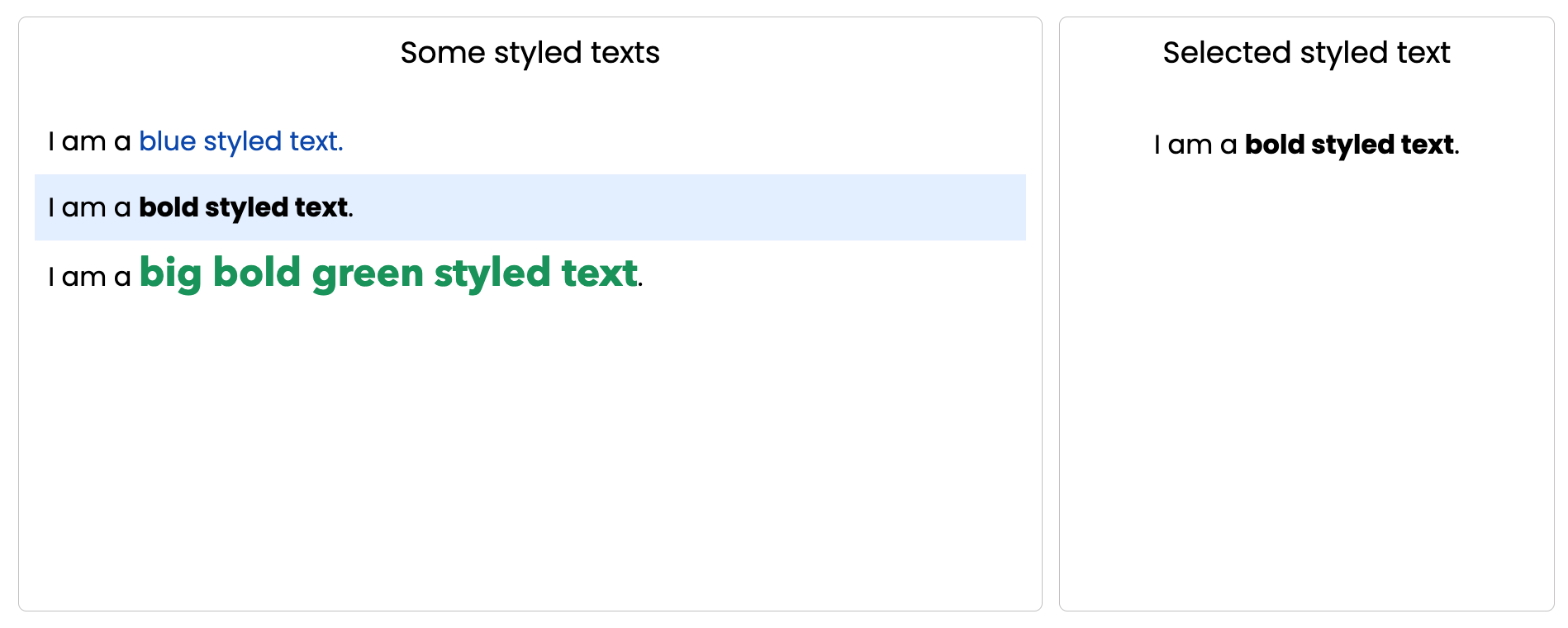
On the Qodly page below, a matrix displays the content of this SomeStyledTexts table, and the selected element is displayed on the right-hand side.
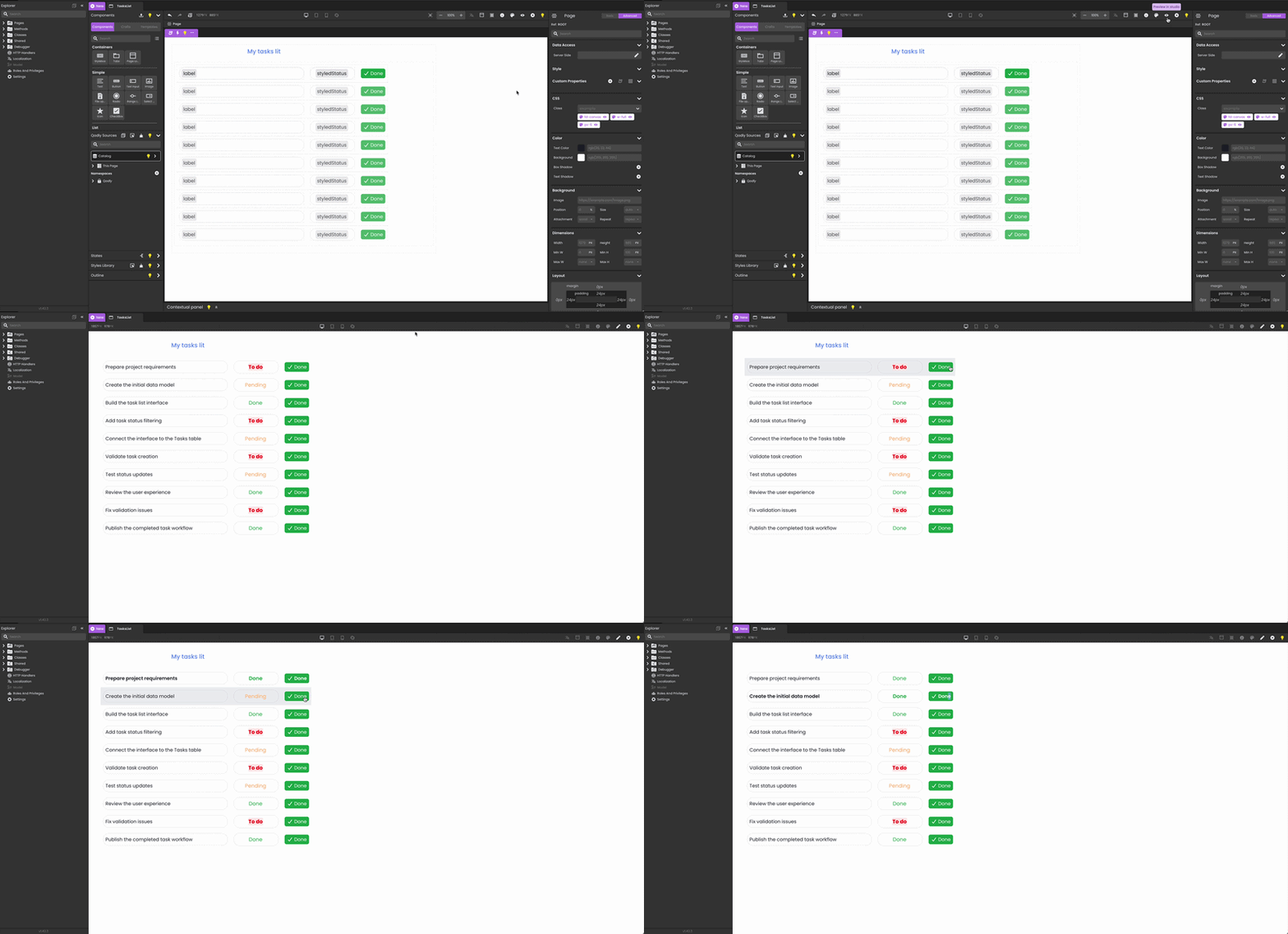
Not all text is equal — some values deserve to stand out. A task that’s still To do isn’t the same as one that’s Done, and your UI should make that obvious at a glance.
4D Qodly Pro can display styled text coming from your data: colors, bold, underline, and more — no custom workarounds needed.
In the example below, each task’s status is rendered with its own color and weight — red and bold for To do, green for Done, orange for Pending — simply by storing styled text in the 4D data.
Keep on building smart, modern UIs with 4D Qodly Pro.
Got a question, suggestion or just want to get in touch with the 4D bloggers? Drop us a line!
* Your privacy is very important to us. Please click here to view our Policy
Comments are not currently available for this post.